
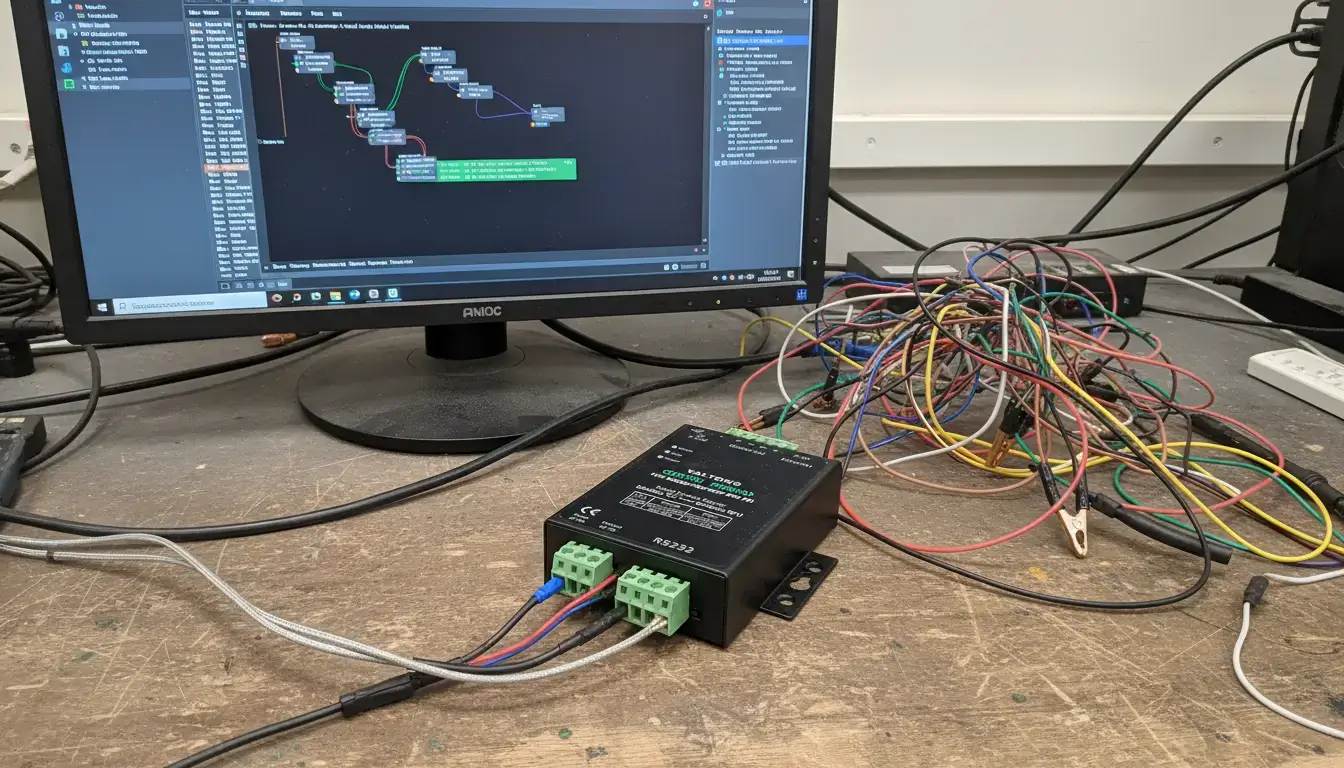
Node-RED Modbus RTU timeouts are a common problem when building industrial data acquisition systems. If you see Error: Timed out waiting for response messages in the debug console constantly being thrown by your modbus client nodes, with endless Reconnecting in 10s loops, then your polling architecture is broken.
This technical document contains an objective analysis of the factors leading to serial communication instability in the Node-RED environment. It deals with physical layer collisions on RS485, operating system interrupt latency, software queue management and physical decoupling strategies.
Level 1 Physical Diagnosis Checklist
Verify the electrical layer before debugging software queues. Check the boxes to confirm status.
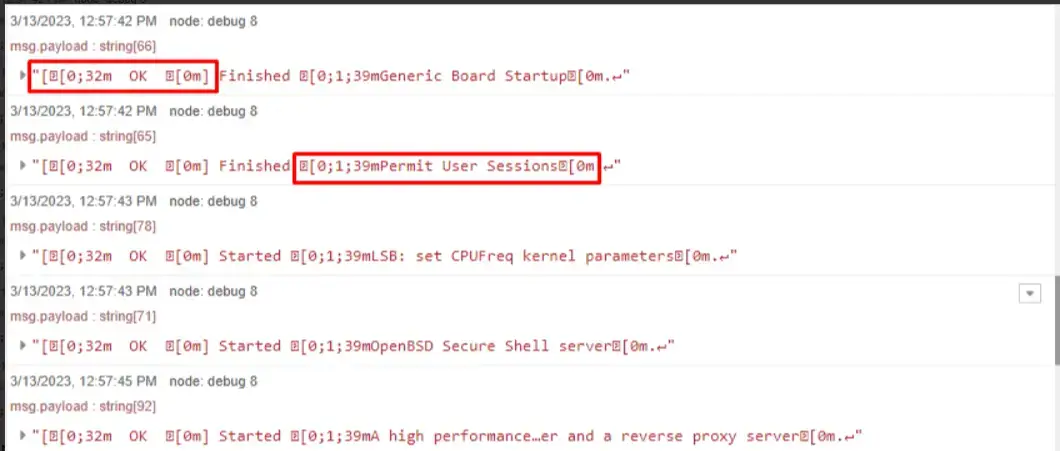
Figure 1: Node-RED debug logs often reveal serial communication instability.
Quick Reference: Node-RED Modbus Console Errors
| Console Message | Root Cause |
|---|---|
| Error: Timed out waiting for response | Physical wire disconnected, wrong Baud Rate, or OS blocked the serial port. |
| FSM Reset On State active | Node-RED internal buffer overflowed due to too many parallel requests. |
| Port Not Open | Another application (or another Node-RED node) is locking the COM port. |
Troubleshooting Field Guide
Why Your Node-RED Flow is Choking on Modbus RTU
Node-RED is based on Node.js, an asynchronous event-driven runtime environment for running concurrent tasks. When multiple modbus client read nodes are configured on the canvas, Node-RED will attempt to execute all those Modbus RTU data requests simultaneously.
Conversely, RS485 is a half-duplex, differential signaling physical bus. It permits only one device—either the master node or a single slave—to transmit electrical signals across the two-wire interface at any specific microsecond. Concurrent software requests directed at a single serial port result in direct signal collisions on the RS485 bus. Corrupted frames with invalid Cyclical Redundancy Checks (CRC) are received by the slave devices. The slaves discard the invalid packets and generate no response, which Node-RED registers as a timeout event.
Figure 2: Node-RED executing concurrent Modbus read queries resulting in a Layer 1 signal collision on a half-duplex RS485 bus.
The "One Dead Slave Kills the Bus" Nightmare
In daisy-chained serial networks, the offline status of a single device heavily degrades the polling performance of the entire bus. When the Node-RED Modbus node queries a disconnected slave, the host serial port remains locked in a listening state until the configured timeout parameter expires.
Because serial queries are queued sequentially at the hardware interface, requests destined for healthy devices are blocked behind the offline device's request. For example, two offline devices with a 2000ms timeout parameter introduce a 4000ms delay into every polling cycle.
Figure 3: Timeline showing how a single offline device forces a 2000ms delay into the sequential Node-RED polling queue.
| Offline Slaves | Timeout Setting | Wasted Cycle Time | System Impact |
|---|---|---|---|
| 1 Device | 1000 ms | 1.0 Second | Noticeable UI lag on dashboard. |
| 3 Devices | 2000 ms | 6.0 Seconds | Severe data staleness; false alarms triggered. |
| Hardware Gateway | N/A (Decoupled) | 0 Seconds | Healthy nodes poll instantly from gateway cache. |
The OS Jitter Factor: Deep Dive into Protocol Timing
You may still have sporadic timeouts even without parallel requests. This is mostly due to Operating System Jitter. The standard operating systems running Node-RED ( like Windows or Linux ) run pre-emptive task schedulers , which are not good for the hard real time requirements of serial communication . The OS can suspend the USB-to-Serial driver briefly when it experiences CPU spikes .
"It is strongly recommended to use a Real-Time Operating System (RTOS) for Modbus Master implementations to meet the strict timing constraints. Between two frames, always keep a silent interval of at least 3.5 character times."
— Modbus Serial Line Standard, Wikipedia Reference.
Per the Node.js Event Loop documentation, timers and I/O callbacks are not guaranteed to be microsecond-precise. If the driver pause exceeds the strict 3.5 character gap times specified by the Modbus protocol, the slave device treats the frame as broken, resulting in unrecoverable parsing errors.
| OS Environment | Task Scheduler Type | Typical Jitter | Modbus RTU Suitability |
|---|---|---|---|
| Windows 10/11 | Pre-emptive (Non-Real-Time) | 10ms - 50ms | ❌ High Timeout Risk |
| Standard Linux (Raspberry Pi) | CFS (Completely Fair Scheduler) | 2ms - 15ms | ⚠️ Moderate (Requires tuning) |
| Embedded RTOS (Gateways) | Hard Real-Time | < 0.1ms | ✅ Perfect (Zero dropped frames) |
If you are using a generic USB-to-RS485 adapter (like those based on FTDI chips), check your driver's Latency Timer. In both Windows and Linux, the driver defaults to a 16ms buffer. This means even after the RS485 slave finishes transmitting, the OS driver holds the data for an additional 16ms before handing it to Node-RED, virtually guaranteeing an artificial timeout. You must manually reduce this Latency Timer to 1ms.
- Open Device Manager -> Ports (COM & LPT).
- Right-click your USB Serial Port -> Properties.
- Go to the Port Settings tab -> Click Advanced...
- Change Latency Timer (msec) from 16 to 1. Click OK.
Stop Parallel Polling: Mastering the Queue and Flex-Getter
To eliminate bus collisions, independent Inject nodes must be removed. There should be a structured queuing mechanism at the application level to enforce sequential data acquisition.
The Modbus-Flex-Getter node allows the implementation of a Round-Robin scheduling logic. The JSON config below shows a function node that loops through an array of Slave IDs, doing one query at a time.
Figure 4: Node-RED flow architecture utilizing a custom Function node to sequentially feed array payloads into the Modbus Flex-Getter.
| Node Type | Execution Style | Best Use Case |
|---|---|---|
| Standard Modbus Read | Static, Fixed Polling Rate | Single slave device, simple setups. |
| Modbus Flex-Getter | Dynamic Payload Injection | Multi-drop RS485 buses needing sequential loop control. |
The Math Behind Your Timeout: Baud Rate vs. Default Settings
The default timeout parameter of 1000ms of Node-RED is often mathematically insufficient for serial networks involving high register count or wireless transparent bridges. Timeout parameter should take into account transmission time, processing delay of the device and latency of the operating system.
> Modbus RTU Physical Timeout Calculator
Physical Layer Decoupling Architecture
The architectural constraint is to use high-level asynchronous application software that handles microsecond level serial timing. The host CPU overhead for node queue management and serial retries consumes the computing resources.
The industrial standard for high-availability data acquisition is physical layer decoupling. By deploying an edge protocol gateway, the embedded RTOS handles strict RS485 polling and local memory caching independently of the Node-RED server. Crucially, the gateway must be configured for "Modbus RTU to Modbus TCP Routing" rather than basic transparent passthrough. If configured in standard transparent mode, the gateway will blindly forward Node-RED's asynchronous TCP packets directly to the RS485 bus, recreating the exact same collisions you experience with USB adapters.
| Architecture Method | Host CPU Load | RS485 Collision Risk | Ideal Scenario |
|---|---|---|---|
| Direct Serial + Node-RED Queue | High | Moderate (Prone to OS Jitter) | Lab testing, <3 devices |
| Protocol Gateway (Modbus TCP to RTU Routing Mode) | Minimal (TCP handled natively) | Zero (Hardware Queue Engine) | Industrial Production, Multi-Master 24/7 Logging |
Ideal for replacing unstable USB-to-RS485 adapters. Featuring built-in Modbus RTU to Modbus TCP conversion, the embedded RTOS handles microsecond-precise RTU polling independently, presenting clean, asynchronous TCP data to your Node-RED server without transparent transmission collisions.
Designed for high-density industrial data acquisition. Prevents bus choking by assigning dedicated, independent polling hardware queues per RS485 port. Supports advanced multi-host data caching to isolate device failures across up to 16 separate bus lines.
Migrating the Node-RED application layer to Modbus TCP communication to natively handle asynchronous concurrency and buffer management, establishing a deterministic telemetry system.
Ready to decouple your physical layer? Before deploying hardware, read our comprehensive Setup & Timeout Troubleshooting Guide for Modbus RTU to TCP Gateways to ensure your serial parameters and routing tables are correctly configured.
Frequently Asked Questions
What does "FSM Reset On State active" mean in the Node-RED logs?
The Finite State Machine (FSM) reset is due to the internal buffer of the node-red-contrib-modbus client being overwhelmed. This happens when the node is unable to handle the backlog of serial requests queued up or the accumulated timeouts, and the port disconnects suddenly to clear the memory queue.
Can transparent Wi-Fi modules replace a Modbus TCP Gateway?
While standard transparent Wi-Fi or LoRa serial bridges transmit raw data, they introduce severe and unpredictable network latency. This latency frequently violates the Modbus RTU 3.5 character gap rule, causing frame corruption. A protocol-aware gateway is required to convert RTU to standard TCP packets locally before transmission.
Why does my RS485 device work perfectly with Modbus Poll on PC, but time out in Node-RED?
This is a classic architectural mismatch. PC diagnostic tools like Modbus Poll operate strictly synchronously—they send one request, wait for the response, and only then send the next. Node-RED operates asynchronously. If you place 5 read nodes on a canvas, Node-RED attempts to fire all 5 serial requests at the exact same millisecond, instantly crashing the half-duplex RS485 bus. You must manually implement a sequential queuing mechanism in Node-RED, or offload the polling to an industrial hardware gateway.
Can I avoid collisions by using multiple Modbus-Read nodes with staggered polling intervals (e.g., 1s, 3s, 5s)?
No. Staggered intervals may seem to stop simultaneous requests, but just postpone the inevitable. The requests will eventually sync up based on the Least Common Multiple (LCM) of your intervals (e.g. at second 15, your 3s and 5s nodes will fire at the same millisecond). This leads to a random, intermittent collision which is very difficult to debug. either a single centralized queue (e.g. the Flex-Getter) or a hardware gateway.
The standard 'node-red-contrib-modbus' client has a built-in queue. Why build a custom Flex-Getter loop?
The built-in queue is a strict First-In-First-Out (FIFO) buffer. If a single slave device physically loses power, the queue will stall while waiting for the timeout. Meanwhile, your periodic inject nodes will continue dumping hundreds of new requests into the back of the queue. The memory buffer instantly overflows, triggering the fatal FSM Reset On State active error. A custom Flex-Getter function allows you to intelligently skip offline slaves and maintain bus velocity.
Submit Your Architecture for Review
Submit your Node-RED architecture layout below. Our engineers will review your polling frequency and recommend the exact decoupling hardware required within 24 hours.
