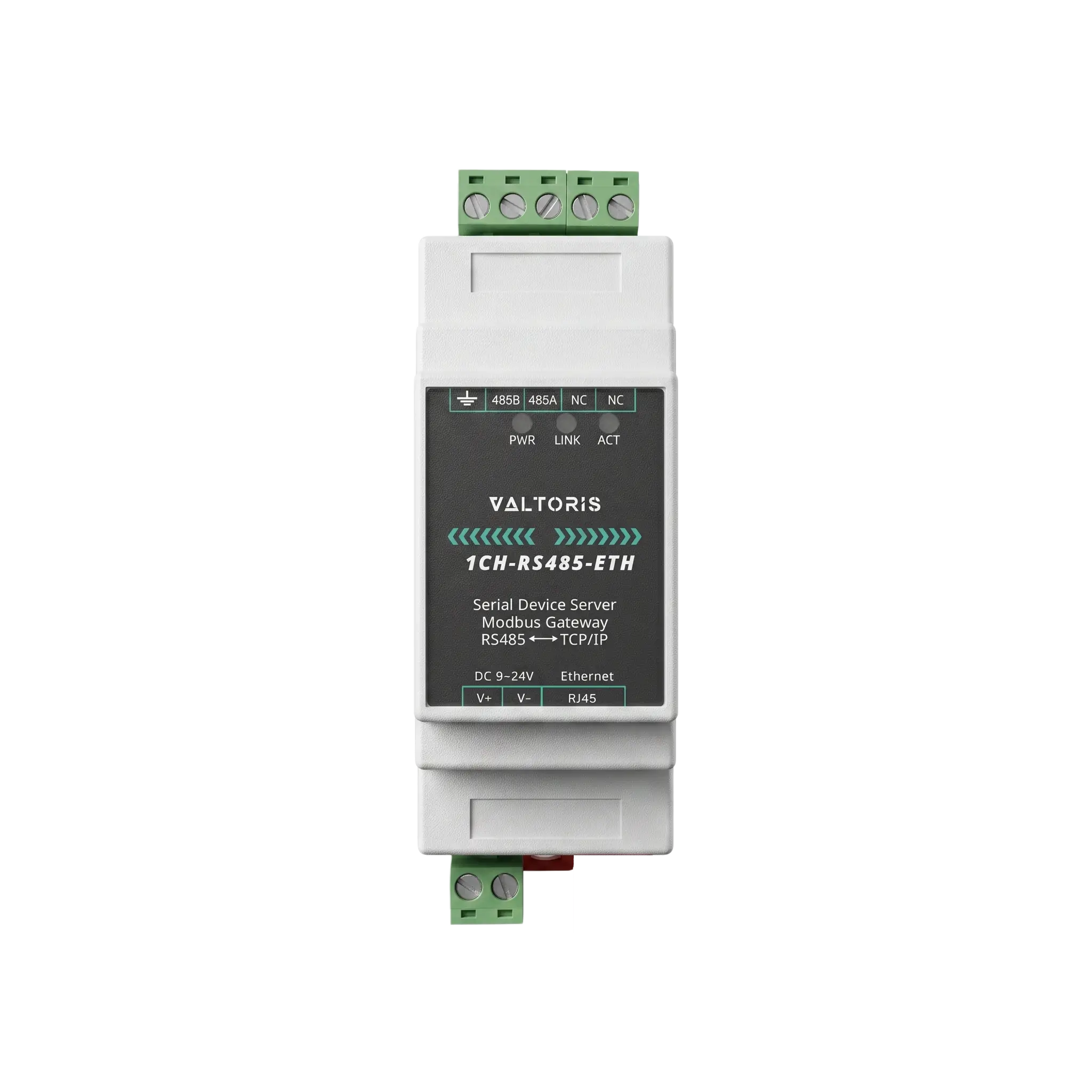
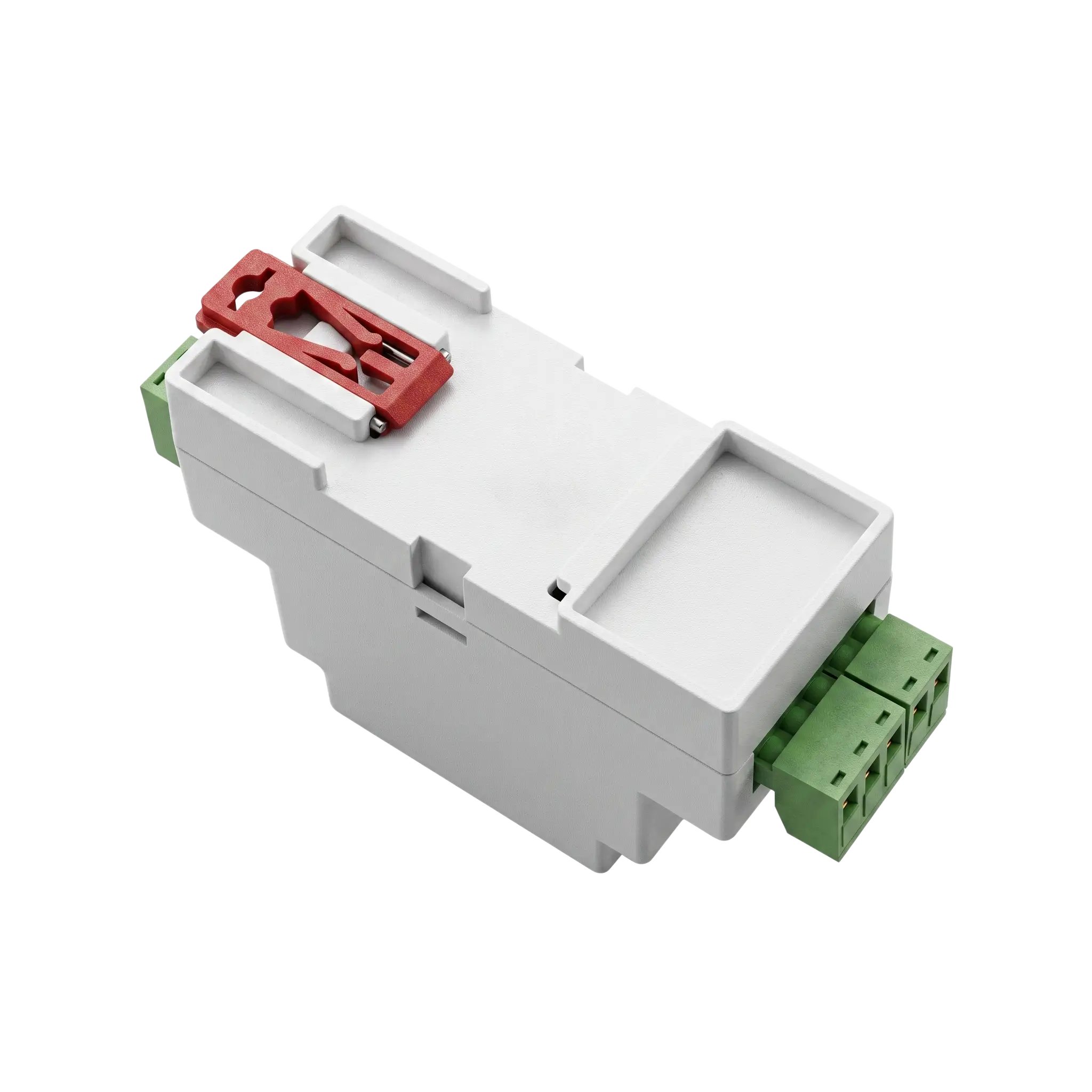
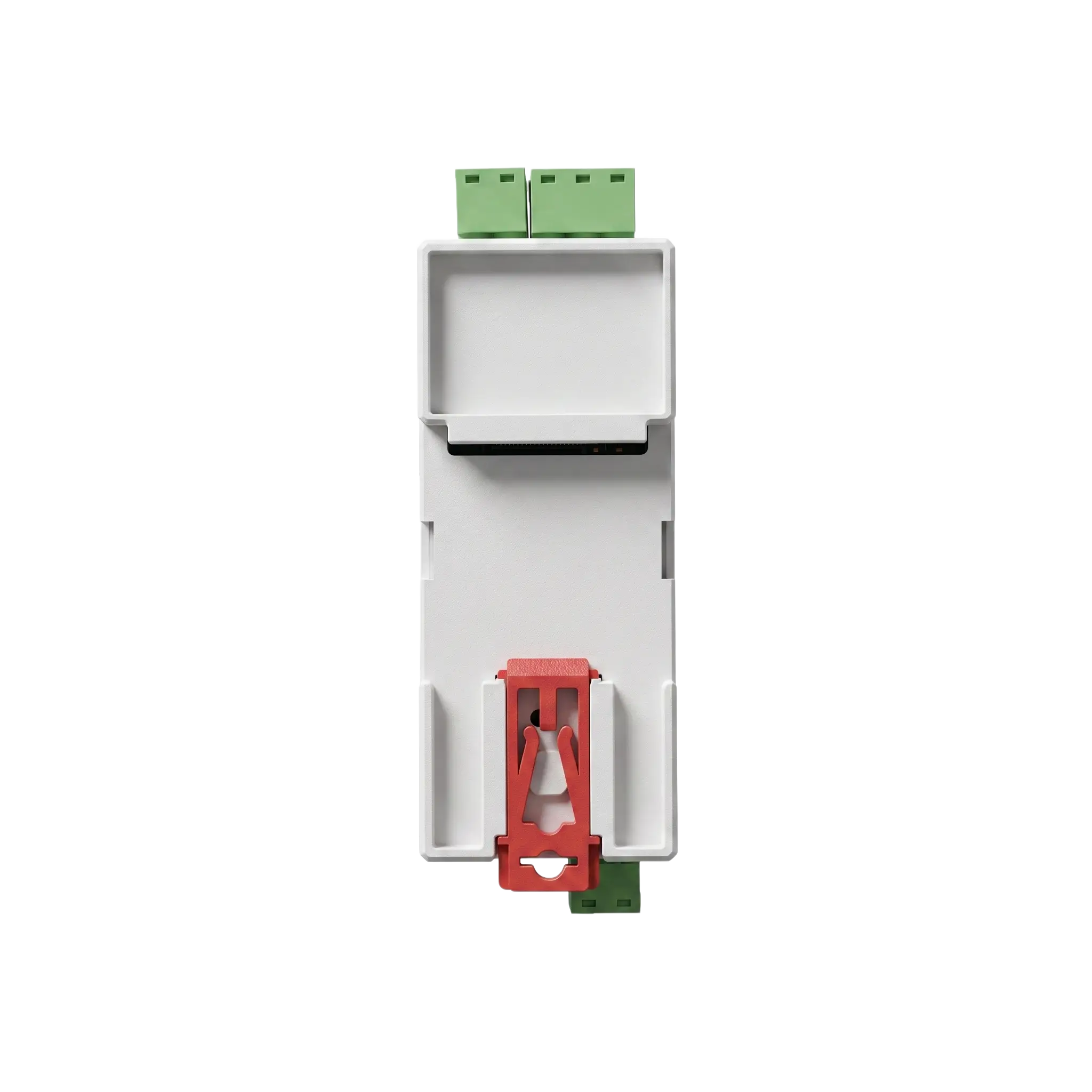
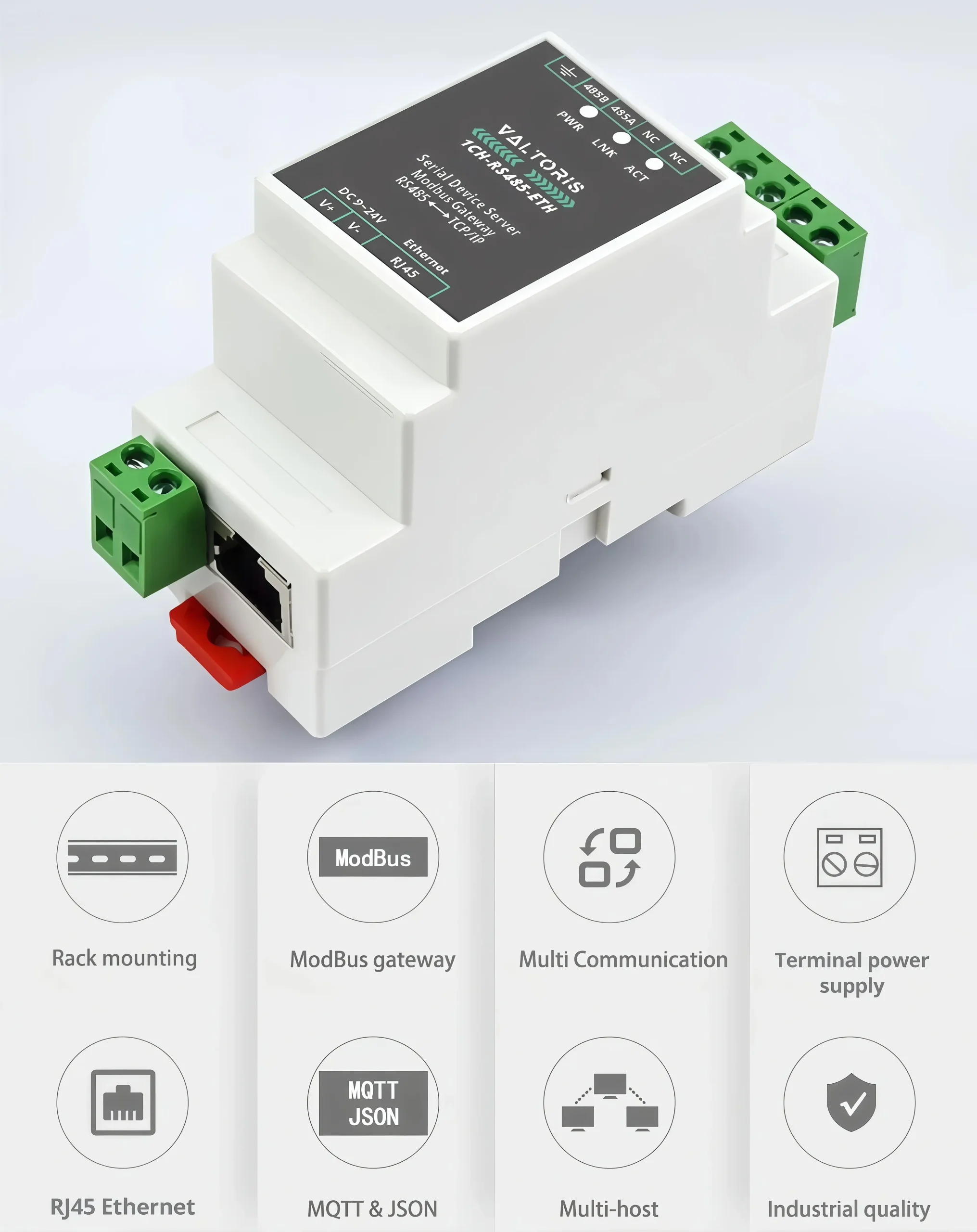
DIN-Rail 1-Port RS485 to Ethernet Device Server | Modbus/MQTT gateway

Industrial grade DIN rail mount RS485 to Ethernet converter for harsh environments. The powerful Modbus RTU to TCP gateway, MQTT/JSON support and 9-24V wide voltage input effortlessly bridges legacy serial instruments directly into modern SCADA architectures and IoT cloud platforms.

Part No. 1CH-RS485-ETH
sku : IoT-SS100
INSTANT QUOTE


1CH-RS485-ETH 1-Port RS485 to Ethernet Serial Device Server

Primary Function

Bi-Directional Transparent Data Transmission Between RS485 and Ethernet

Bi-Directional Transparent Data Transmission Architecture

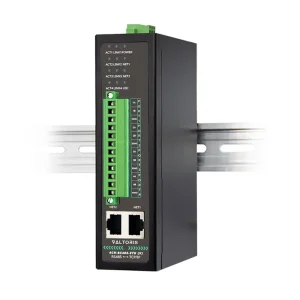
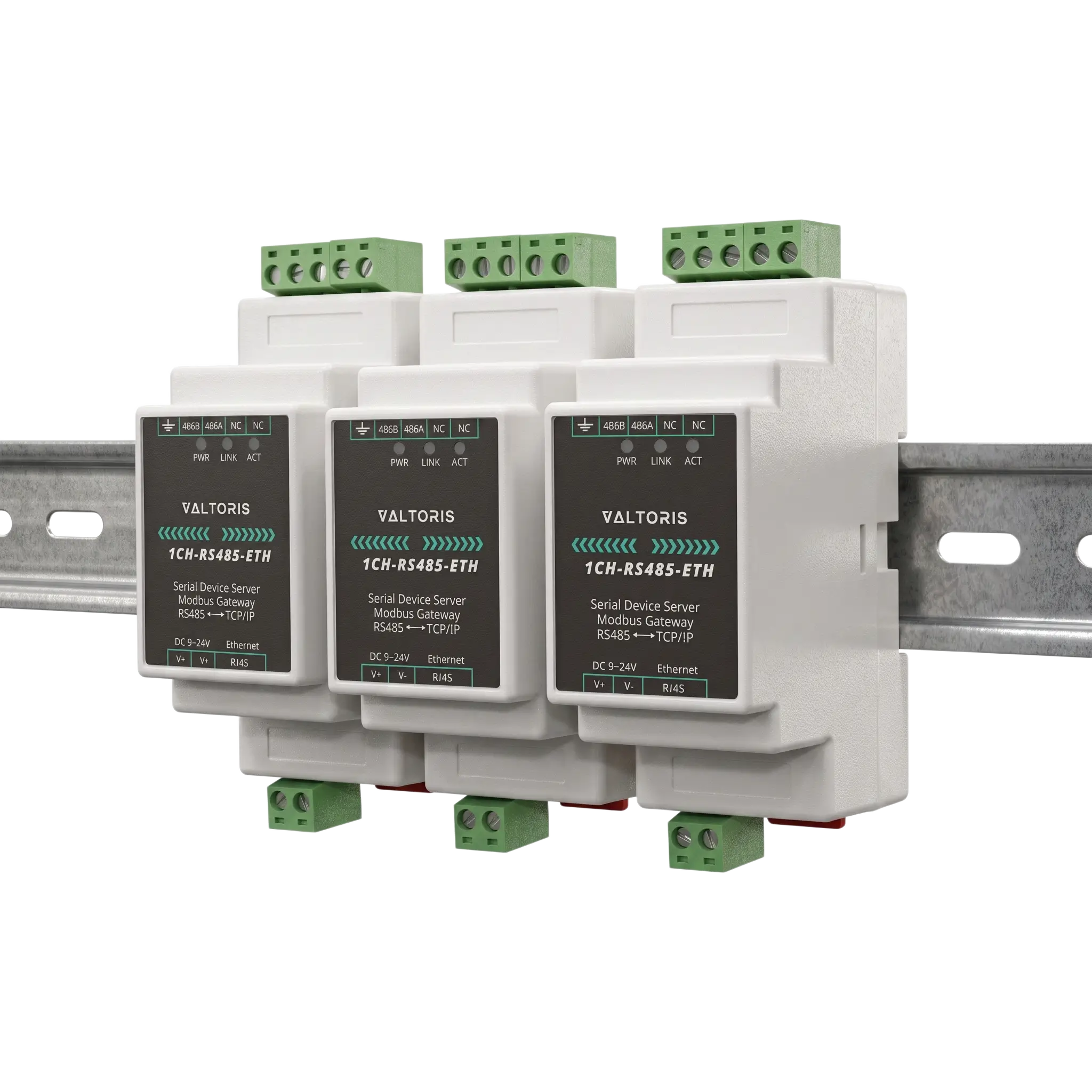
Rail-mount support

More convenient for mounting. Easily combine multi rail-mounted serial server together

35mm DIN-rail mount serial server combination

Modbus Gateway

Suitable for Modbus Upgrade. Seamlessly bridge Modbus TCP network commands to your legacy RS485 Modbus RTU PLCs and slave devices.

Modbus RTU to Modbus TCP gateway protocol conversion

Multiple communication modes

Supports TCP server / TCP client / UDP mode / UDP multicast. Provides up to 30 TCP connections as a TCP server, and connects to 7 destination IPs as a TCP client.

Multiple communication modes supports TCP UDP

MQTT/JSON To Modbus

Flexible conversion between different protocols. Empowers legacy serial devices to publish structured JSON payloads directly to modern MQTT cloud brokers.

MQTT JSON To Modbus conversion

Multi hosts roll-polling support

Support network port to allow multiple computers to access the same serial port device at the same time without causing RS485 bus collision.
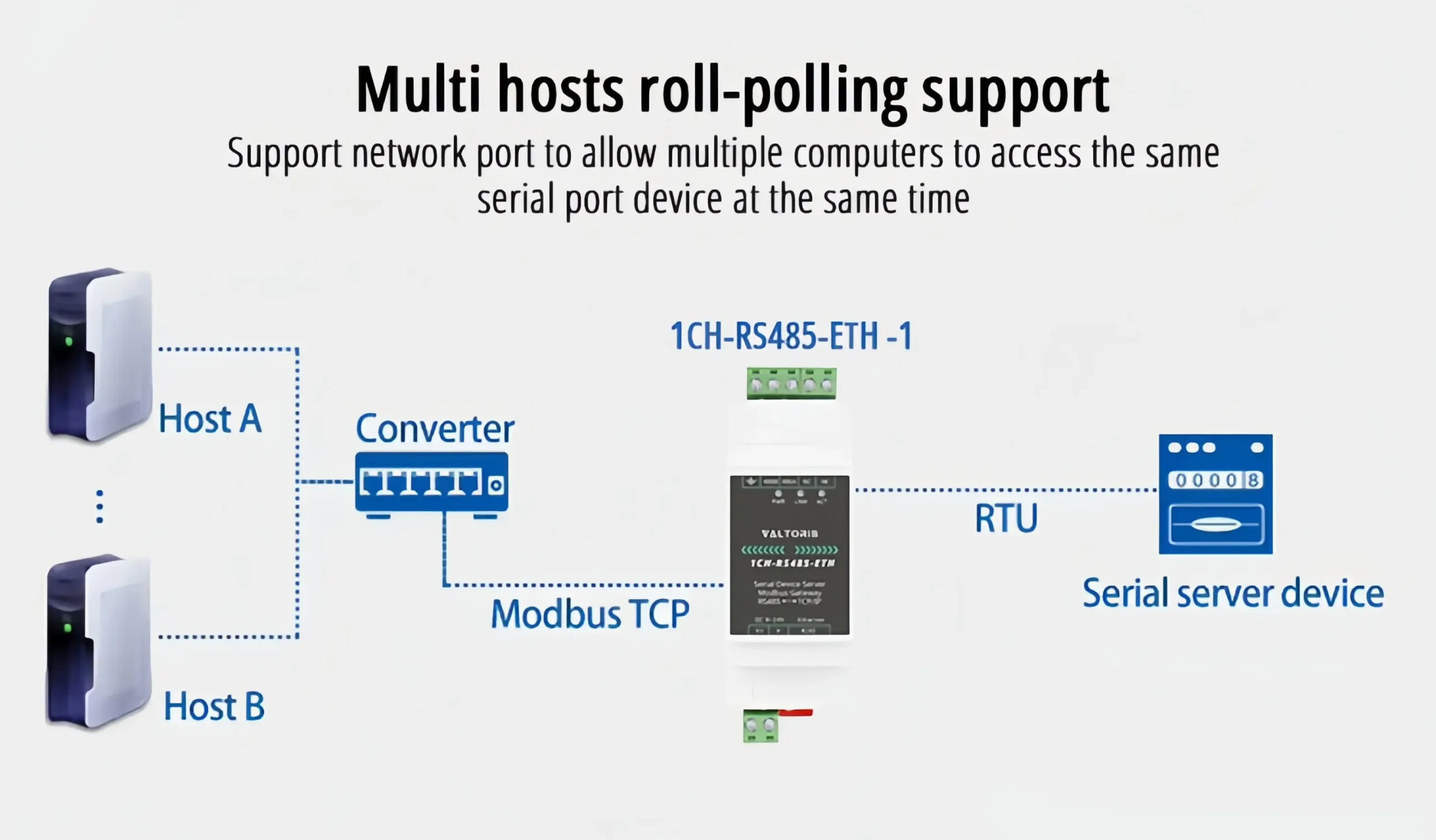

Multi hosts roll-polling Modbus support

Customize Heartbeat / Registration Packet

Facilitates communication and precise device identification with the cloud, ensuring stable remote IoT connectivity.

Customize Heartbeat and Registration Packet

Support NTP protocol

Get network time for serial port output or protocol content upload, keeping distributed SCADA systems perfectly synchronized.

Support NTP protocol for network time

Multi Configuration

Support Web browser, obtain dynamic IP via DHCP, connect domain server in DNS protocol, and configure via VirCom device manage library.

Multi Configuration via Web Browser and VirCom

Interface Diagram

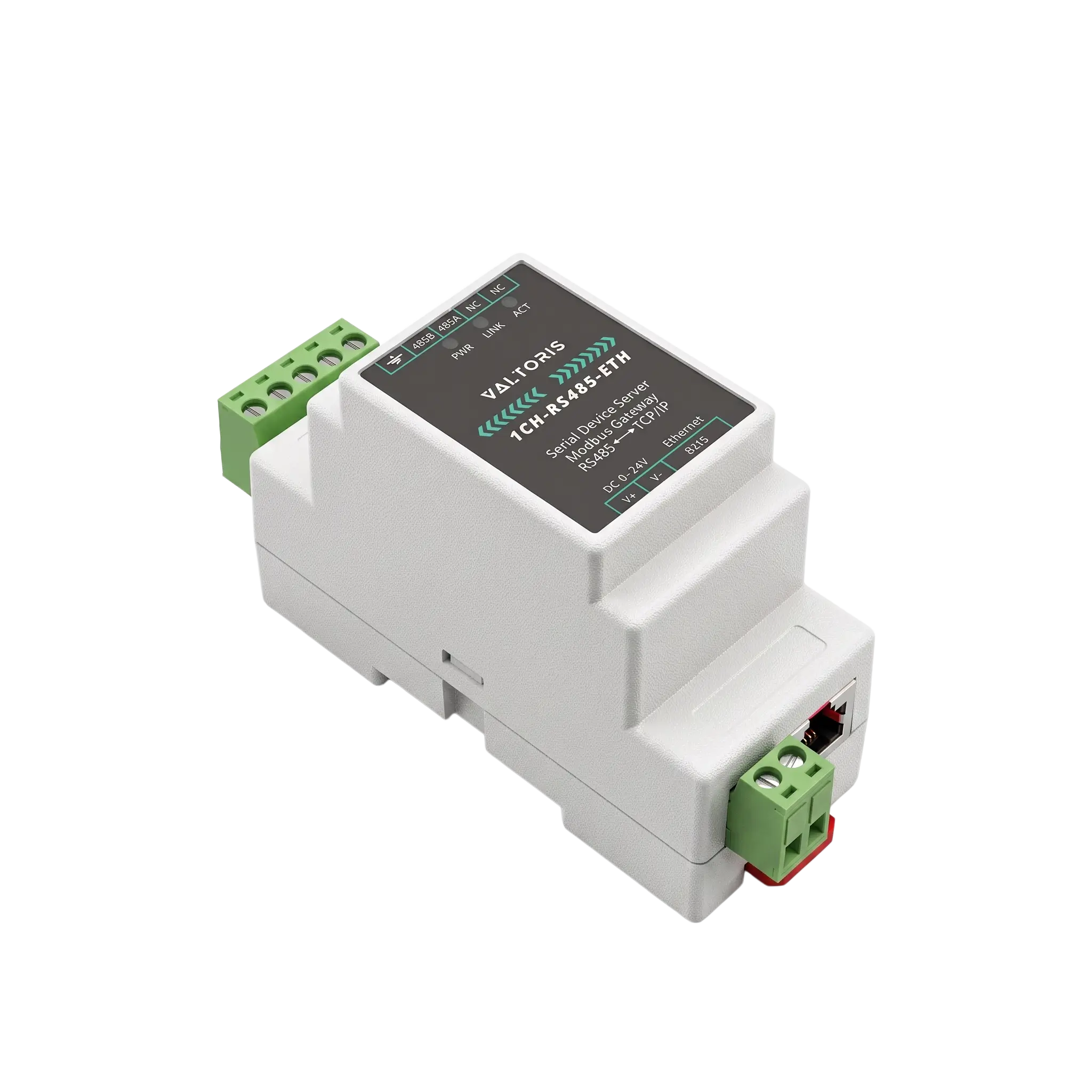
1CH-RS485-ETH Hardware Port and LED indicator definitions

Outline dimensions

Physical CAD mechanical dimensions

Selection guide

ModelSerial Port TypePower Supply Voltage RangeDimensions
(L × W × H)
1CH-RS485-ETH

1CH-RS485-ETH

Single serial port serverScrew terminalDC 9~24V89*37*59mm
1CH-RS232/485/422-ETH (V)

1CH-RS232/485/422-ETH (V)

RS232/485/422 choose one, single serial port serverScrew terminal + DC 5.5 power portDC 9~24V94*65*25mm
1CH-RS232/485/422-ETH

1CH-RS232/485/422-ETH

RS232/485/422 choose one, single serial port serverScrew terminal + DC 5.5 power portDC 9~24V94*65*25mm
2CH-RS485-ETH

2CH-RS485-ETH

Dual serial ports serverScrew terminalDC 9~24V37*83*89mm
2CH-RS485-ETH(V)

2CH-RS485-ETH(V)

Dual serial ports serverScrew terminalDC 9~24V150*105*41mm
2CH-RS232/485/422-ETH

2CH-RS232/485/422-ETH

RS232/485/422 choose one, Dual serial ports serverScrew terminal + DC 5.5 power portDC 9~24V94*65*25mm
4CH-RS485-ETH (V)

4CH-RS485-ETH (V)

4 serial ports serverScrew terminalDC 9~24V150*105*41mm
4CH-RS485-ETH

4CH-RS485-ETH

4 serial ports serverScrew terminalDC 9~24V37*83*89mm
4CH-RS232/485/422-ETH

4CH-RS232/485/422-ETH

RS232/485/422 choose one, 4 serial ports serverScrew terminal + DC 5.5 power portDC 9~24V92*197*25mm
8CH-RS485-ETH (V)

8CH-RS485-ETH (V)

8 serial ports serverScrew terminalDC 9~24V270*105*26mm
8CH-RS485-ETH

8CH-RS485-ETH

8 serial ports serverScrew terminalDC 9~24V37*83*89mm
8CH-RS232/485-ETH

8CH-RS232/485-ETH

8 serial ports serverScrew terminal + DC 5.5 power portDC 9~24V270*105*26mm
16CH-RS232/485/422-ETH

16CH-RS232/485/422-ETH

16 serial ports serverAC 220V power portAC 220V480*180*44mm
32CH-RS232/485/422-ETH

32CH-RS232/485/422-ETH

32 serial ports serverAC 220V power portAC 220V480*180*44mm

Hardware & Interfaces
Ethernet Port1× 10/100M RJ45 Port (2KV Surge Protection)
Serial Interface1× RS485
Power InputDC 9~24V (Screw Terminal Block)
Serial Specifications
Baudrate300 ~ 115200 bps
Data & Parity BitsData: 5 ~ 9 bits | Parity: none, odd, even, mark, space
Software & Network
ProtocolsTCP, UDP, HTTP, ARP, ICMP, DHCP, DNS, Modbus, MQTT
Operating ModesTCP Server, TCP Client, UDP Mode, Real Com Driver (VirCom)
ConfigurationWEB Browser, VirCom Utility
Environment
Operating Temp.-40°C ~ +85°C (Industrial Grade)
Humidity5~95% relative humidity (non-condensing)

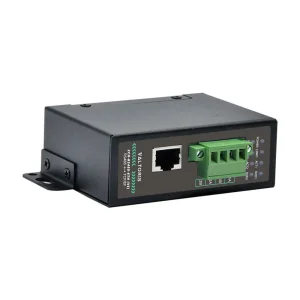
1CH-RS485-ETH is an industrial RS485 to Ethernet converter which is designed to meet requirements of the harsh industrial environment. This is a versatile serial device server that can serve as a serial port server, Modbus gateway, MQTT gateway and RS485 to JSON converter.

RS485 and Ethernet ports Industrial ethernet serial server, screw terminal power input with 9-24V wide voltage The rail-mount case design delivers compact dimensions and easy installation, ideal for data acquisition, IoT gateway applications, safety & security IoT systems and intelligent instrument monitoring.

The device is a serial to Ethernet converter and offers a seamless connection between serial devices and Ethernet networks. The Modbus serial to Ethernet converter feature offers efficient protocol conversion and the Ethernet to serial gateway feature guarantees reliable data transmission across various network architectures.

The industrial serial device server is an economical way to update old equipment and provide IoT connectivity for industrial automation, building management and energy monitoring applications.

Advanced Modbus Gateway Capabilities

When used as a Modbus gateway, it supports Modbus TCP to Modbus RTU, so that the host computer can use the Modbus TCP protocol to collect data from RS485 Modbus RTU devices. On the contrary, if the RS485 end is used as a master station, it can also be used. It supports more advanced Modbus gateway functions, including configurable Modus gateways, storage-type Modbus gateways, etc., which fully meet various configurations and usages of Modbus gateways.

This device is more than just transparent transmission. It is a transparent bridge between Modbus TCP (host) and Modbus RTU (slave) and allows reverse master slave routing. It has improved multi-host support to avoid possible data collision in complex network where multiple SCADA servers can poll a single RS485 slave. Edge-computing also includes configurable routing and storage-type polling to reduce network latency.

MQTT & JSON Data Upload

Supports data uploading in json format, automatic data collection, supports Modbus RTU, 645 instrument version 97, 645 instrument version 07, and various non-standard RS485 protocols. Vircom allows users to set the uploaded data format and JSON keywords. When uploading, it supports MQTT protocol, HTTP POST protocol, HTTP GET protocol, transparent transmission protocol and various non-standard network protocols.

Technical FAQ & Troubleshooting

I can’t find the device on my network. What is the default IP address?
If your network does not have a DHCP server to assign an IP automatically, the 1CH-RS485-ETH defaults to a static IP address of 192.168.1.200. You can connect it directly to your PC, change your PC’s IP to the 192.168.1.X segment, and access the Web GUI or use the VirCom utility to search for the MAC address (DevID) and reconfigure it.
Why am I getting Modbus TCP timeout errors when polling multiple meters?
Because the physical RS485 layer is half-duplex, it can only query one slave meter at a time. If your SCADA system sends Modbus TCP requests too quickly, the serial bus will become a bottleneck. Solution: Increase the “Response Timeout” and “Polling Delay” in your SCADA software (e.g., Kepware, Ignition) by 100-200ms to allow the gateway enough time to process and return data from the RS485 daisy chain.
Can I power this directly from my 24V PLC control cabinet?
Yes. The device supports a wide voltage input range of DC 9V to 24V via the screw terminal block. You can safely tap into your existing 12V or 24V industrial power supply within the cabinet without needing a dedicated power adapter.
What does the “LINK” LED flashing mean during a firmware upgrade?
As stated in the manual, when the LINK light is flashing rapidly at the end of a download/upgrade process, the device is writing the new firmware to flash memory. Do not power off the device during this time, or the unit may be permanently damaged. Wait until the lights stabilize and verify the new version in the VirCom Device Info panel.
Ready to deploy? Order direct from our Official Store.
Fast global shipping and comprehensive technical support included.

🛒 Buy Online Now

📚 Recommended Reading & Guides
🔗 RS485/RS232 to Ethernet Wiring Diagrams & Pinouts — Learn the correct termination resistor placement to eliminate signal reflection.
📖 Fixing Timeout Errors: How to Set Up a Modbus RTU to TCP Gateway — Deep dive into resolving communication timeouts in SCADA networks.

REQUEST A QUOTE

SKU/Part No.