
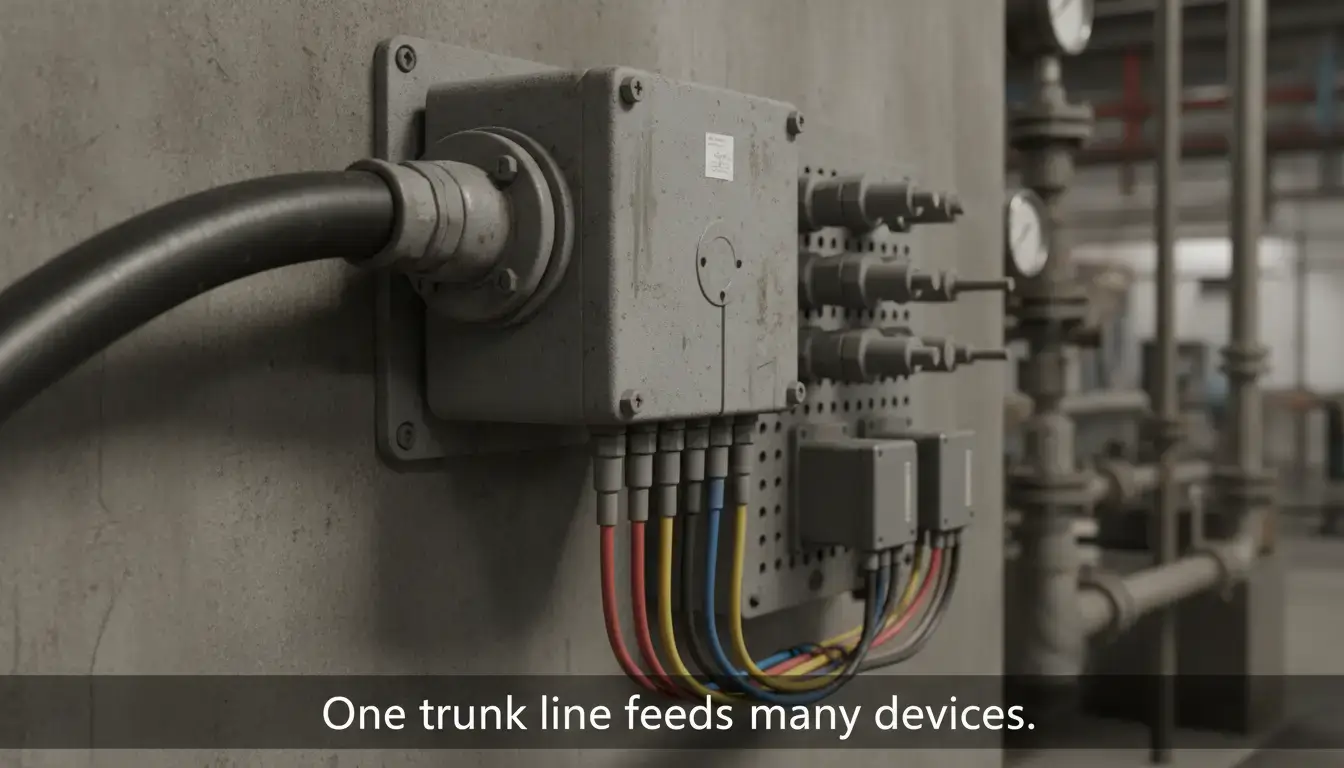
In theory this star topology approach sounds simple, but once implemented on a massive factory floor it becomes a logistical nightmare. When a machine needs 200 I/O points over 100 meters, hundreds of multi-core copper cable is not only inefficient but a financial disaster.
The solution lies in decoupling the logical control from the physical wiring. By transitioning to an Industrial Remote I/O System, engineers can digitize field signals locally and transmit them back to the main PLC over a single Ethernet or RS485 cable. This definitive engineering guide breaks down the hidden costs of legacy wiring, analyzes network topologies, and provides an interactive ROI calculator to justify your transition to a distributed I/O architecture.
Table of Contents
- 1. The Hidden Costs of Point-to-Point PLC Wiring
- 2. How Remote I/O Transforms the Factory Floor
- 3. Interactive ROI Calculator
- 4. The Break-Even Point
- 5. Network Topologies (Ethernet & RS485)
- 6. Seamless Integration: Modbus TCP & MQTT
- 7. Critical Constraints: Power, IP20 & Security
- 8. Future-Proofing & Scaling
- 9. Final Verdict
- 10. Troubleshooting FAQ
1. The Hidden Costs of Point-to-Point PLC Wiring
Many old-school engineers still advocate for centralized control cabinets, arguing that direct “home-run” wiring eliminates the need for network troubleshooting. However, when evaluating the total cost of ownership (TCO), point-to-point wiring introduces severe, compounding expenses that destroy project margins.
According to data from the National Electrical Contractors Association (NECA), skilled electrical labor is consistently the most expensive variable in industrial deployments. Pulling, stripping, labeling, and terminating 500 individual wires takes hundreds of man-hours.
| Cost Category | Traditional Point-to-Point Wiring | Distributed Remote I/O Architecture |
|---|---|---|
| Copper Material | Extreme. Requires massive bundles of 18 AWG multi-core cables running across the entire facility. | Minimal. Only short jumper wires from the sensor to the local node, plus one standard Cat5e/RS485 cable. |
| Labor & Termination | High. Electricians must manually strip, label, and land thousands of individual wire ends. | Low. Distributed nodes use quick-disconnects (M12) or localized terminal blocks. Network cables are plug-and-play. |
| Cable Tray Infrastructure | Requires oversized, expensive heavy-duty cable trays. Risk of violating NEC fill-capacity codes. | Utilizes small, lightweight conduits. A single network cable requires negligible tray space. |
| Main Enclosure Size | Requires massive, multi-door enclosures to house hundreds of terminal blocks and PLC I/O cards. | Requires a compact panel. The main PLC enclosure only houses the CPU and power supply. |
Table 1: The hidden cost matrix of traditional wiring vs. distributed I/O systems.
Also, low voltage analog signals (0-10V or 4-20mA) sent over long parallel distances are very susceptible to Electromagnetic Interference (EMI) from neighboring VFDs and motors causing erratic SCADA telemetry.
2. Distributed Architecture: How Remote I/O Transforms the Factory Floor
A distributed architecture moves the data acquisition process from the main control room to the edge of the machine. Instead of running 50 individual signals back to a central PLC you put a small Remote I/O module (an “I/O Island”) right next to the sensor cluster.
The local module performs the immediate analog to digital conversion, packs the data into high speed data frames and sends it back to the central controller on a single network cable.
3. ⚙️ Interactive ROI: Remote I/O vs. Traditional Wiring
Interactive ROI Calculator
Input your project parameters below to instantly calculate the estimated copper and labor savings when deploying a distributed Remote I/O architecture.
4. The Break-Even Point: When Does Remote I/O Make Financial Sense?
It’s a common discussion for the automation engineers about whether distributed nodes are necessary for small projects. If your sensors are only 10 feet away from the main control panel, there’s no point in shelling out for an Ethernet I/O module. Wiring will always be cheaper for short distances.
The Break-Even Point is the point at which the cost of network hardware is fully compensated by the removal of copper wiring and manual labor . System architects have to do the math .
| Project Constraint | Traditional Wiring Recommendation | Remote I/O Recommendation |
|---|---|---|
| Distance to PLC | Under 30 Feet (10 meters) | Over 50 Feet (15 meters) |
| I/O Density (Per Location) | Highly concentrated in one area | Scattered across multiple machine zones |
| Physical Space Limits | Abundant floor space for large NEMA 4X enclosures | Tight machine frames requiring compact DIN-rail modules |
| Future Expansion | Fixed process, no anticipated growth | Modular production lines requiring frequent additions |
Table 2: Engineering decision matrix for determining the break-even point of distributed architectures.
Beyond pure cost, the space threshold is equally critical. Modern packaging machines and CNC centers offer zero footprint for a massive electrical cabinet. Distributed I/O modules can be mounted directly onto standard 35mm DIN rails within tiny junction boxes distributed across the machine’s chassis.
5. Network Topologies for Distributed I/O Islands
Once you justify the shift to a remote architecture, you must design the physical network topology. The way you connect these distributed “islands” dictates the system’s resilience and infrastructure costs.
Star Topology (Ethernet)
For Modbus TCP and MQTT deployments, each Valtoris Remote I/O module connects directly to a local industrial unmanaged switch via its single RJ45 port. By placing a small, inexpensive switch inside the local machine junction box, you still eliminate the need for extensive “home-run” network cabling back to the main control room.
Since the Star Topology requires a local switch, standard IT-grade switches will fail in harsh environments. Furthermore, if your factory runs mixed protocols (e.g., Modbus TCP I/O alongside a Siemens PROFINET backbone), you must use an unmanaged switch with IEEE 802.1p QoS real-time priority to prevent packet drops.
Explore our Industrial Ethernet Switches → (including PROFINET CC-A, PoE+, and EtherCAT variants) designed specifically for resilient OT networks.
Line (Daisy-Chain) Topology (RS485)
Modules can be daisy chained (Node 1 → Node 2 → Node 3) on a continuous serial line using the built-in RS485 A/B terminals for legacy Modbus RTU installations. This removes the necessity of any external Ethernet switches entirely and presents the smallest hardware footprint possible.
Wireless Topology (4G LTE & WiFi)
Wireless I/O is the ideal solution for mobile equipment such as AGVs, remote pumping stations or factory blind spots where running cables is not physically possible or too expensive. Engineers can avoid running a single inch of communication wire by using advanced Remote I/O controllers with WiFi or 4G LTE / CAT1 capability to push digital and analog signals directly to local SCADA systems or cloud platforms (via MQTT/JSON).
6. Seamless Integration: Modbus TCP, MQTT & JSON
Traditionally, a remote I/O architecture meant buying into expensive, proprietary ecosystems like PROFINET or EtherNet/IP and severe vendor lock-in. Valtoris breaks this cycle. It uses open source protocols that are accepted by all.
These I/O controllers can be used as regular slaves for nearly any SCADA system, HMI or generic PLC on the market, using Modbus TCP and Modbus RTU. Moreover, advanced modules are equipped with built-in MQTT and JSON capabilities, enabling them to serve as lightweight IoT gateways that publish machine data directly to cloud platforms without requiring an intermediary Edge PC.
| Protocol | Data Exchange Mechanism | Best Application Scenario |
|---|---|---|
| Modbus TCP / RTU | Client/Server Polling | Direct integration with legacy PLCs, local SCADA systems, and HMIs. |
| MQTT / JSON | Publish/Subscribe | Direct-to-Cloud IoT monitoring, remote telemetry, and cross-plant data aggregation. |
| HTTP | RESTful API / Web Requests | IT-friendly integration with web dashboards and enterprise ERP systems. |
7. Critical Engineering Constraints: Power, Form Factor & Security
IP20 Form Factor vs. IP67
It is vital to match the module’s form factor to your factory environment. Valtoris modules are designed with an IP20 rating and standard DIN-rail mounting brackets. This means they cannot be bolted directly to a wet machine chassis (which requires IP67). Instead, they are designed to be housed inside small, localized NEMA-rated junction boxes distributed across the machine frame.
Solving the 24VDC Voltage Drop
A typical rookie mistake is to run a single 24VDC power line hundreds of feet from the main control cabinet to remote nodes. The copper resistance causes excessive voltage drops, which cause random reboots of the modules. The engineering best practice is to run data over Ethernet but put a dedicated low cost 24VDC DIN rail power supply inside each remote junction box to ensure a stable voltage for the node and its attached sensors.
Industrial Cybersecurity
This transition from hardwired point-to-point signals to Ethernet-based control introduces critical network vulnerabilities. In addition, sophisticated I/O modules can push data directly to the internet using MQTT and architects must isolate the machine-level I/O network from the enterprise IT network with managed firewalls, VLANs, or secure VPN gateways to block unauthorized intrusion.
8. Future-Proofing: Scaling Your Automation Network
The physical constraints of traditional PLC racks severely limit scalability. If a facility decides to add a new conveyor line, a centralized system requires the purchase of a new PLC expansion chassis, a larger backplane, and routing new wire conduits across the plant.
Distributed architectures inherently solve the future-proofing dilemma. Scaling a network requires zero modifications to the main control panel. You simply mount a new Remote I/O block near the new conveyor, plug in a Cat5e cable from the nearest existing node (daisy-chain), and map the new IP address in your SCADA software.
| Maintenance Action | Point-to-Point Architecture | Distributed Remote I/O Architecture |
|---|---|---|
| Adding 16 New Sensors | Requires pulling 16 new cables through existing conduits back to main panel. | Install one 16CH local module. Connect via a single short patch cable. |
| Locating a Wire Break | Manual multimeter continuity testing across 200 feet of bundled cables. | Network diagnostic software immediately pinpoints the exact offline IP node. |
| Replacing a Failed Relay | Power down the entire main cabinet, affecting all production lines. | Hot-swap the local remote I/O module without halting the main PLC. |
Table 5: Troubleshooting and scalability impact analysis.
9. Final Verdict: Choose the Right I/O Architecture
Clinging to traditional point-to-point wiring is no longer a badge of reliability; it is a rapid drain on your CapEx and an anchor on your system’s scalability. By pushing the data conversion to the edge of your network, industrial Remote I/O systems drastically reduce copper waste, eliminate termination bottlenecks, and allow for effortless plug-and-play expansions.
10. Frequently Asked Questions (Troubleshooting)
Is Remote I/O slower than a local PLC I/O rack?
What happens to the output relays if the Ethernet cable gets cut?
Can I mix analog and digital signals on the same Remote I/O node?
Do I need to write program logic inside the Remote I/O module?
How do I handle voltage drop for powering Remote I/O modules over long distances?
Stop Wasting CapEx on Copper Wiring
Running dedicated homerun cables is destroying your project margins. Submit your machine I/O count and PLC topology below. Our automation engineers will audit your architecture and specify the exact Distributed I/O modules required to slash your wiring costs and eliminate troubleshooting bottlenecks.
