Why Battery Drying Demands Reliable Connectivity
The global lithium‑ion battery market was valued at $120–140 billion in 2024 and is projected to grow at a CAGR of 15–18% through 2030 . In battery production, the drying process is critical: moisture levels must be held to a dew point of ≤ –40°C to prevent performance loss and safety hazards . Drying ovens are essential in every assembly line, and they almost always use RS485 to output temperature data.
According to industry data, over 80% of battery production equipment still uses RS485 interfaces , while industrial Ethernet now accounts for 76% of new network installations . Bridging these two worlds—legacy serial ovens and modern Ethernet monitoring systems—requires a robust, industrial‑grade solution.
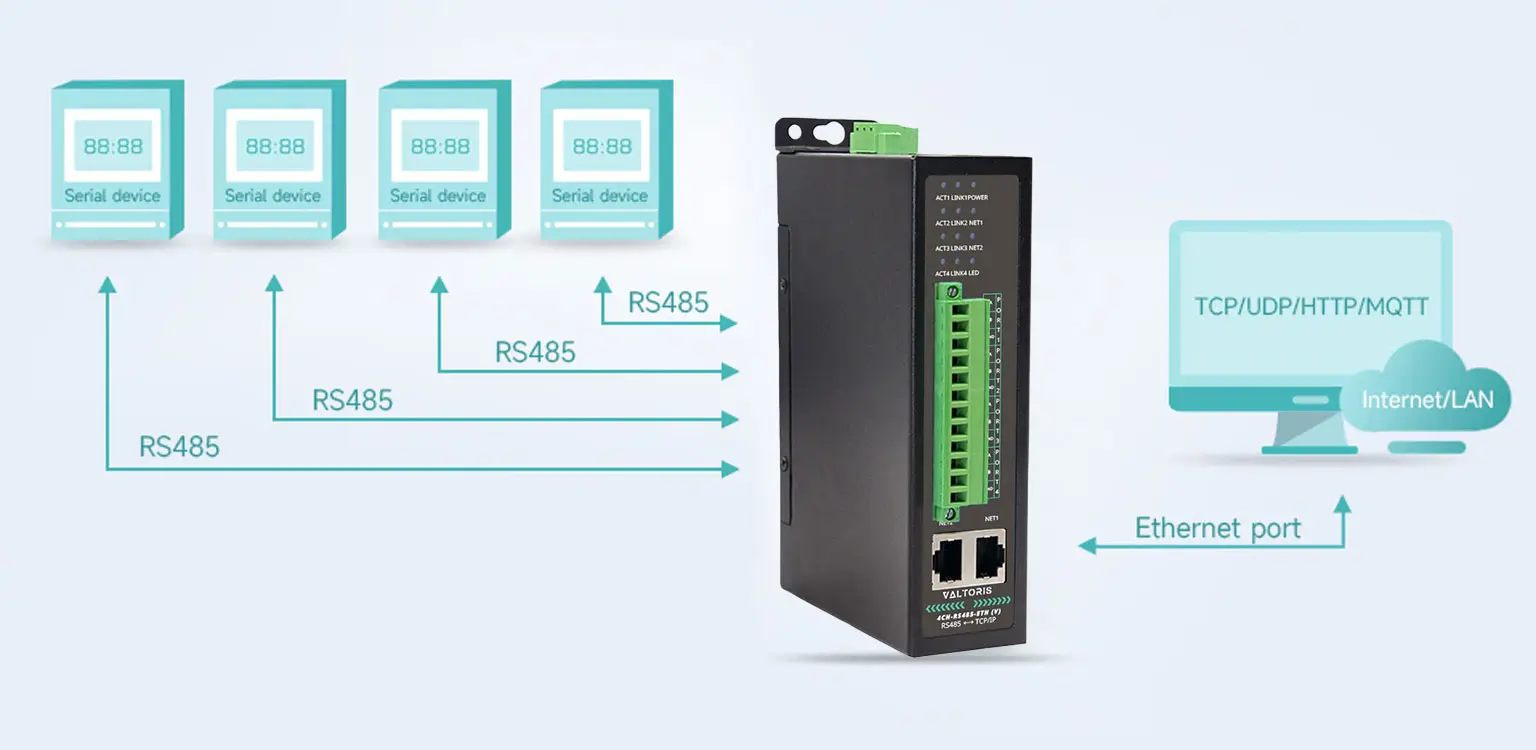
This guide describes how a 4‑port optically isolated RS485 serial server can connect multiple drying ovens to a central monitoring host, eliminating long cable runs, reducing interference, and simplifying integration.
The Challenge: Long Runs, Electrical Noise, and Scaling
A typical lithium‑battery production line may have 10 to 30 drying ovens arranged across a workshop. Each oven uses RS485 to send temperature profiles to a printer or local computer, but the monitoring host is often located far away—sometimes in a separate control room—making long RS485 cabling impractical.
Key obstacles:
- Distance limitations: RS485 cables can theoretically run 1,200 meters, but in industrial environments with motors, drives, and switching power supplies, signal quality degrades over long runs.
- Interference: Welding equipment, conveyors, and variable‑frequency drives inject noise into the RS485 bus, causing data errors or loss.
- Scalability: A single RS485 bus supports up to 32 devices, but adding more ovens requires careful termination and increases troubleshooting complexity.
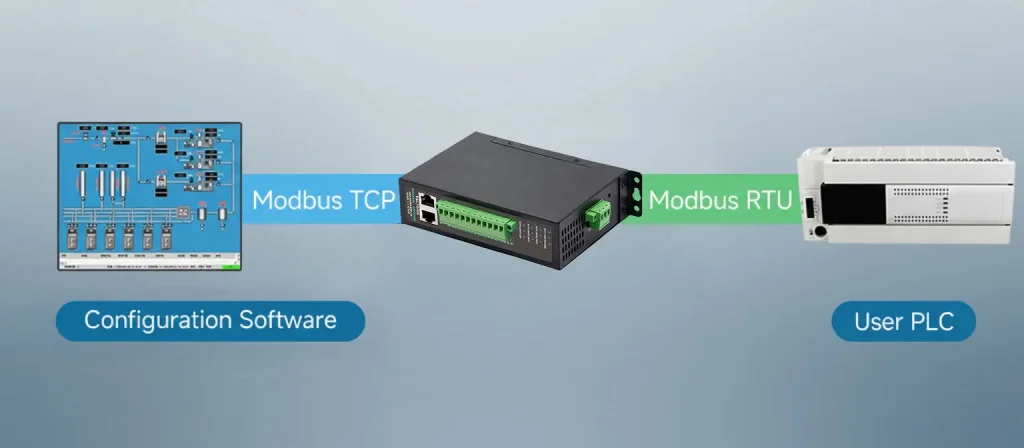
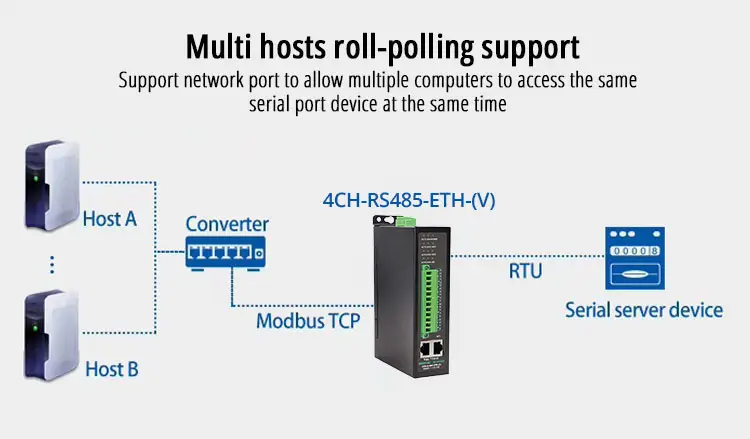
- Integration: The monitoring software expects Modbus TCP over Ethernet, while the ovens speak Modbus RTU over RS485.
A common workaround—using USB‑to‑RS485 converters on a local PC—fails when more than a few ovens are connected, and it doesn’t address distance or noise issues.
How a 4‑Port Isolated Serial Server Solves It
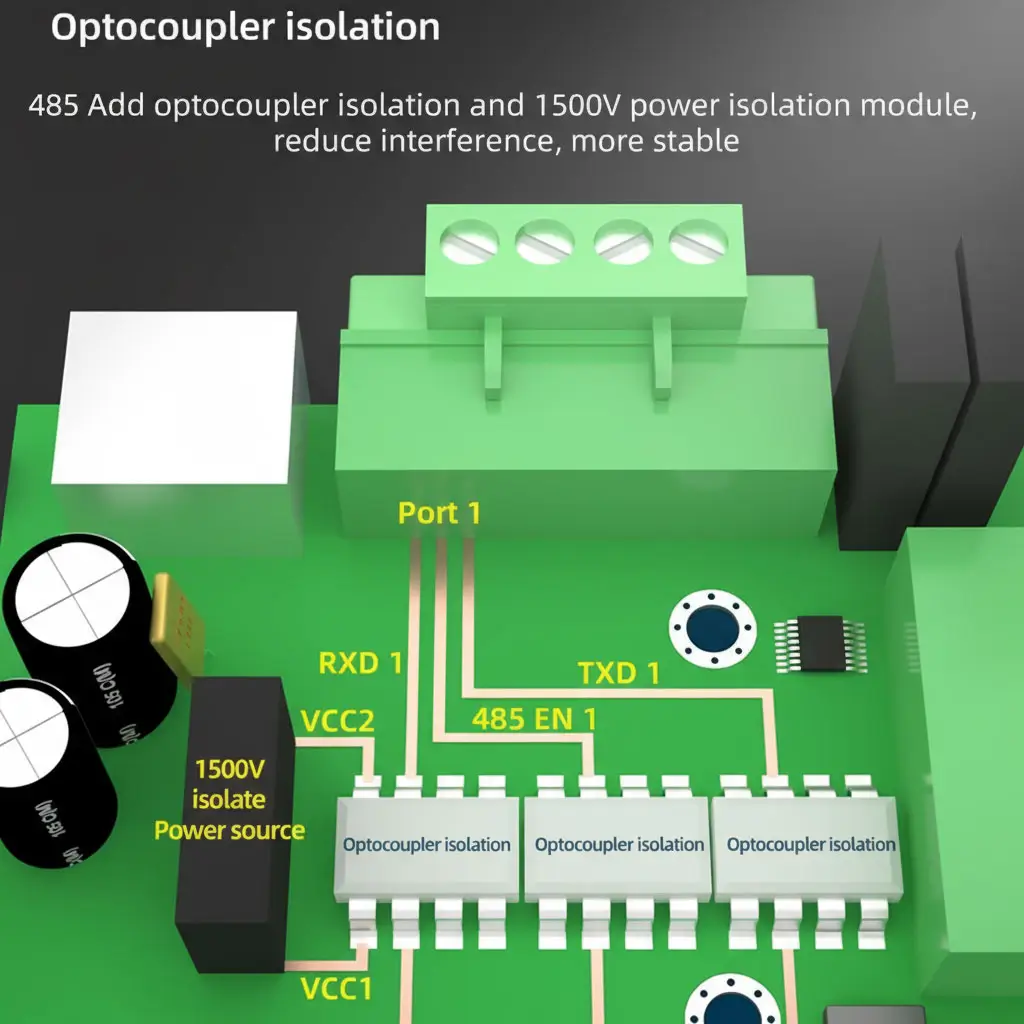
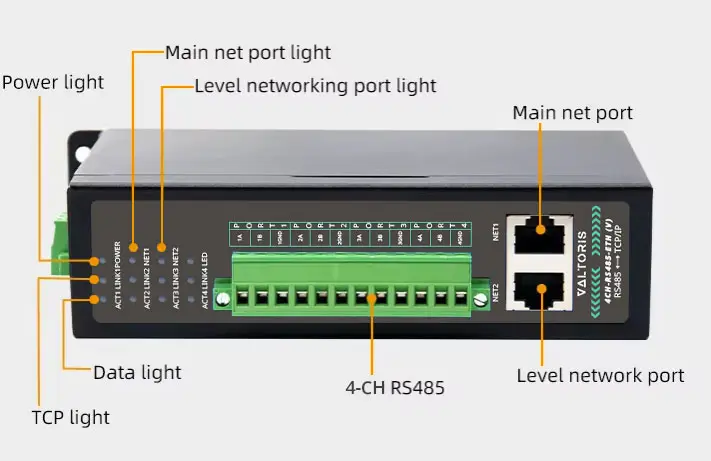
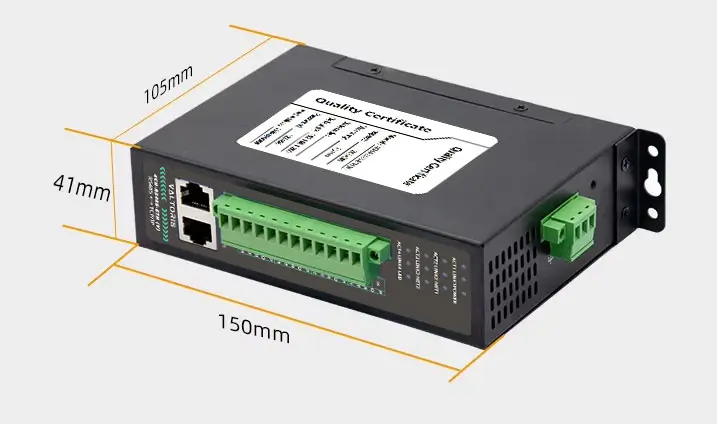
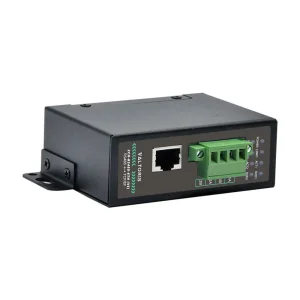
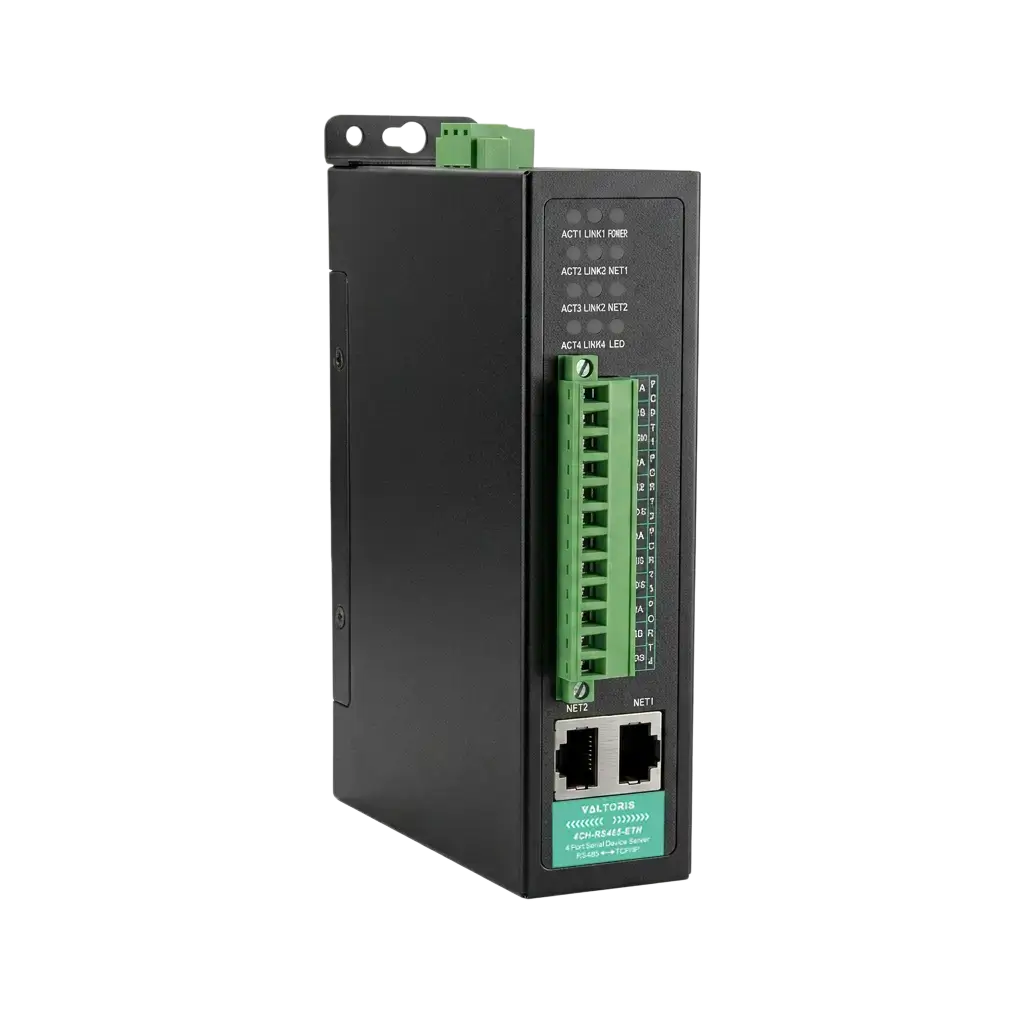
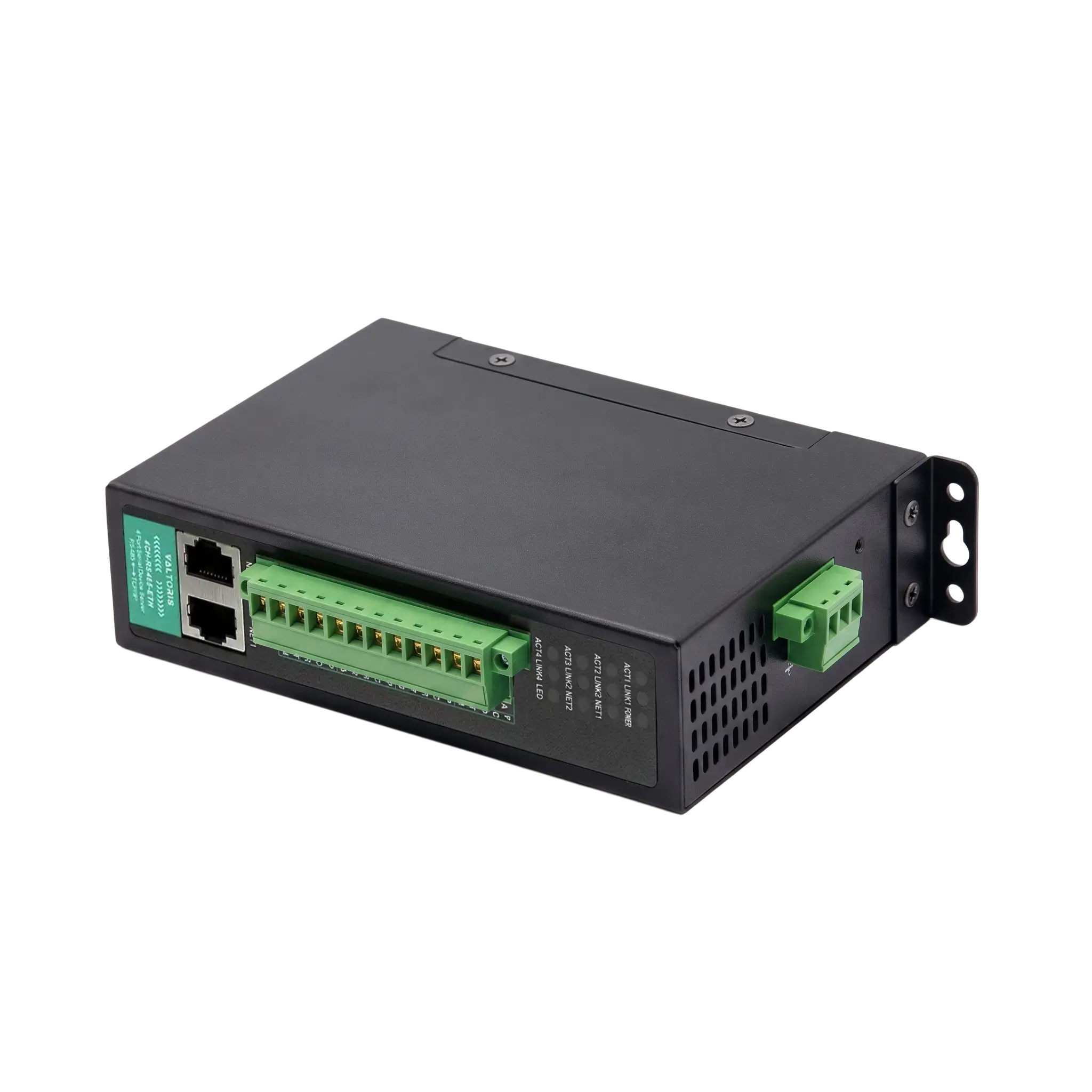
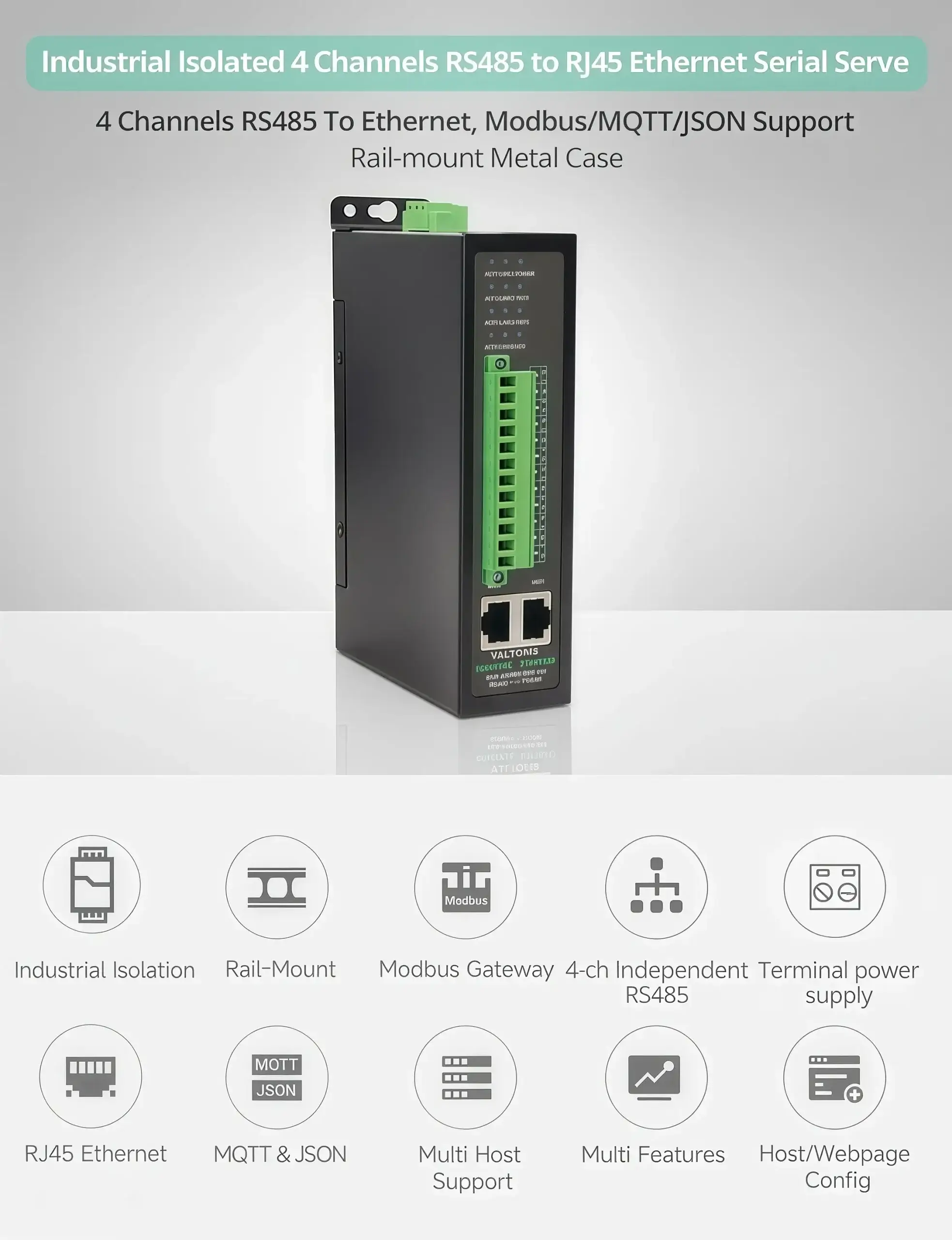
The 4CH-RS485-ETH (V) is a 4‑port RS485 serial server with optical isolation (1500V) between each port and the power/network side. It acts as a Modbus RTU to Modbus TCP gateway, converting serial data from up to 128 RS485 devices (4 ports × 32 devices each) into Ethernet packets readable by any Modbus TCP client.
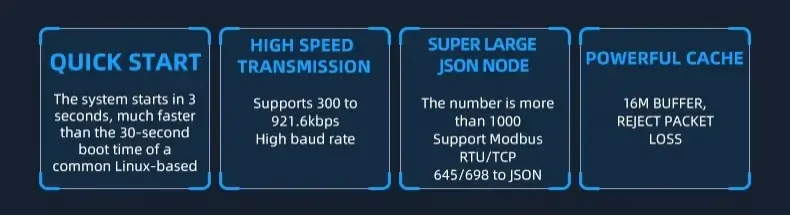
Key features relevant to battery drying applications:
- Optical isolation: Breaks ground loops and protects the central host from surges on the field wiring. According to industry studies, isolated RS485 ports reduce field failure rates by 50–70% in electrically noisy environments .
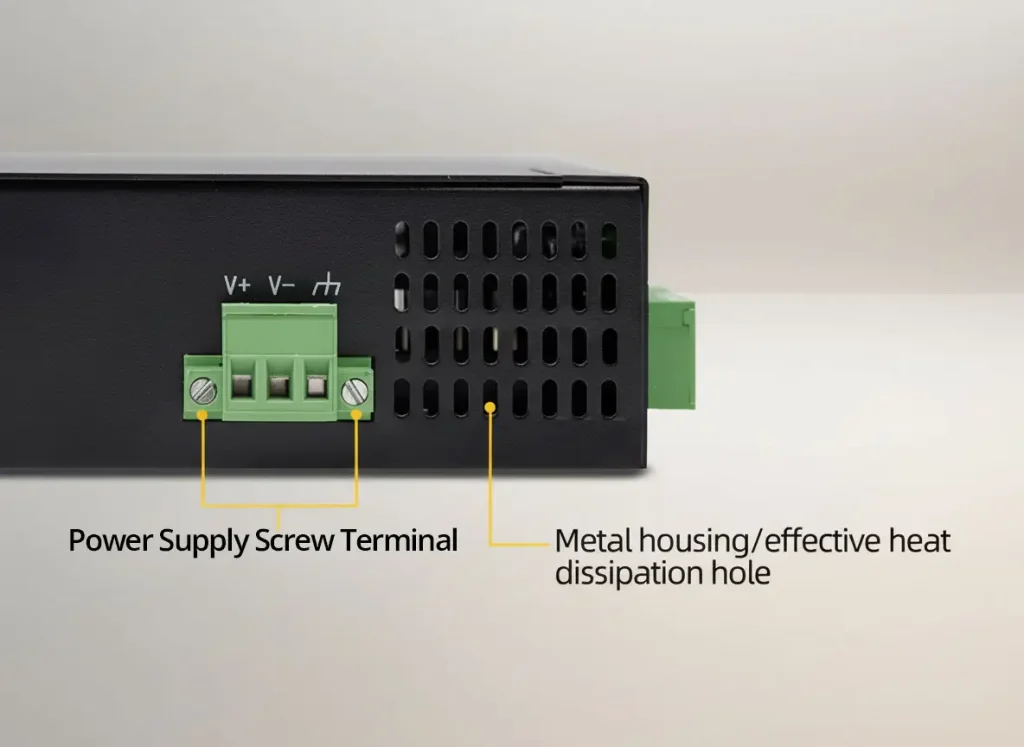
- Wide power input (9–24V DC): Compatible with the 24V DC panels common in battery plants.
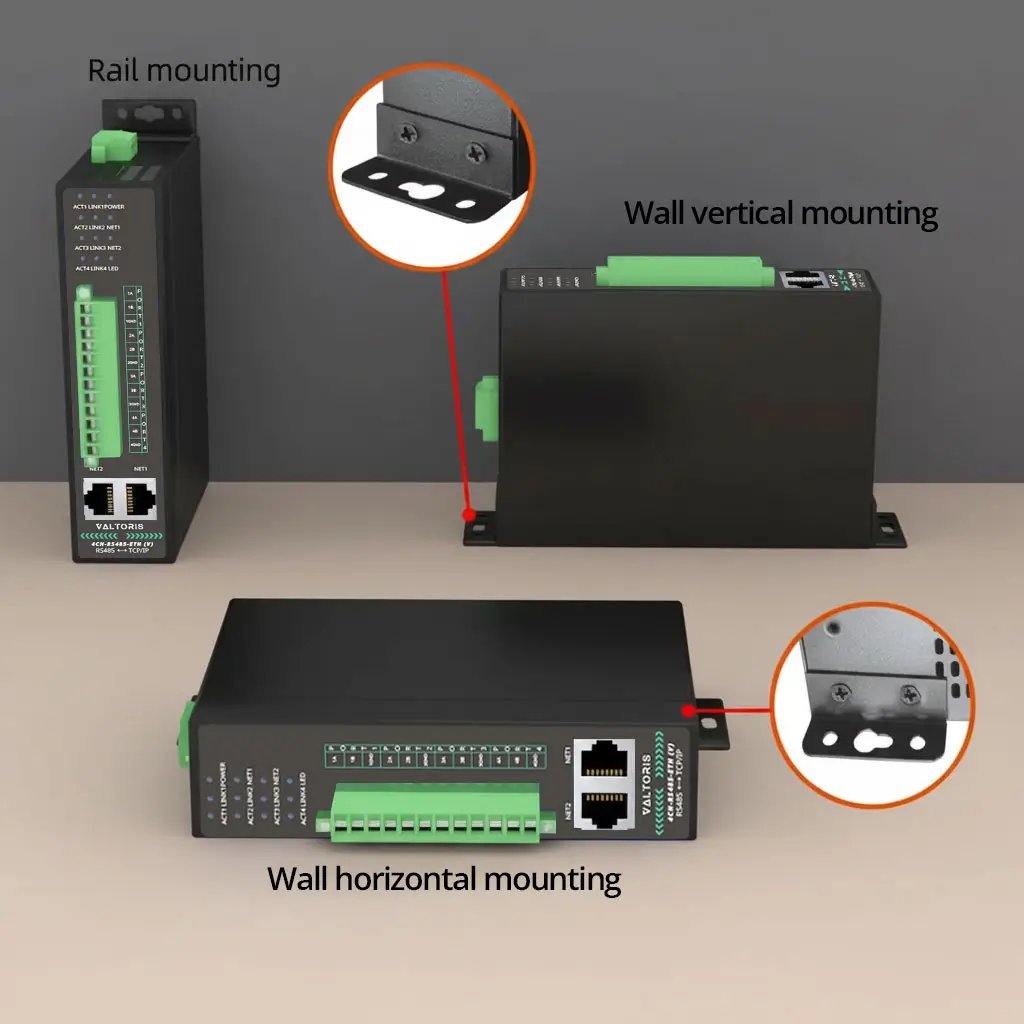
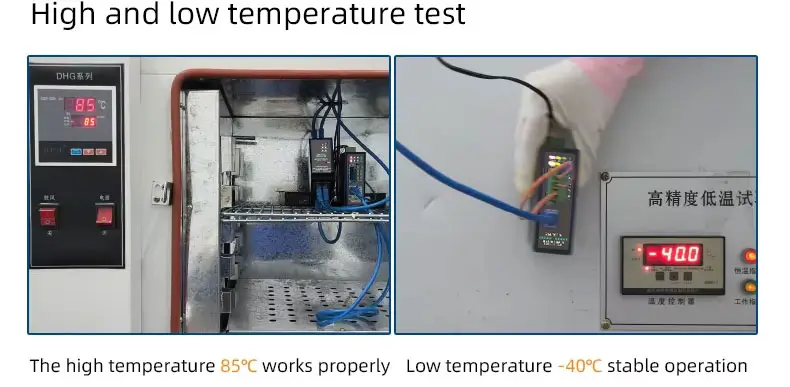
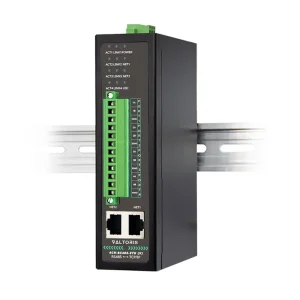
- Metal housing & DIN rail mount: Withstands vibration and heat, and installs neatly in control cabinets.
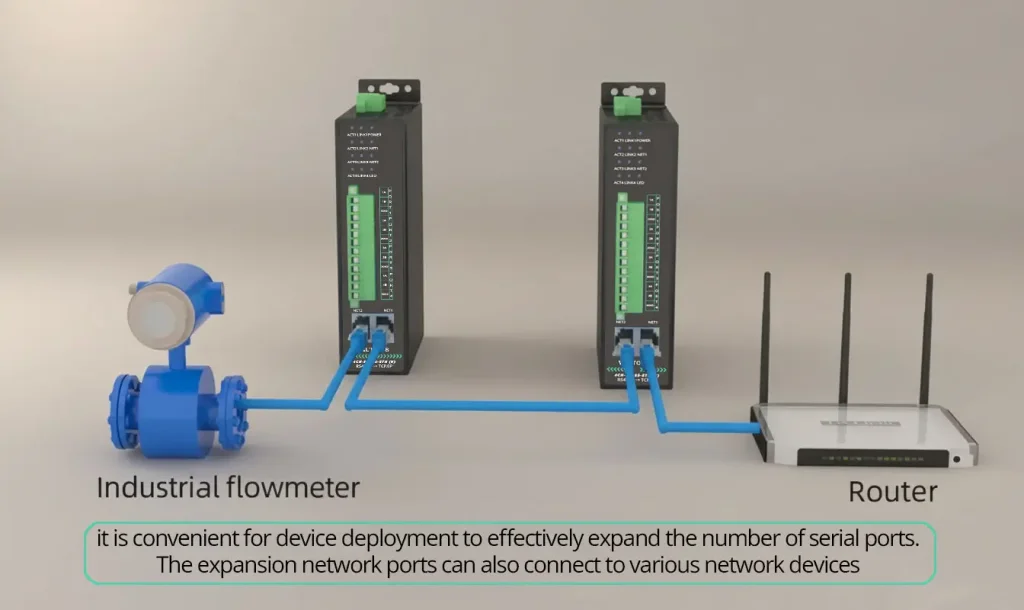
- Cascadable Ethernet ports: Two Ethernet ports allow daisy‑chaining multiple serial servers without extra switches.
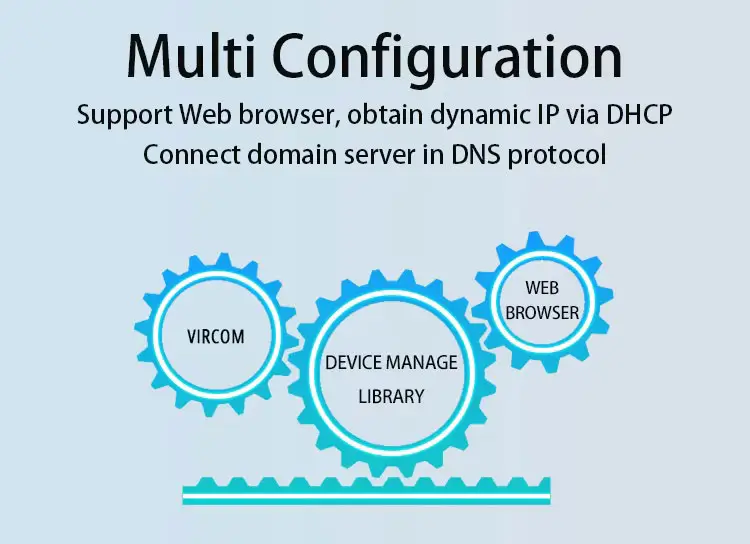
- Virtual COM port software (VirCom): Lets the monitoring software use the same COM‑based interface it was designed for, even though the ovens are now on Ethernet.

Real‑World Deployment: 16 Drying Ovens, Zero Errors
Scenario: A battery manufacturer needed to bring data from 16 drying ovens into a central SCADA system. The ovens were spread across two production lines with the control room 200 meters. We had some problems with the USB to RS485 adapters that were connected to a computer. These adapters were not working well and the long RS485 cable was getting interference, from some welding equipment that was being used nearby. The ovens and the control room were having some issues because of this.
Solution implemented:
- Two 4CH-RS485-ETH (V) units were installed: one in each line’s electrical cabinet.
- Each oven was connected to one of the four RS485 ports using shielded twisted‑pair cable (terminated with 120Ω resistors at the far ends).
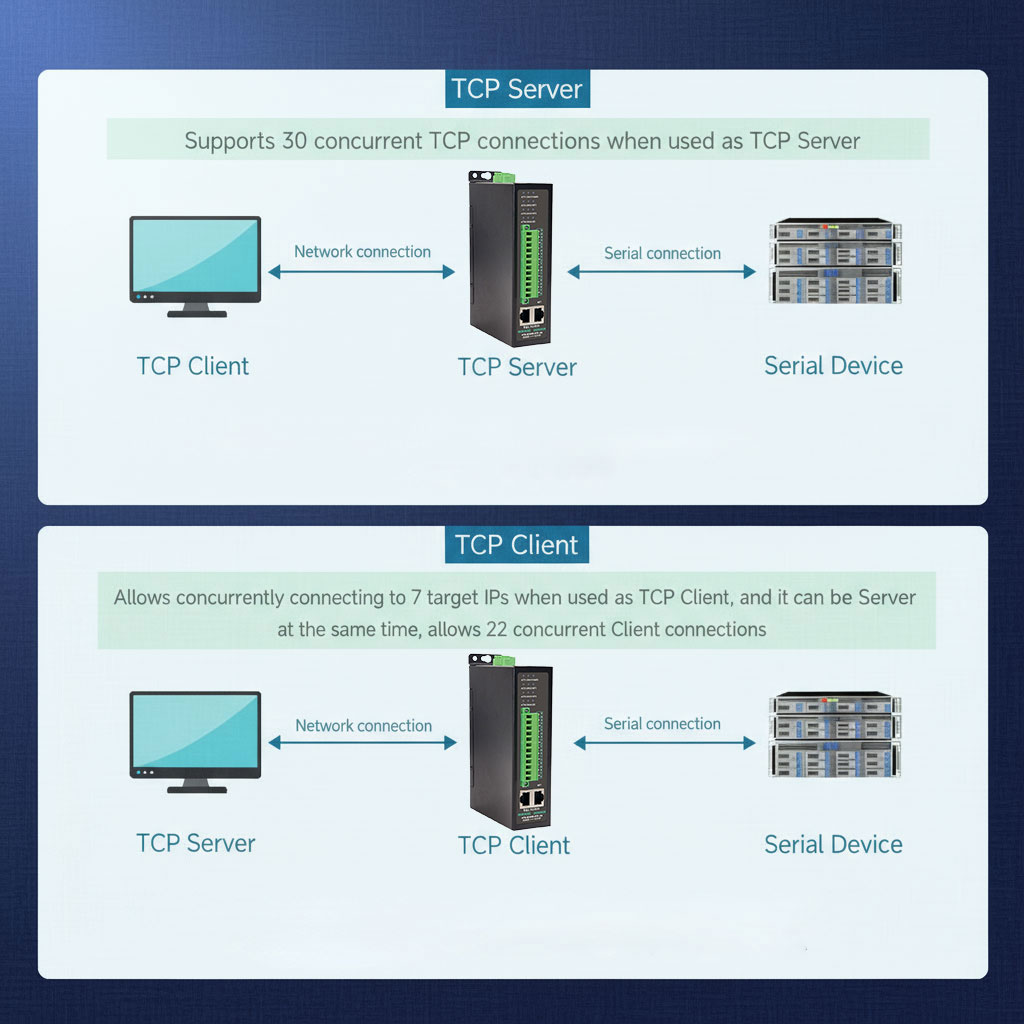
- The serial servers were configured as Modbus TCP servers on the facility network, each with a static IP address.
- On the SCADA PC, virtual COM ports were created using VirCom software, mapping COM5–COM8 to the first server and COM9–COM12 to the second.
- The existing SCADA software continued to use COM ports as before, unaware that the ovens were now networked.
Results after six months:
| Metric | Before | After |
|---|---|---|
| Communication errors (per week) | 10–15 | 0 |
| Data loss incidents | 3–4 per month | 0 |
| Troubleshooting time (hours/week) | 4 | 0.5 |
| SCADA polling success rate | 92% | 99.9% |
Cost savings: The installation eliminated the need for a dedicated PC at the oven area and avoided trenching new RS485 cables. Estimated savings in cabling and labor: $12,000. The two serial servers paid for themselves in under four months.
Why Isolation Is Critical in Battery Plants
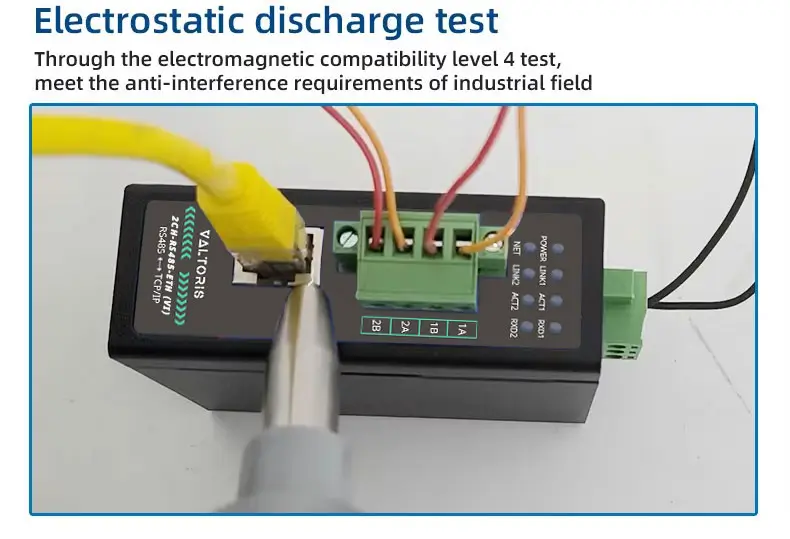
Battery production facilities are electrically noisy. High‑power charging/discharging equipment, robotic arms, and conveyors create ground potential differences that can damage non‑isolated devices. According to IEC 61000‑4‑2/‑4‑4 standards , industrial equipment must withstand ±15kV ESD and 4kV fast transients.
The 4CH-RS485-ETH (V) provides 1500V optical isolation on each RS485 port, ensuring that a surge on one oven’s cable doesn’t propagate to the other ovens or to the central server. This level of protection is essential for maintaining uptime in a 24/7 production environment.
Configuration Steps: Getting Data from Ovens to SCADA
- Wiring
Connect each oven’s RS485 A/B to the server’s corresponding port (A to A, B to B). Use shielded twisted‑pair cable for runs longer than 10 meters. - Power and Network
Supply 24V DC to the server (terminal block). Connect the Ethernet port to the plant network. - Find the Server’s IP
Use the included discovery tool (or check the router’s DHCP list) to find the server’s IP address. - Configure Serial Parameters
Access the web interface. For each port, set baud rate, parity, data bits, stop bits to match the oven’s manual (common: 9600, 8, N, 1). Set the Modbus RTU slave IDs for each oven. - Set Modbus TCP Gateway Mode
Under “Operating Mode,” select “Modbus TCP Server.” Each port will appear as a separate Modbus slave at the same IP address, distinguished by unit ID. - Install Virtual COM Ports (Optional)
If the SCADA software requires physical COM ports, install VirCom and map each oven’s Modbus unit to a virtual COM port. - Test
Use a Modbus poll tool to read a holding register from an oven. Verify that the correct value appears.

Beyond Drying Ovens: Other Lithium Battery Applications
The same multi‑port isolated serial server can be used to connect:
- Formation and aging chambers – monitor temperature, voltage, and current over thousands of cycles.
- Coating machines – collect web tension, thickness, and speed data.
- Slurry mixing stations – track viscosity, temperature, and batch times.
- Environmental monitoring – humidity, particle counters, and airflow sensors.
In each case, the server acts as a universal bridge between RS485 devices and Ethernet‑based SCADA, MES, or cloud platforms.