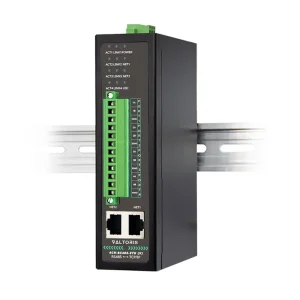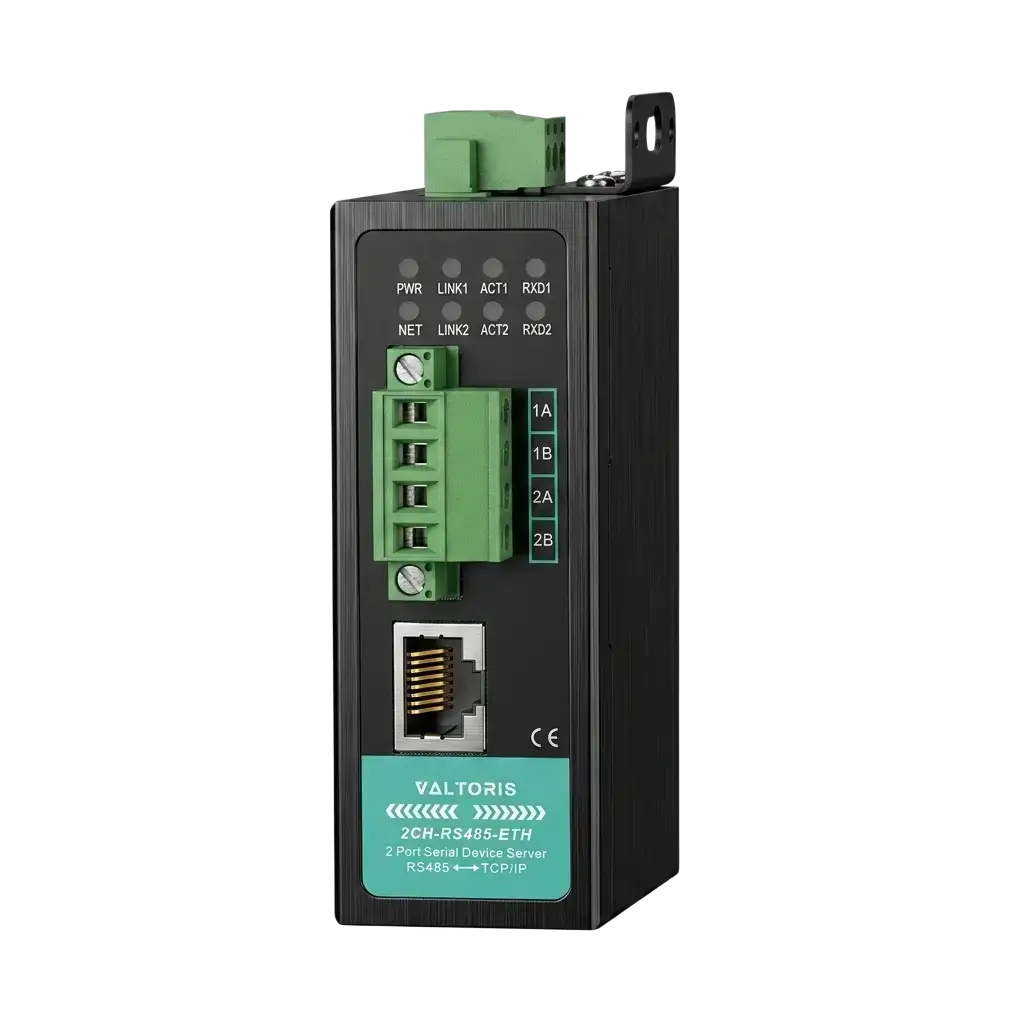
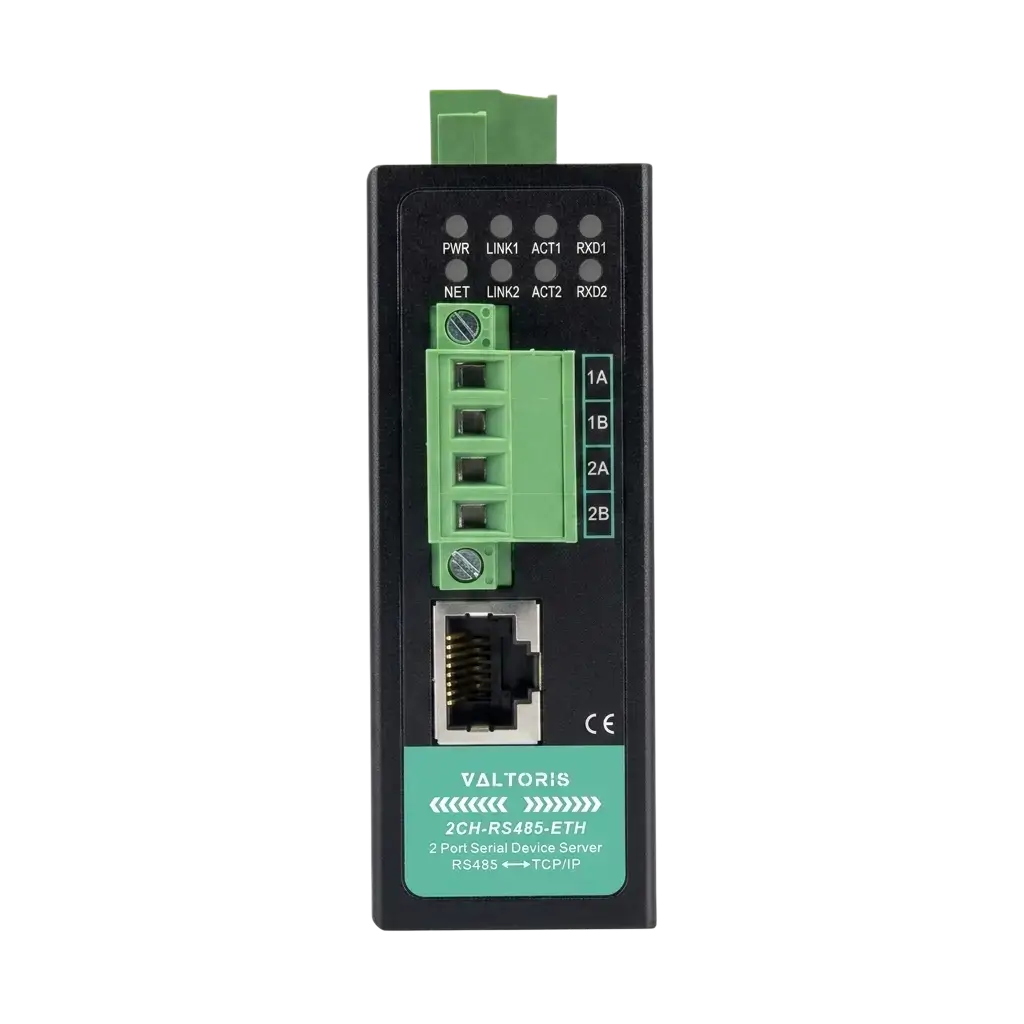
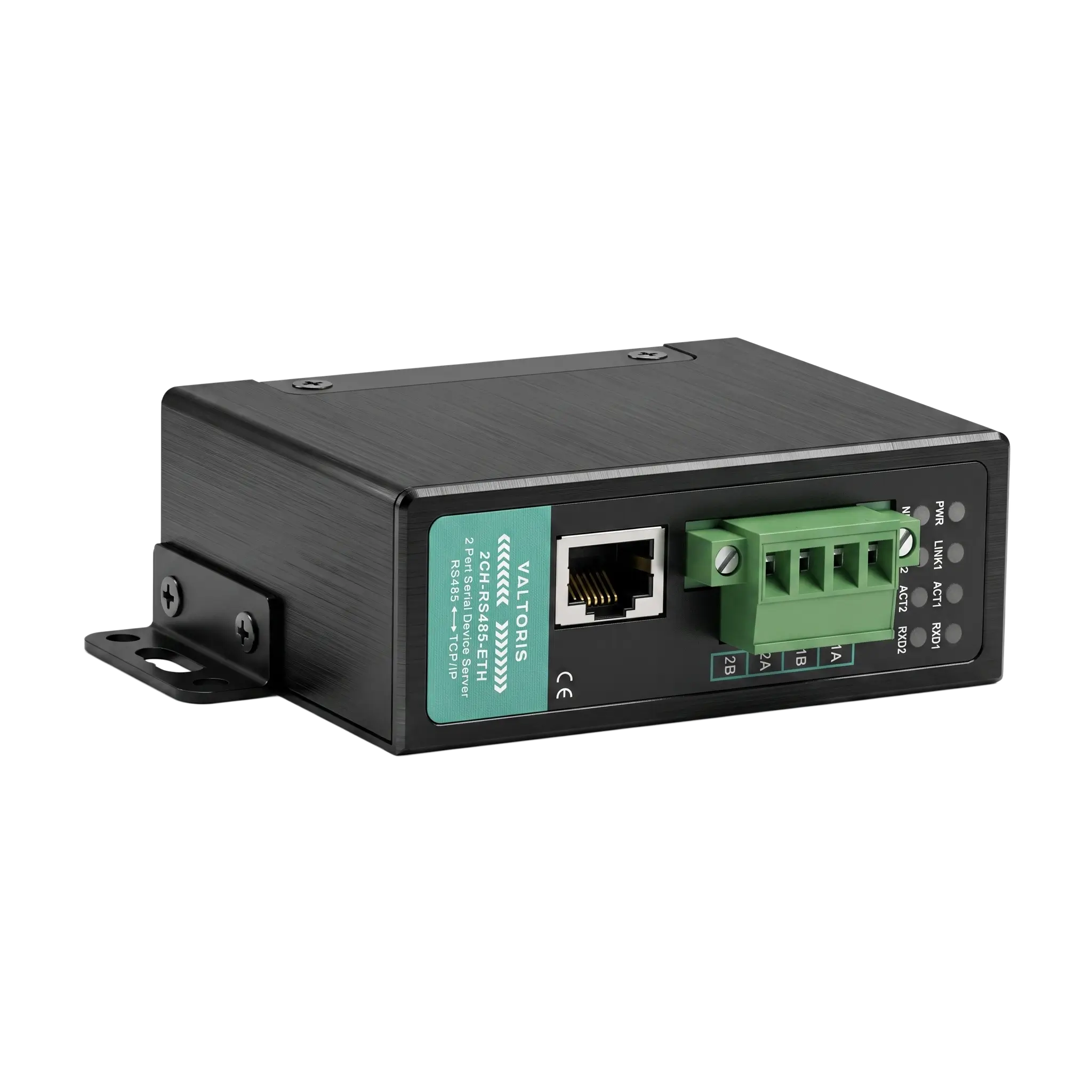
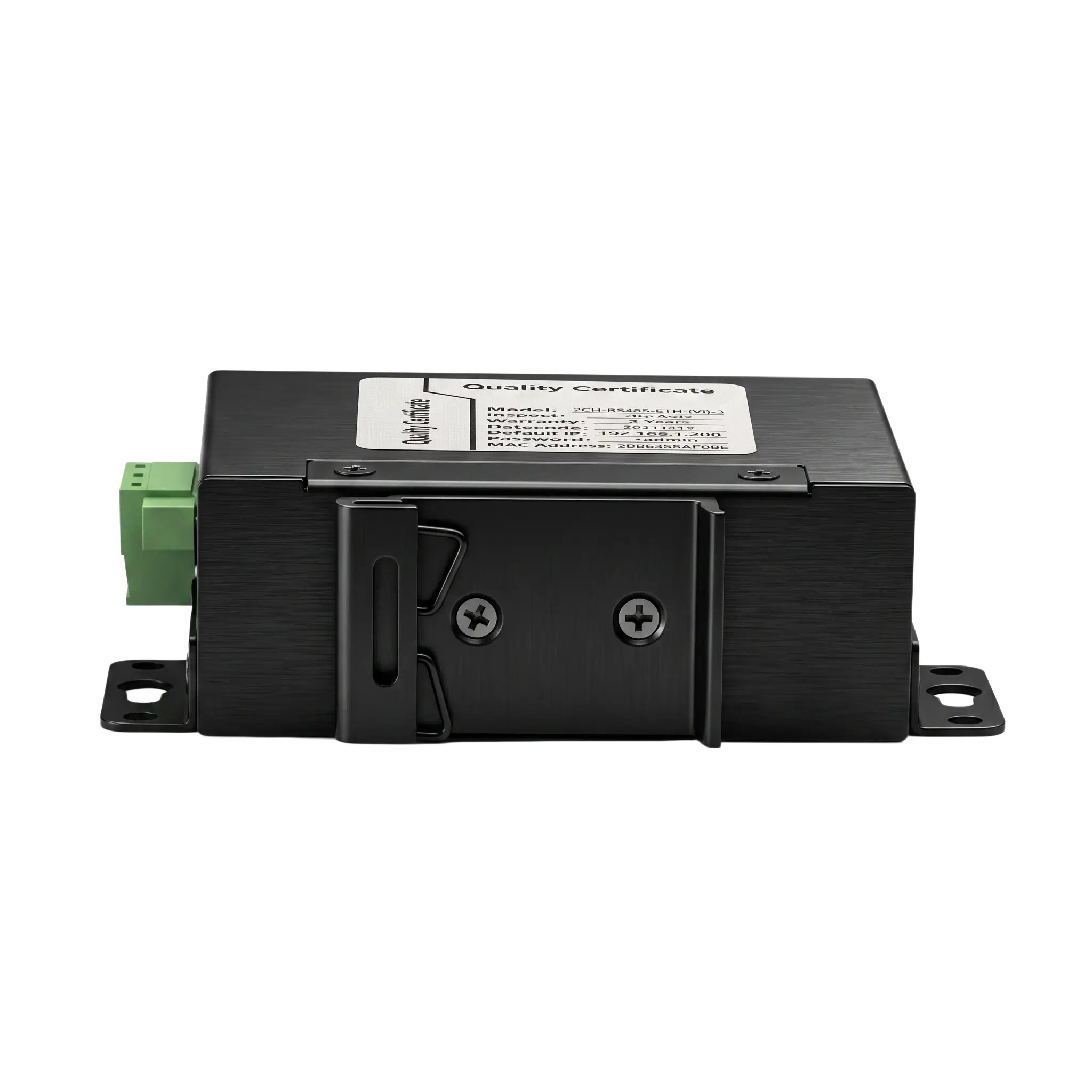
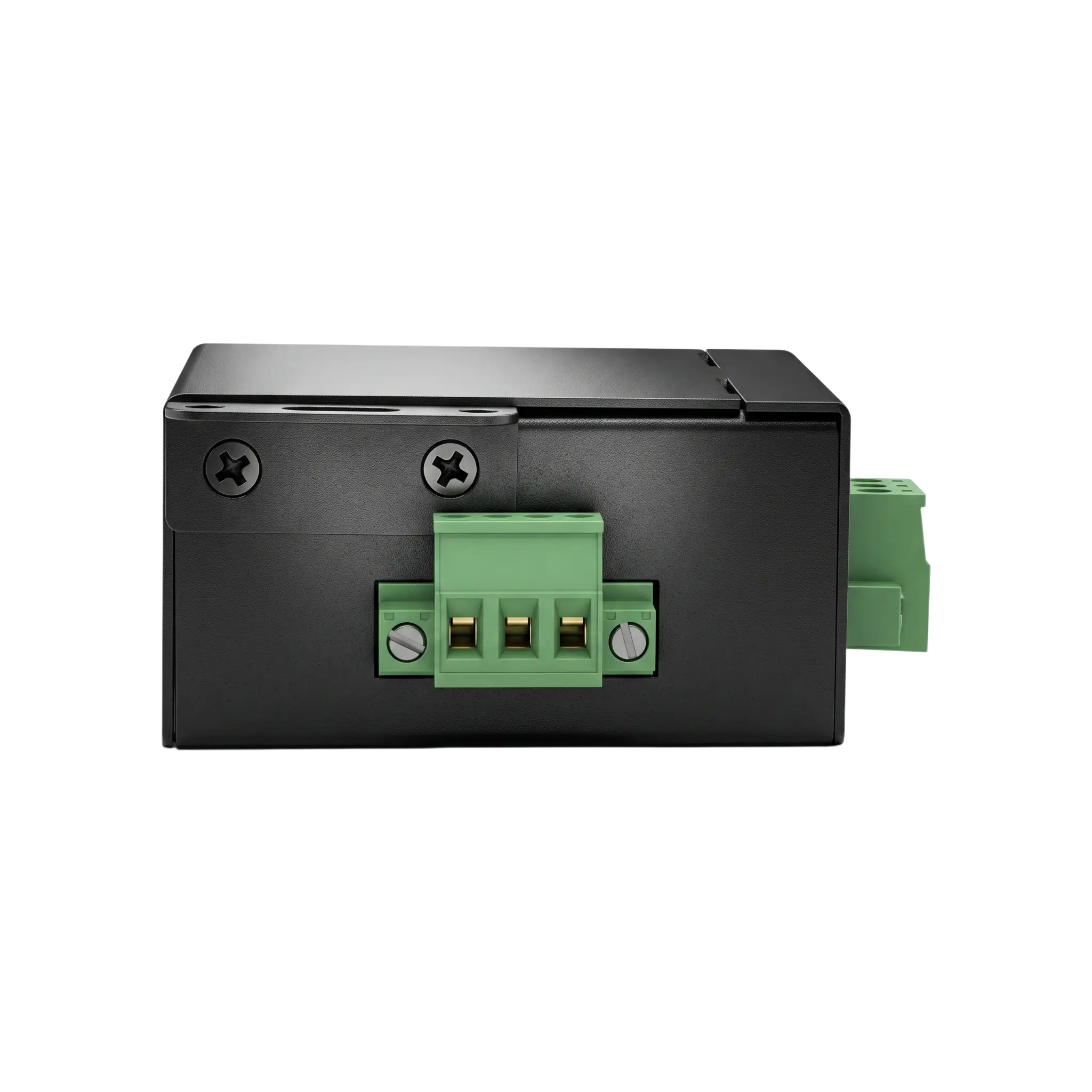
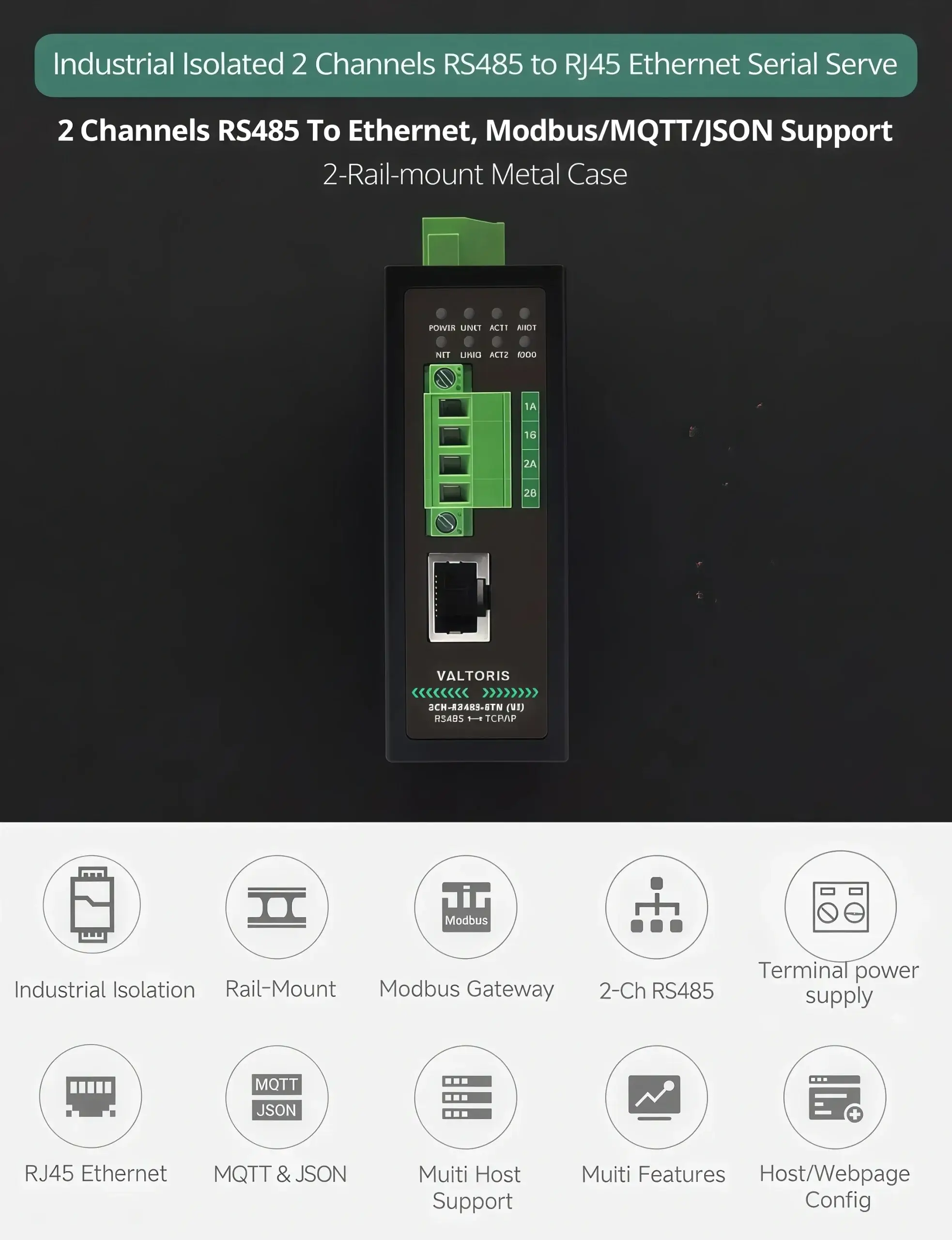
Industrial 2-Port RS485 to Ethernet Gateway | Serial Server

Industrial 2-Port RS485 to Ethernet Gateway for harsh electrical environments. The 1500V optical isolation, dual channel independent routing, and powerful Modbus RTU/TCP to MQTT/JSON edge computing functions make it easy and secure to integrate legacy machines into modern SCADA architectures.

Part No. 2CH-RS485-ETH(VI)
sku : IoT-SS113
INSTANT QUOTE

Isolated 2-Port RS485 to Ethernet Gateway Overview

Primary function

bi-directional transparent data transmission between RS485 and Ethernet
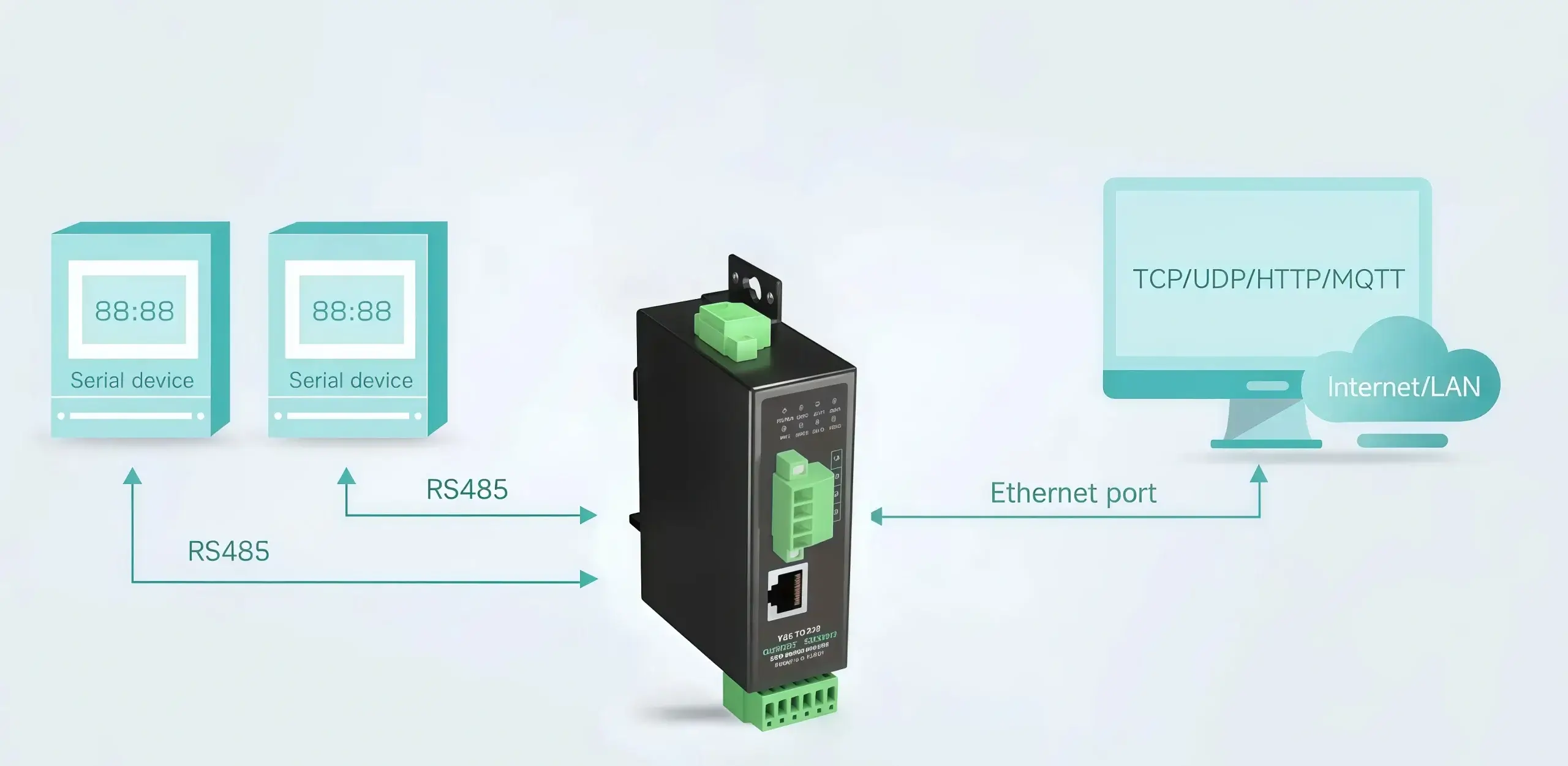
Isolated 2-Port RS485 to Ethernet Gateway transparent transmission
RS485 to Ethernet dual channel communication architecture

Installation Method

Support Rail-Mount and Wall-Mount, compact size, cost-effective
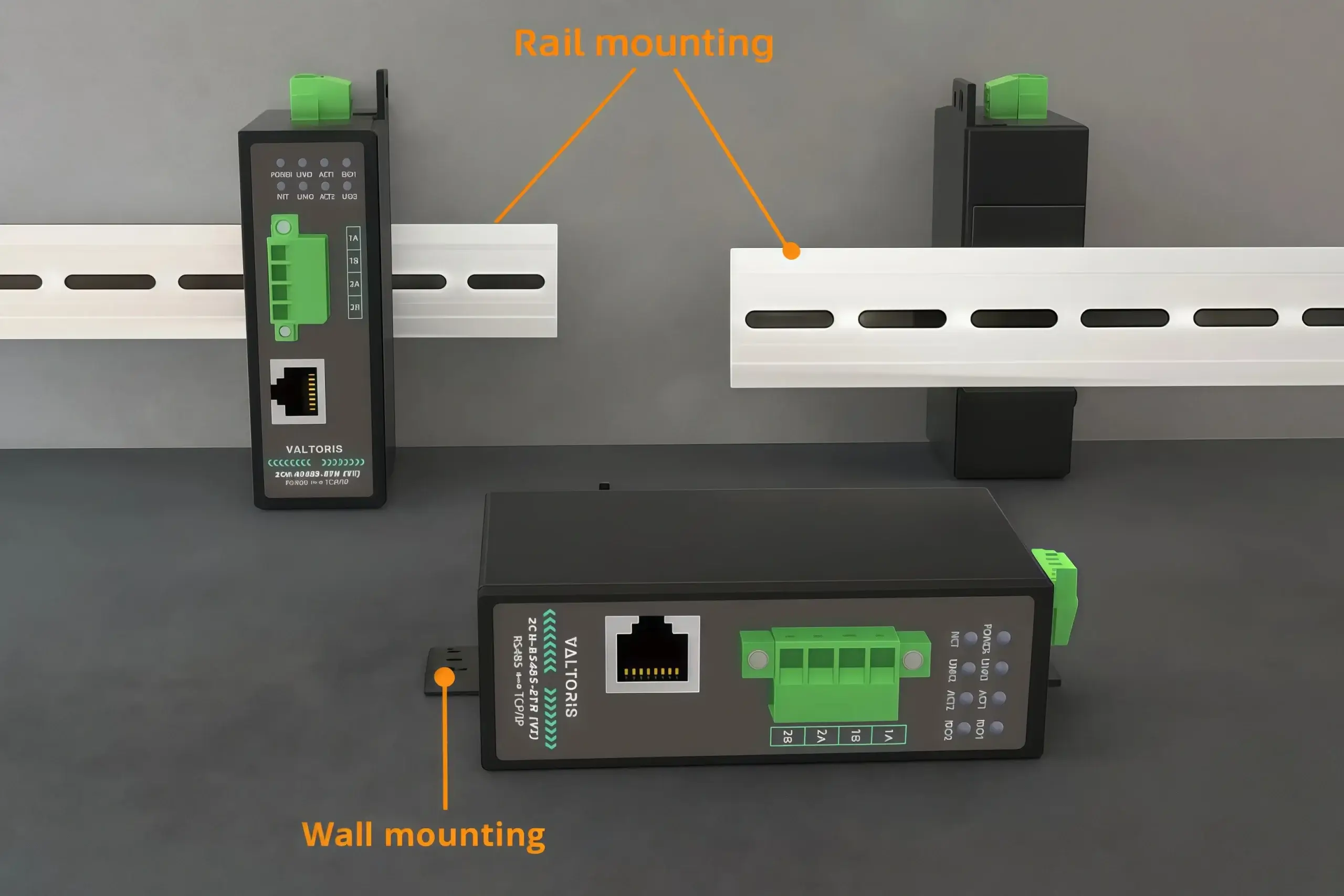
Rail-Mount and Wall-Mount Installation
Compact size cost-effective serial server

Transparent Basic functions

Connect to virtual serial port Vircom, cloud server (MQTT+JSON), Configuration software (Modbus or TCP)
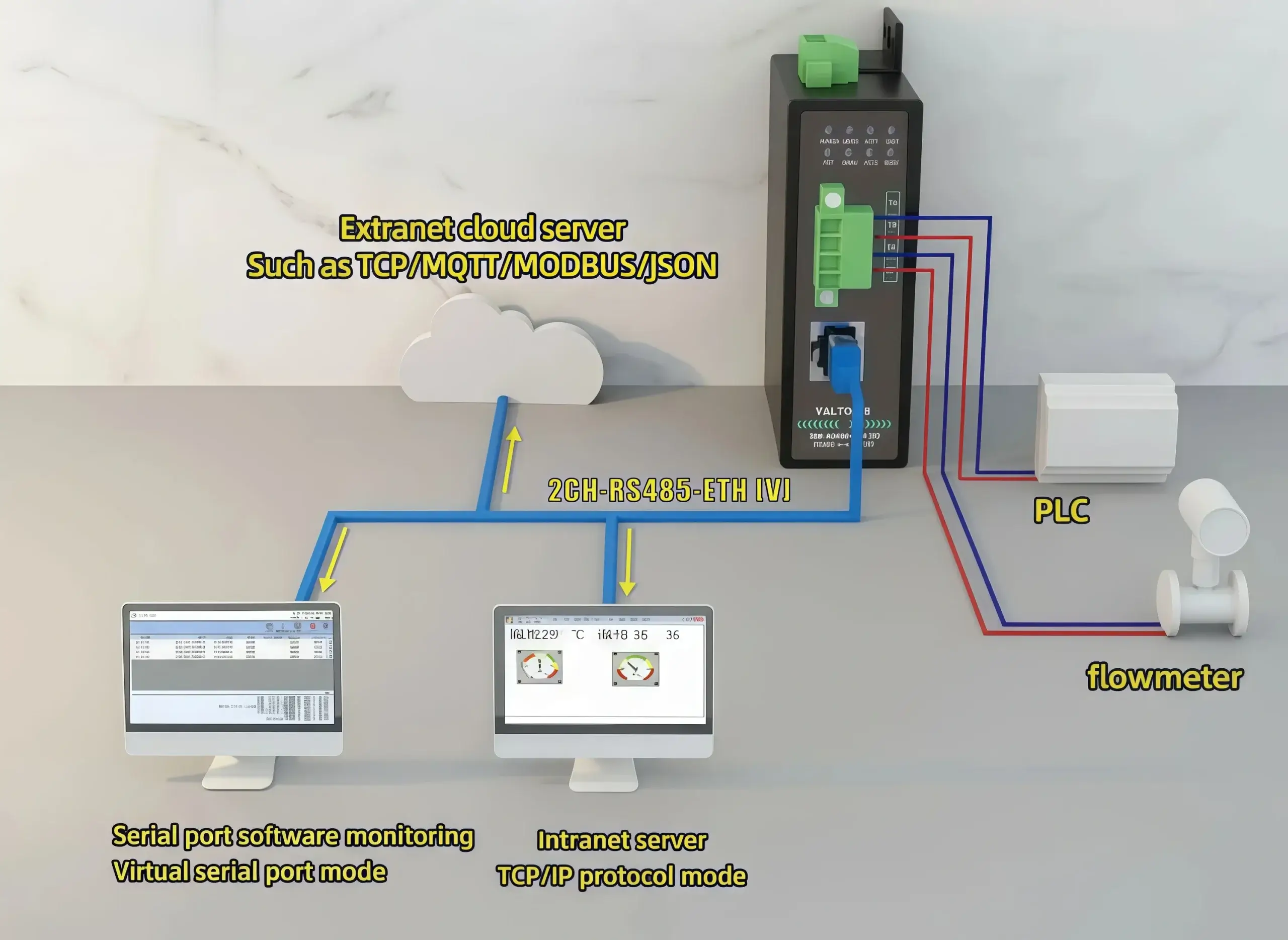
Connect to virtual serial port Vircom MQTT JSON

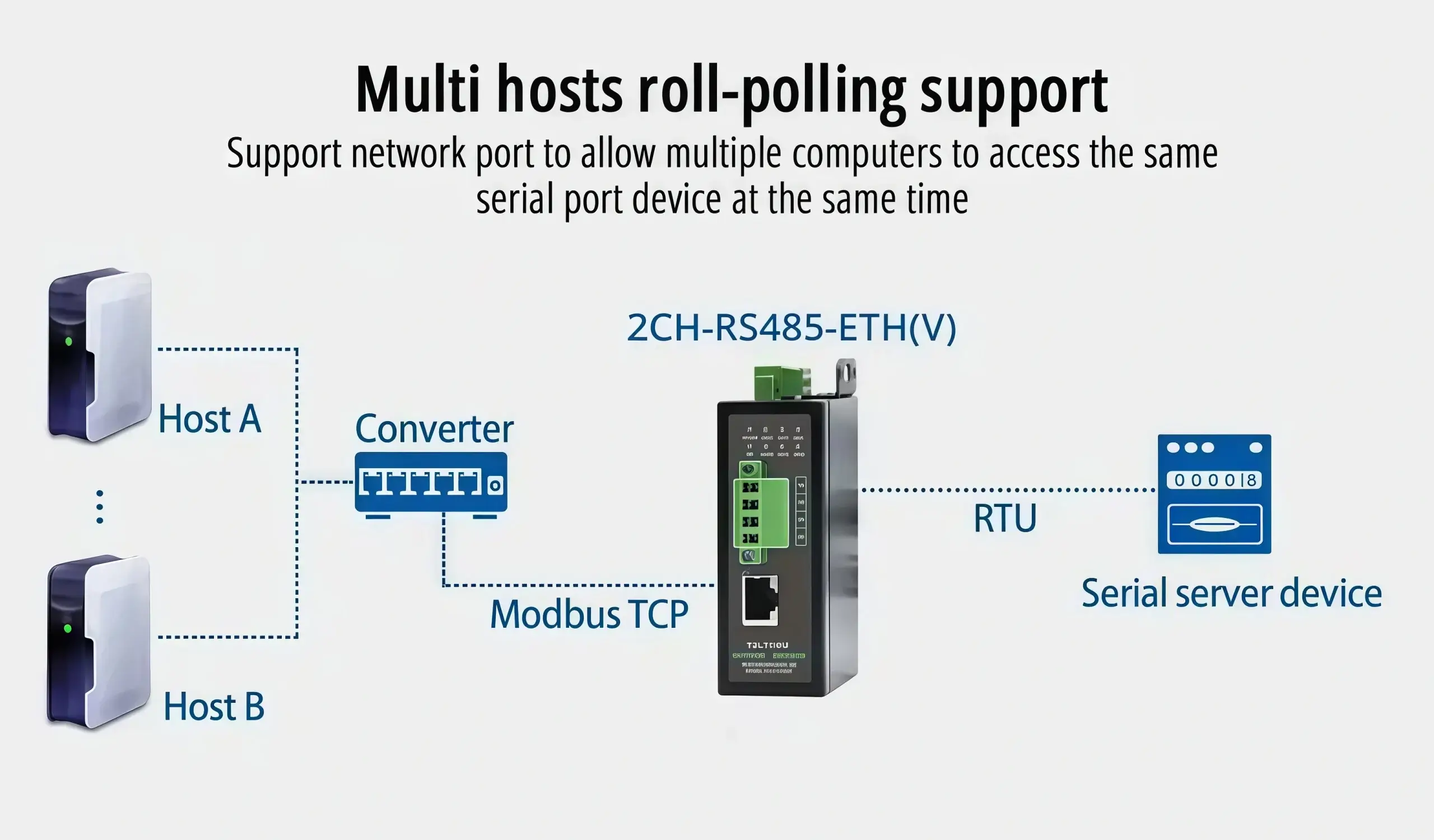
Modbus gateway support

Suitable for Modbus networking upgrade

Modbus gateway networking upgrade Modbus RTU to TCP

Multi communication modes

supports TCP server / TCP client / UDP multicast / UDP mode, Dual-channel, each channel supports in below functions are separately
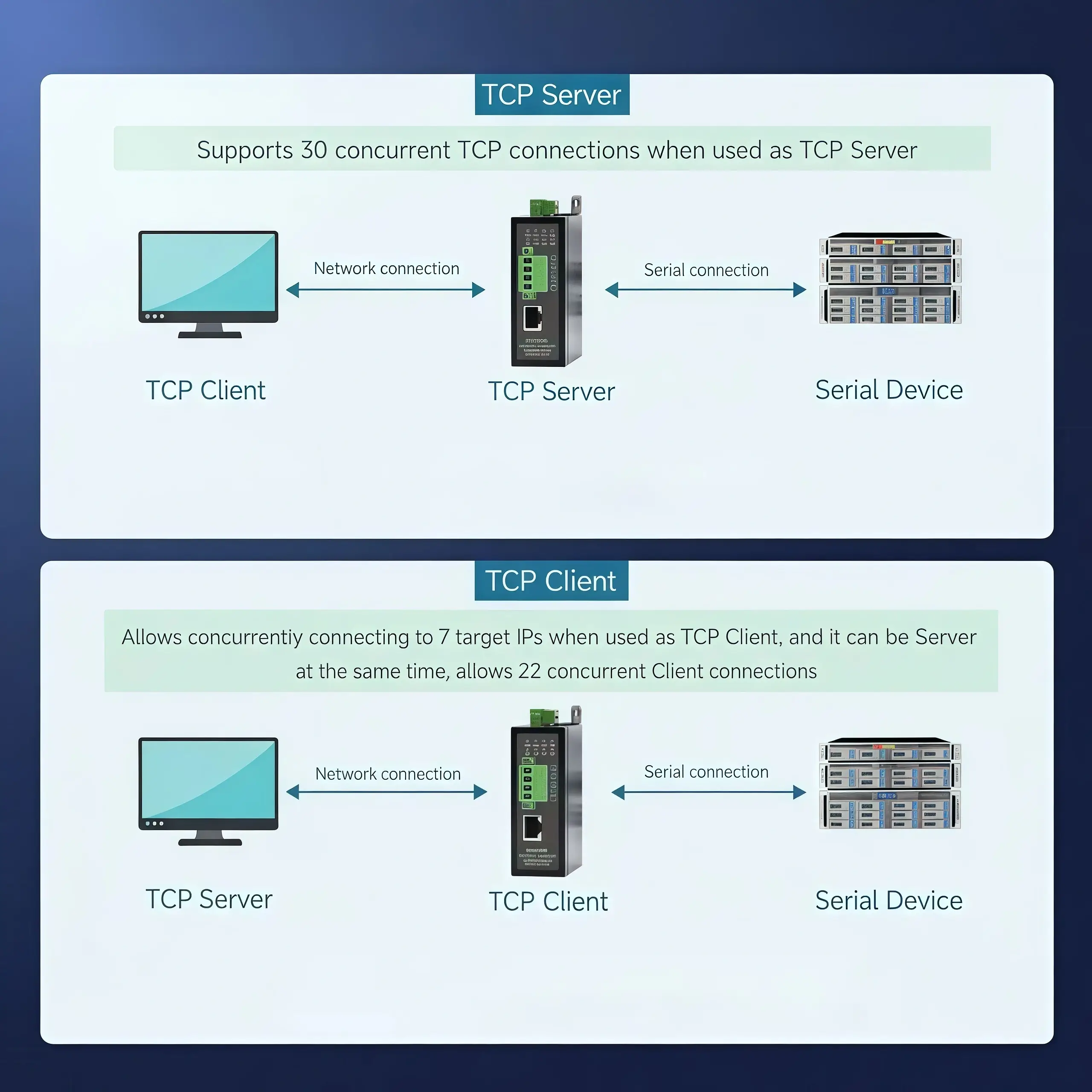
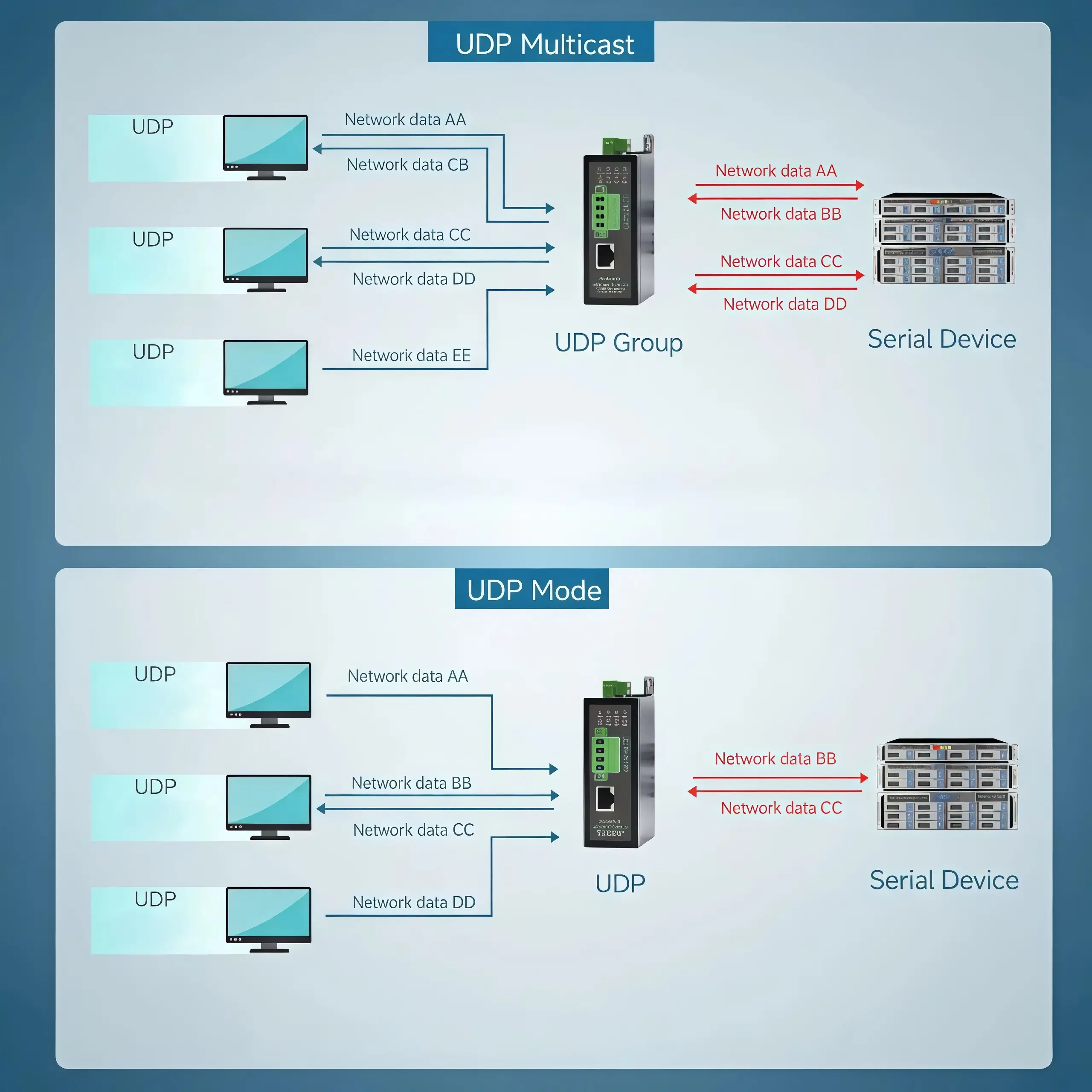
TCP server TCP client UDP multicast UDP mode
Dual channel independent TCP connection
UDP multicast mode configuration
Separate communication channel management
Modbus TCP multiple gateway configurations
Multi host mode recommended setup
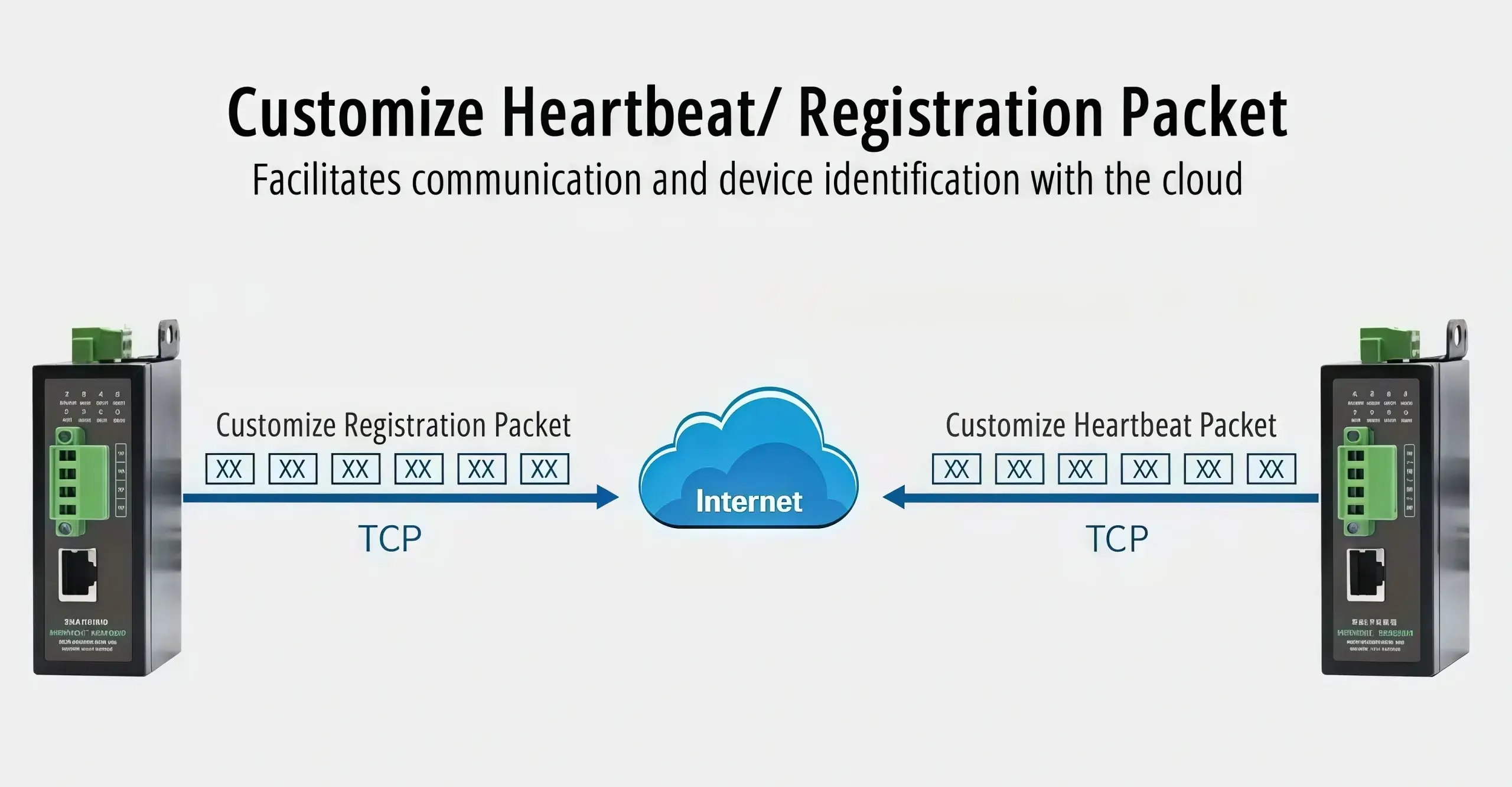
MQTT mode cloud integration
JSON Gateway function mode mapping
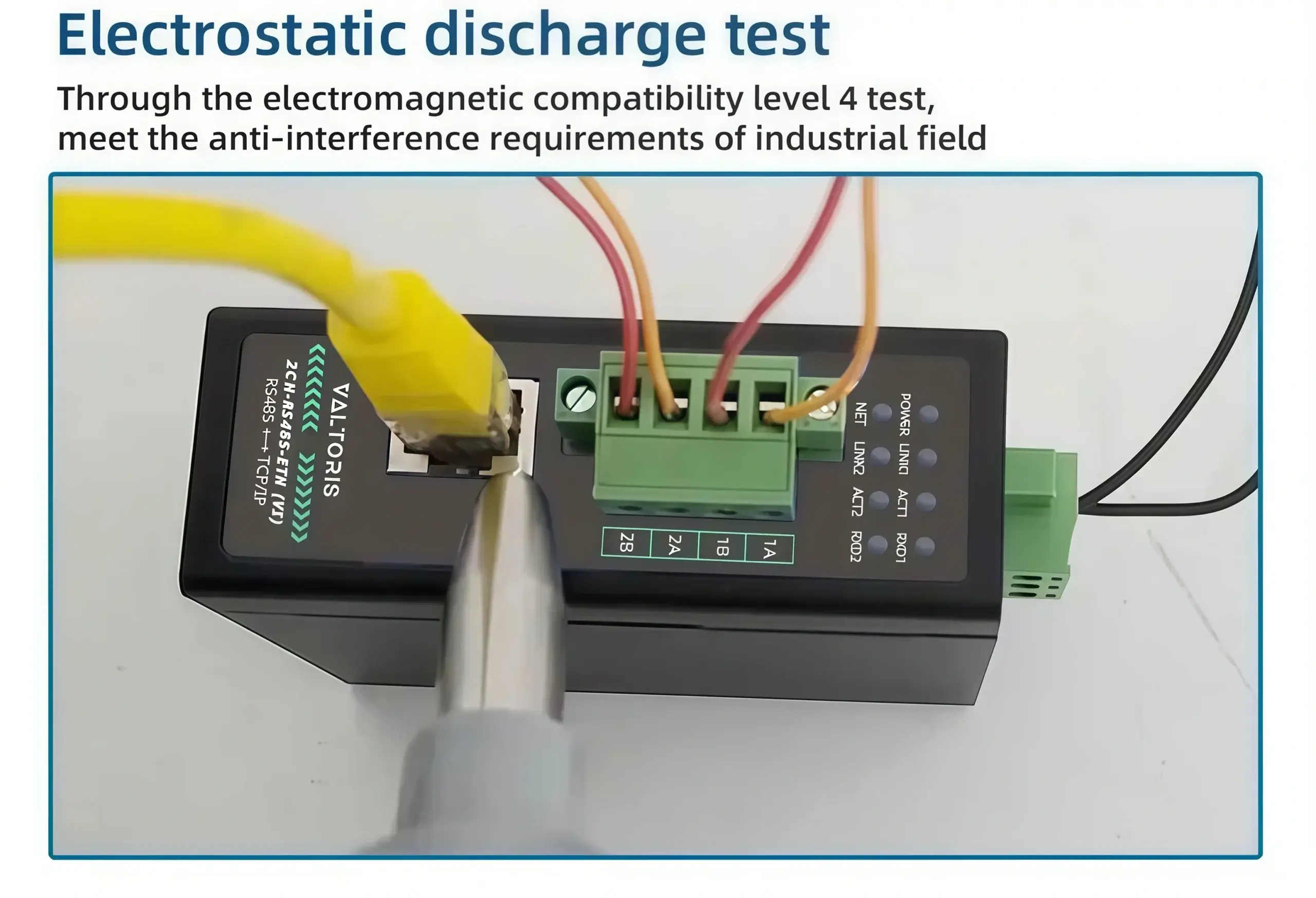
Electrostatic discharge test

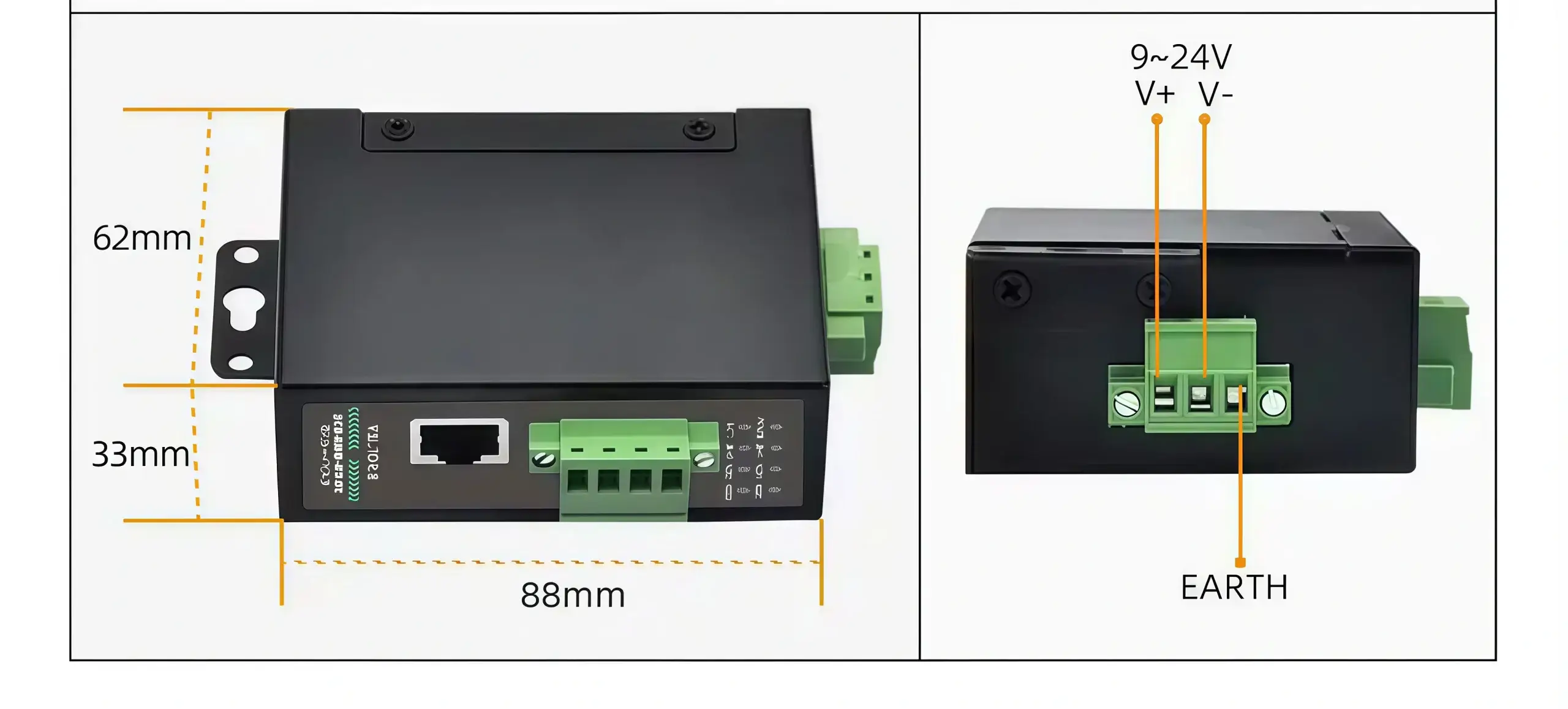
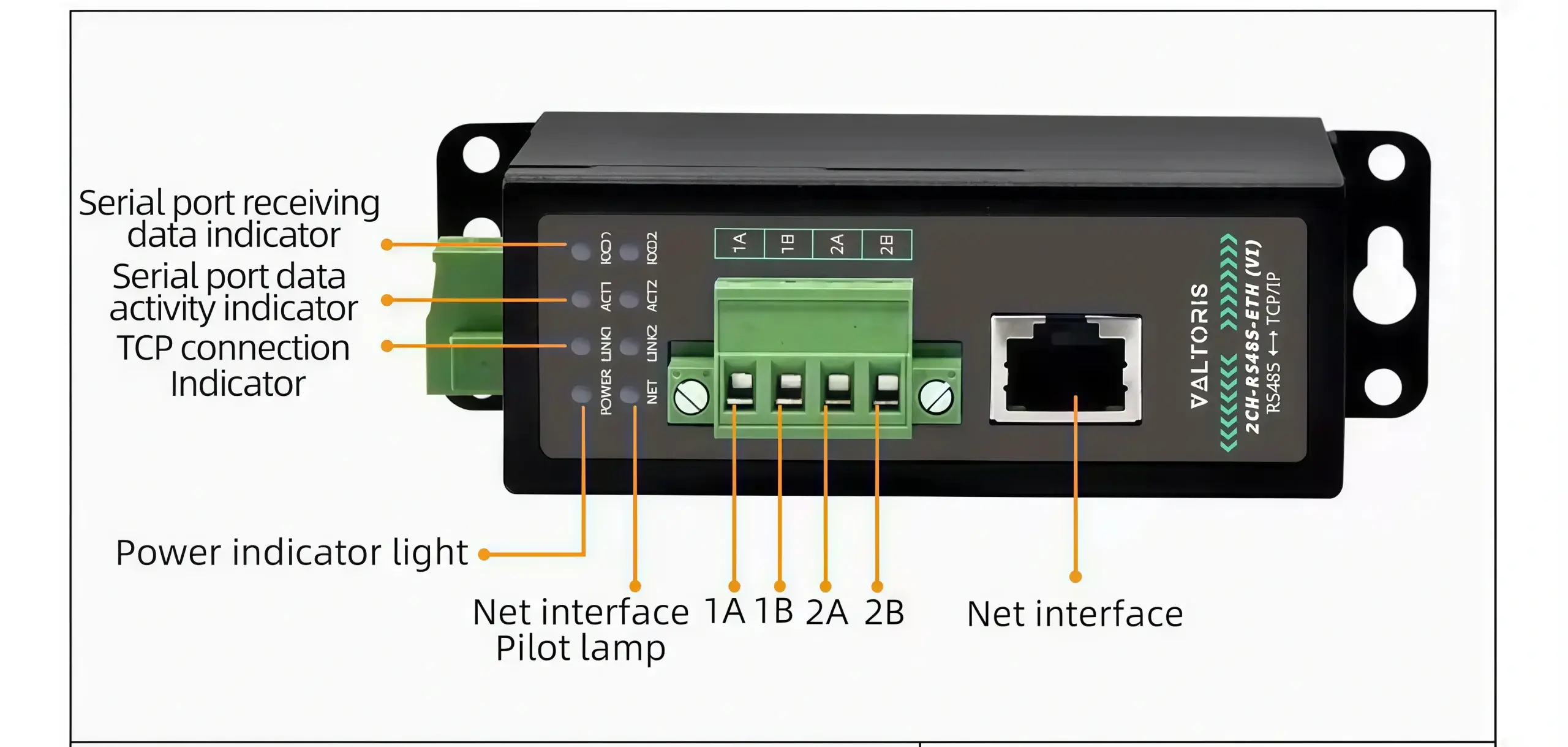
Interface Diagram & Mechanical Dimensions
#

Hardware interface diagram and physical CAD dimensions

Selection guide

ModelSerial Port TypePower Supply Voltage RangeDimensions
(L × W × H)
1CH-RS485-ETH

1CH-RS485-ETH

Single serial port serverScrew terminalDC 9~24V89*37*59mm
1CH-RS232/485/422-ETH (V)

1CH-RS232/485/422-ETH (V)

RS232/485/422 choose one, single serial port serverScrew terminal + DC 5.5 power portDC 9~24V94*65*25mm
1CH-RS232/485/422-ETH

1CH-RS232/485/422-ETH

RS232/485/422 choose one, single serial port serverScrew terminal + DC 5.5 power portDC 9~24V94*65*25mm
2CH-RS485-ETH

2CH-RS485-ETH

Dual serial ports serverScrew terminalDC 9~24V37*83*89mm
2CH-RS485-ETH(V)

2CH-RS485-ETH(V)

Dual serial ports serverScrew terminalDC 9~24V150*105*41mm
2CH-RS232/485/422-ETH

2CH-RS232/485/422-ETH

RS232/485/422 choose one, Dual serial ports serverScrew terminal + DC 5.5 power portDC 9~24V94*65*25mm
4CH-RS485-ETH (V)

4CH-RS485-ETH (V)

4 serial ports serverScrew terminalDC 9~24V150*105*41mm
4CH-RS485-ETH

4CH-RS485-ETH

4 serial ports serverScrew terminalDC 9~24V37*83*89mm
4CH-RS232/485/422-ETH

4CH-RS232/485/422-ETH

RS232/485/422 choose one, 4 serial ports serverScrew terminal + DC 5.5 power portDC 9~24V92*197*25mm
8CH-RS485-ETH (V)

8CH-RS485-ETH (V)

8 serial ports serverScrew terminalDC 9~24V270*105*26mm
8CH-RS485-ETH

8CH-RS485-ETH

8 serial ports serverScrew terminalDC 9~24V37*83*89mm
8CH-RS232/485-ETH

8CH-RS232/485-ETH

8 serial ports serverScrew terminal + DC 5.5 power portDC 9~24V270*105*26mm
16CH-RS232/485/422-ETH

16CH-RS232/485/422-ETH

16 serial ports serverAC 220V power portAC 220V480*180*44mm
32CH-RS232/485/422-ETH

32CH-RS232/485/422-ETH

32 serial ports serverAC 220V power portAC 220V480*180*44mm

Hardware & Interfaces
Ethernet Port1× 10/100M RJ45 Port, 2KV Surge Protection
Serial Interface2× RS485 Ports
Power InputDC 9~24V (Screw Terminal) | 30mA@12V DC
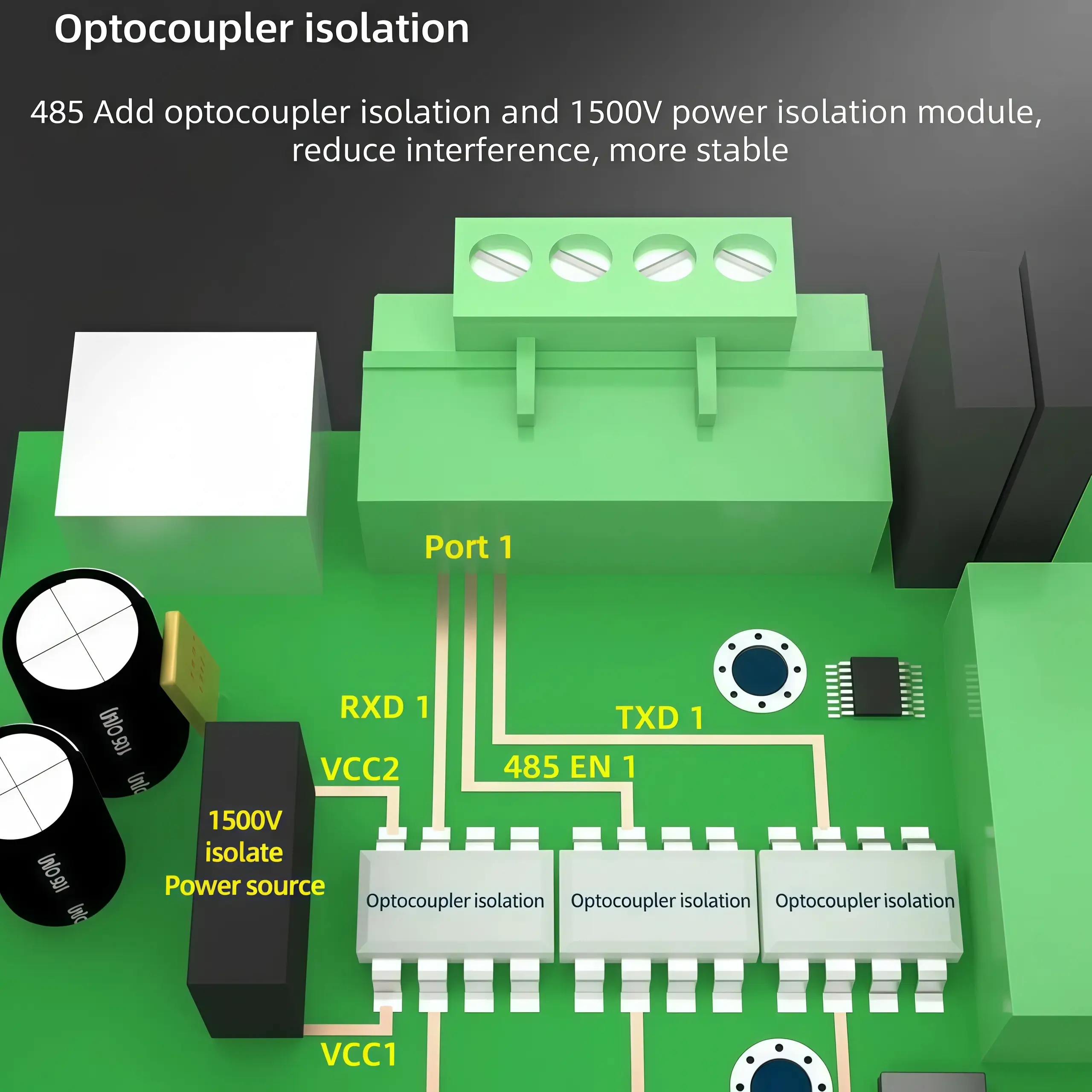
Optocoupler Isolation1500V Isolation Included
Serial Specifications
Baud Rate300 ~ 921600 bps
Data & Parity BitsData: 5 ~ 9 bits | Parity: none, odd, even, mark, space
Flow ControlXON/XOFF, NONE
Software & Network
ProtocolsTCP, UDP, HTTP, ARP, ICMP, DHCP, DNS, Modbus, MQTT, JSON
Operating ModesTCP Server, TCP Client, UDP, UDP Multicast, Virtual Serial
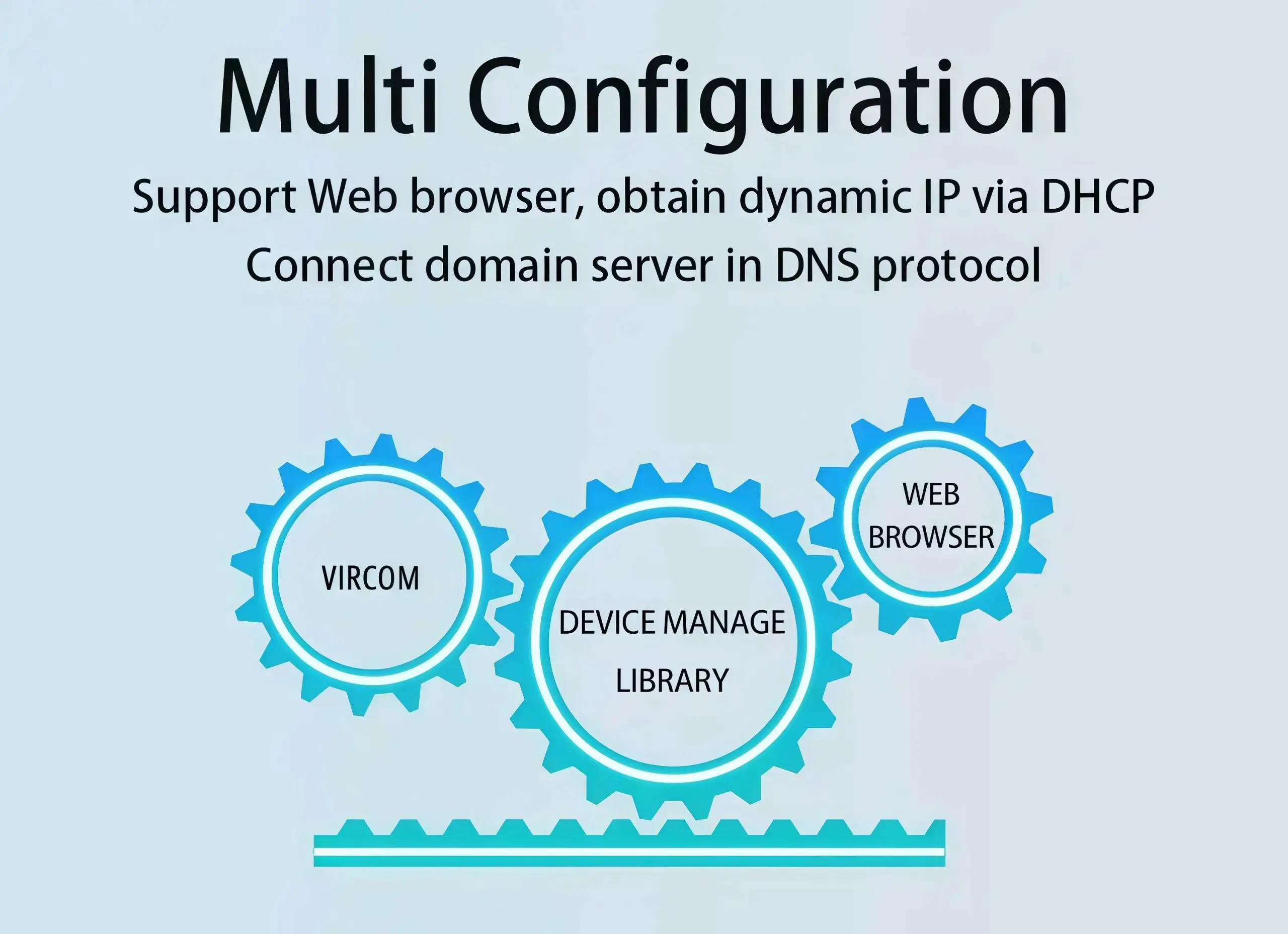
ConfigurationVircom, WEB browser, AT command, Device management library
Environment & Dimensions
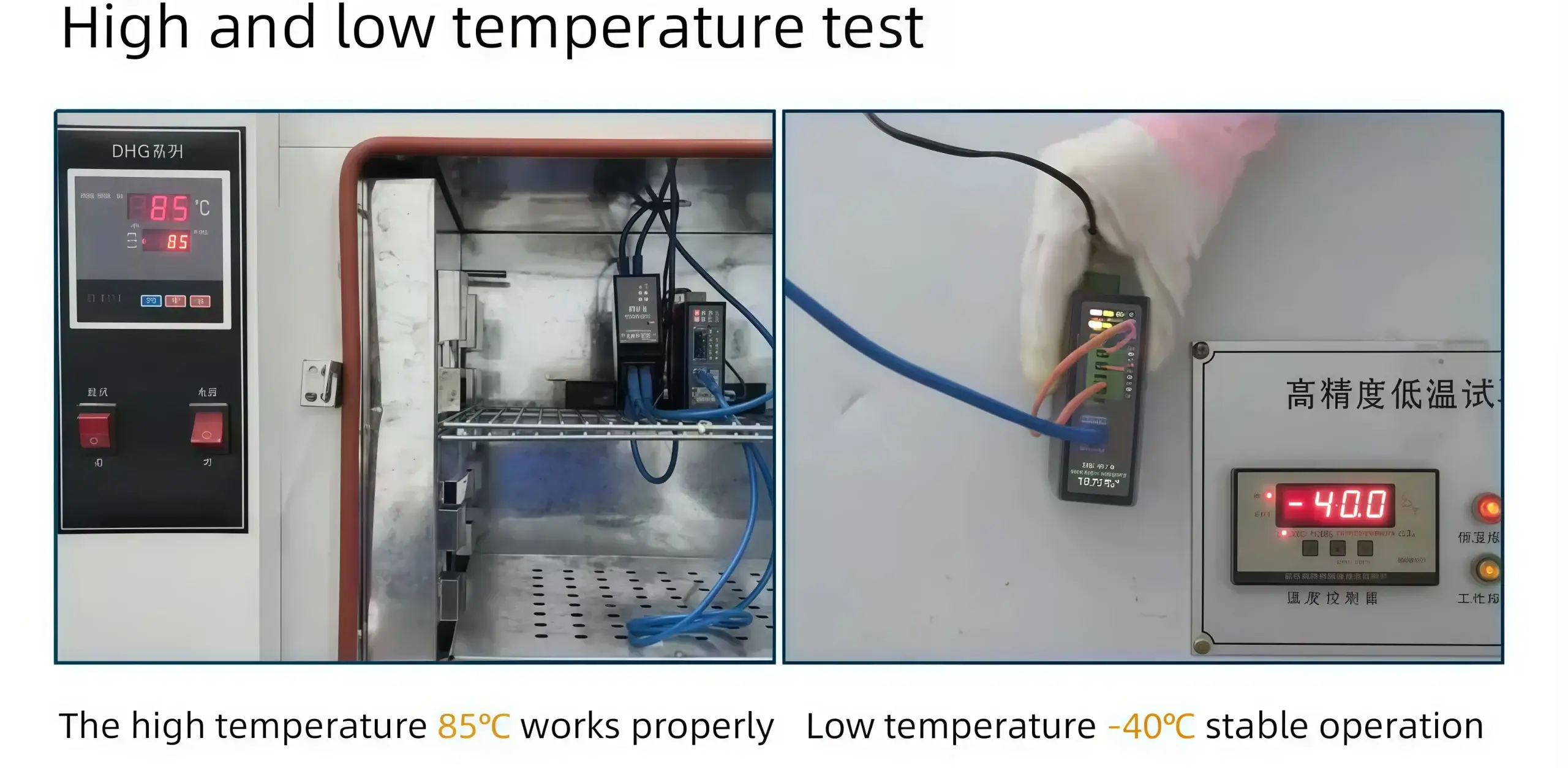
Operating Temp.-40°C ~ +85°C
DimensionsL 8.8cm × W 6.2cm × H 3.3cm
1500V Optocoupler Isolation

Meant for tough industrial environments with high electromagnetic interference, the 2CH-RS485-ETH (V) is designed. It has built-in optocoupler isolation (1500V) to keep your central servers safe and eliminate RS485 ground loop problems, for deep system integration stability.

Advanced IP Routing & Network Management

The device has two RS485 channels to allow for high flexibility in IP management. The devices may be configured to use the same IP address (but using different TCP ports for traffic so as to not waste network resources) or each serial port can be assigned its own independent IP address for complete isolation on the network.

Modbus & MQTT Edge Computing Gateway

Far exceeding basic transparent transmission, it acts as a storage-type Modbus gateway (Modbus RTU to TCP) supporting multi-host concurrent polling. Furthermore, it natively parses Modbus RTU and DL/T 645 meter protocols into structured JSON formats, executing scheduled telemetry uploads directly to enterprise platforms via MQTT or HTTP POST.

Technical FAQ & Troubleshooting

Why is the 1500V optical isolation necessary for my RS485 network?
In industrial panels containing Variable Frequency Drives (VFDs) and large motors, ground loops and transient surges can easily fry standard non-isolated RS485 chips. The 1500V optocoupler isolation physically separates the electrical circuits, blocking these ground loops. Additionally, A dedicated shell ground terminal is included in the device to divert interference and surges efficiently to ensure stable 24/7 communication.
Can I assign a completely different IP address to each of the two RS485 ports?
Yes. The gateway supports the advanced IP routing. Both ports can be combined with one shared IP address (different TCP ports like 4196 and 4197 can be used to distinguish them) to save resources on the network or each serial port can have its own unique IP address for strict network subnet isolation.
How do I recover the device if I configure the wrong IP or JSON payload format?
Disconnect for configuration error and you do not have to return the unit. Simply press and hold the ‘Reset’ button (marked DEF) for more than 5 seconds. This forces the module to revert back to its default IP address (192.168.1.254) and ignore any bad configuration files downloaded. This allows you to get back into the Web GUI quickly and correct the settings.
Ready to deploy? Order direct from our Official Store.
Global delivery and comprehensive technical support included.

🛒 Buy Online Now

REQUEST A QUOTE

SKU/Part No.