
Industrial Cellular Routers
Secure Industrial 4G LTE Routers & Edge Gateways for SCADA Backhaul
Deliver continuous remote connectivity with advanced cellular failover routers. Featuring native IPsec/WireGuard tunneling, native RS485/RS232 interfaces, and rugged DIN-rail armor operating reliably from -40°C to +85°C.
Industrial 4G Routers Selection Guide
Compare our multi-port gateways and compact serial nodes built for secure VPN tunneling. Find the perfect M2M 4G router for your automated WAN failover and legacy Modbus deployments.
| Multi-Port Edge VT-LTE400 Series 5-Port Industrial 4G LTE Gateway. | Compact Node VT-LTE500 Series 2-Port Gigabit Cellular Edge Router. | |
|---|---|---|
| Hardware & Interfaces | ||
| Ethernet Ports (RJ45) | 5 Ports (1x WAN + 4x LAN) | 2 Ports (1x WAN + 1x LAN, Gigabit) |
| Industrial Wi-Fi Capability | 802.11 b/g/n (Mesh/Roaming) | 2.4GHz 802.11 b/g/n (AP/Station) |
| Cellular Module | 4G LTE CAT1 (Max 10Mbps DL) | 4G LTE CAT4 (Dual Mini-SIM) |
| Serial Ports & IoT | RS232 / RS485 (Optional) | 1x RS485, 1x RS232 (Modbus to MQTT) |
| Operating Voltage & Mount | DC 9~24V (V+ / V-) | DC 9~36V (Terminal/Jack) |
| Networking & Security | ||
| WAN Failover (Smart Backup) | Automated Wired-to-4G | Dual-SIM & Wired-to-4G Failover |
| VPN Tunneling | IPsec, WireGuard, L2TP | SDLAN, OpenVPN, IPsec, GRE, L2TP |
| Routing & Firewalls | VLAN, Static Routing, Port Forwarding | SPI Firewall, VLAN, Port Forwarding |
| Operating Temperature | -40°C to +85°C | -30°C to +75°C |
| View Details | View Details | |
Eliminate Remote Site Blind Spots
Prevent remote PLCs and sensors from going down. Our cellular routers create always-on encrypted tunnels back to your central SCADA system, automatically failing over from wired WAN to 4G LTE the minute a primary network failure is detected.
Wired/4G Smart Failover
Both series feature internal monitoring logic that constantly checks WAN health. If the primary wired internet drops, the router automatically dials the 4G radio to keep your SCADA polling active.
Enterprise-Grade VPN
Native support for IPsec, WireGuard, and OpenVPN. Establish highly encrypted, persistent tunnels from unmanned remote sites directly to your corporate firewall, bypassing Carrier NAT.
Native RS485 & Modbus Ready
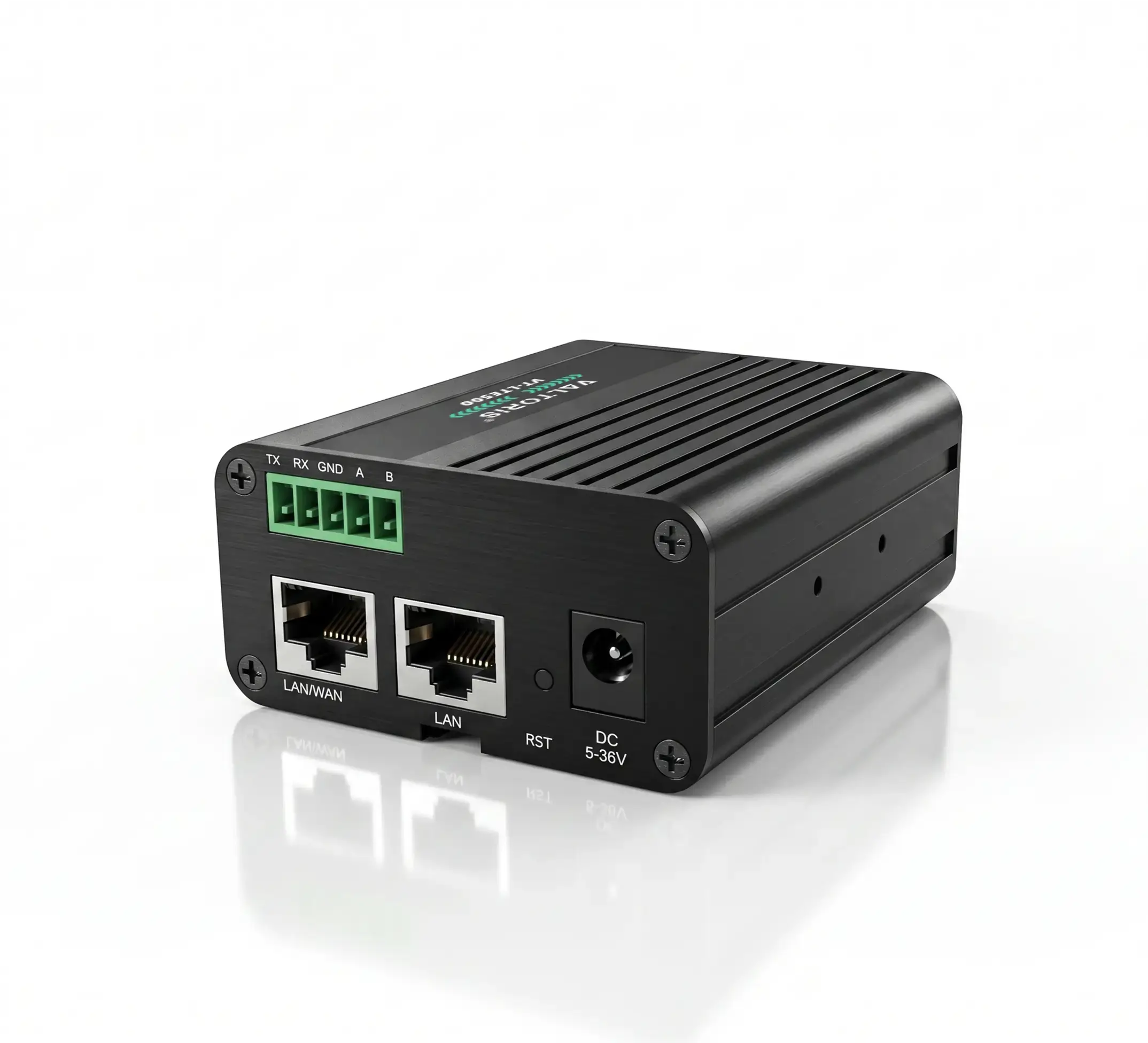
The VT-LTE500 acts as a transparent serial gateway. Connect legacy serial devices directly via native RS485/RS232 interfaces, with built-in Modbus RTU to Modbus TCP or MQTT conversion.
Multi-Port LAN Switching
The VT-LTE400 series serves as a complete edge gateway, offering up to 4x LAN ports to connect multiple PLCs and HMIs inside the cabinet without requiring an external industrial switch.
Wi-Fi Mesh & Roaming
Equipped with 802.11 b/g/n, these routers support AP and Station modes. Deploy them to provide wireless local access to cabinet devices or expand Wi-Fi coverage across expansive factory floors.
Extreme Environment Rating
Engineered with rugged aluminum enclosures and wide-voltage inputs (up to 36VDC), rated for continuous operation in extreme temperatures up to +85°C.
Applications Of Industrial Cellular Routers
Engineered to secure remote unmanned assets where wired broadband is unavailable.

Water & Wastewater Pump Stations
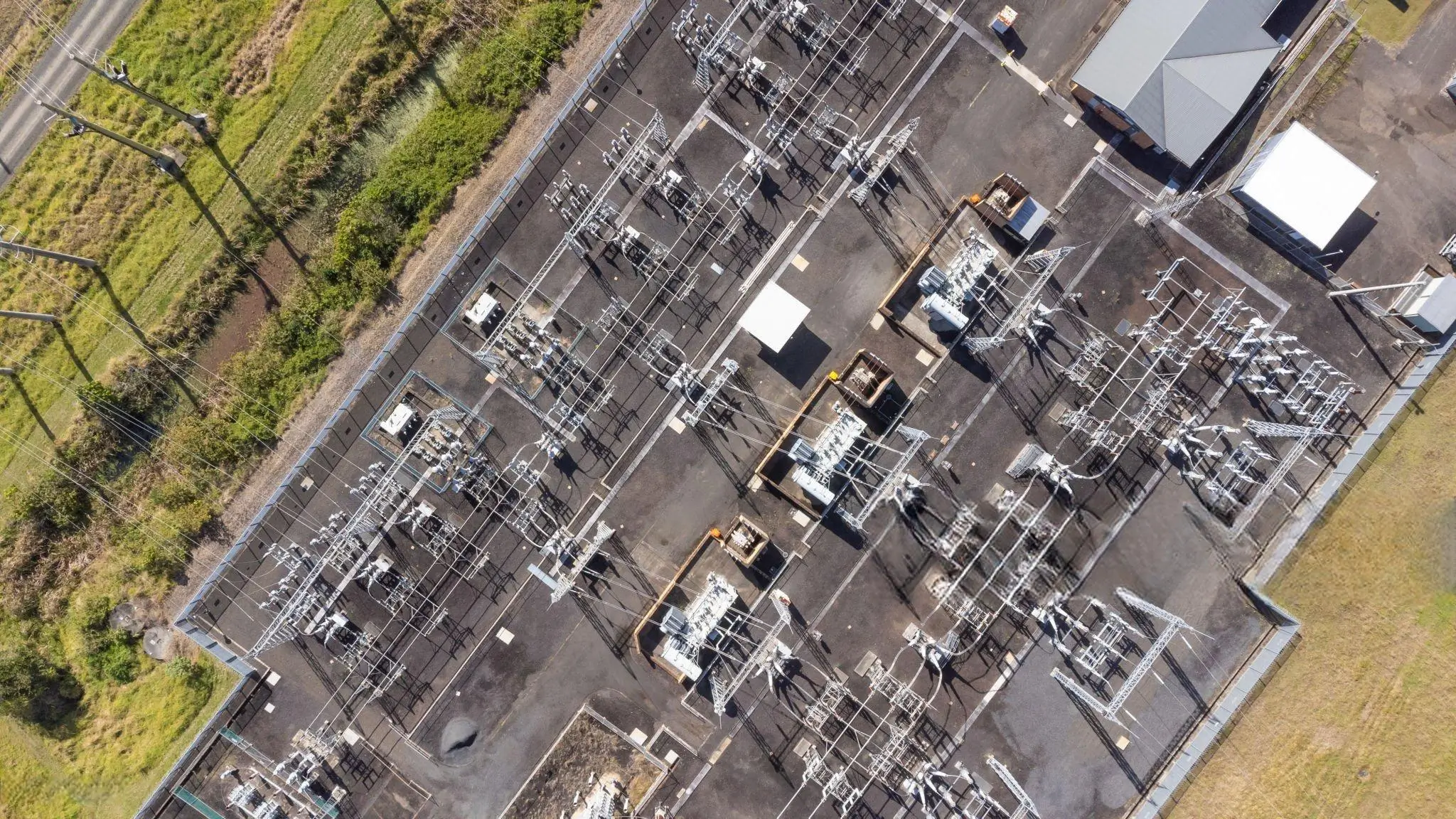
Providing secure VPN backhaul for remote PLC telemetry data from isolated municipal water facilities to the central SCADA system.
Distributed Solar & Smart Metering
Utilizing native RS485 interfaces on the VT-LTE500 to poll legacy Modbus RTU energy meters and transmit data securely to the cloud.

Secure ATM & Vending Networks
Replacing expensive leased lines with highly encrypted, low-latency 4G connections for secure financial transactions.

Intelligent Traffic Systems (ITS)
Delivering heat-resistant, low-latency 4G connectivity for traffic light controllers and digital signs inside harsh roadside cabinets.
Factory Automation Edge Gateways
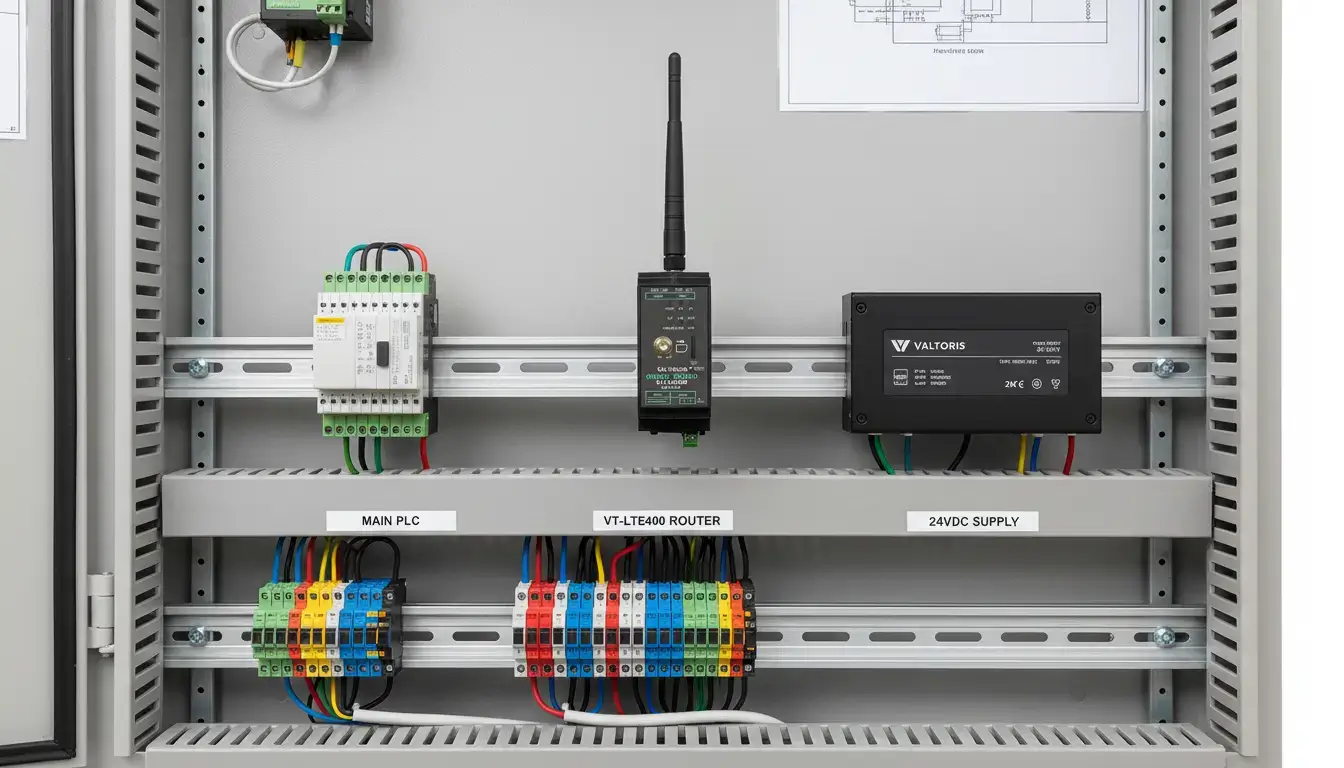
Utilizing the integrated multi-port LAN switch on the VT-LTE400 to connect multiple PLCs and HMIs inside the cabinet without external switches.

Smart Agriculture IoT
Aggregating soil sensor data and orchestrating automated irrigation systems reliably from deep rural locations using compact cellular nodes.
What Our Clients Say
Real-world reliability verified by field systems integrators.
“We deploy these routers in remote solar farms where temperatures regularly hit 65°C inside the cabinet. The smart backup logic is brilliant—if the cellular tower drops the connection, the router restores the VPN tunnel automatically without us having to drive 3 hours to cycle the power.”
“We have our main factory broadband on WAN port and a 4G SIM in as backup. Last month a backhoe cut our fiber line. The Valtoris router switched to LTE so fast that our main SCADA polling loop didn’t even see an alarm. Phenomenal engineering.”
Why Partner With Valtoris?
Since 2014, we’ve focused solely on industrial connectivity. Every router is engineered for harsh environments and long-term reliability—because your network shouldn’t be the weak link.
Built to Last
Designed with industrial-grade components, robust EMI/RFI shielding, and passively cooled aluminum housings to ensure decade-long operational lifespans.
OEM / ODM Tailored
Need custom firmware, specific protocols, or white-label branding? We offer flexible engineering configurations to fit your exact application architecture.
Support That Stays
Our dedicated engineering team provides clear and responsive guidance from initial setup to ongoing firmware updates. No disappearing acts, just a partnership.
True Value (ROI)
We deliver top-tier reliability at a transparent, direct-from-manufacturer price, significantly reducing your truck-roll maintenance and total cost of ownership.
Knowledge & Application Hub
Expert guides, technical fixes, and real-world deployment strategies for OT connectivity.
Best Sierra Wireless RV50X Alternative: Stop Overpaying
The Complete Industrial Cellular Router Configuration Handbook
Secure Remote PLC Access: Stop Exposing Your OT Network
Fixing AGV WiFi Roaming Disconnects: PLC Watchdog Times Out
More Tech Resources
Secure Your Remote Assets Today
Eliminate CGNAT headaches and secure volume direct-from-manufacturer pricing.
Request Custom QuoteDownload the Cellular Routers Line Card
Get a quick offline comparison of LAN/WAN port configurations, LTE band support, and VPN capabilities across the VT-LTE series.
Frequently Asked Questions
Should I choose the VT-LTE400 or VT-LTE500 Series?
Select the VT-LTE400 for sites requiring multiple Ethernet ports (4x LAN) to connect several devices without an external switch. Choose the VT-LTE500 for space-constrained cabinets or applications requiring native RS485/RS232 serial interfaces for direct legacy Modbus RTU polling.
How fast does the router failover from the wired WAN port to the 4G LTE backup?
Our 4G/Wired Smart Backup function relies on continuous hardware and ping-level link monitoring. When a physical drop or severe packet loss is detected on the primary WAN port, the internal routing table instantly shifts traffic to the active cellular interface. In most SCADA environments, this failover executes within seconds, ensuring your polling software does not experience a prolonged timeout.
Will maintaining an IPsec VPN tunnel consume my entire monthly M2M cellular data plan?
No. We understand that industrial M2M SIM cards often have strict 50MB to 500MB monthly limits. The VT-LTE Series’ IPsec implementation utilizes optimized Dead Peer Detection (DPD) and Auto-Reconnect parameters. Tunnel maintenance requires only a few kilobytes per day when idle (no actual PLC data is transmitted), which is perfect for metered remote telemetry applications.
What happens to the router configuration during a remote brownout or power loss?
All network configurations, firewall rules, and VPN certificates are saved to non-volatile flash memory. During a sudden power loss, no settings are lost. The moment DC power is restored, the operating system boots, the cellular module re-registers with the cell tower, and the VPN tunnels are automatically re-established without any human intervention.
Can I completely disable the Wi-Fi broadcast to comply with strict IT security policies?
Yes. Many energy and utility sites prohibit wireless broadcasting. You can log into the local Web UI and completely disable the 802.11 b/g/n radio interface. The device will then operate purely as a hardened, closed-loop industrial cellular router, routing traffic exclusively through the physical RJ45 LAN ports or Serial interfaces.
