
Industrial Serial to WiFi Converters
Industrial Serial to WiFi Bridge for Legacy RS232/RS485 Devices
Instantly connect legacy equipment to modern IP networks. Whether you need a compact WiFi to serial adapter for localized PLC debugging, or an industrial RS485 to WiFi converter for facility-wide coverage, our hardware provides robust Modbus telemetry at a fraction of the cost of physical wiring.
Technical Specifications Of The Valtoris WiFi Converters
Compare physical casing, serial interfaces, and operating environments to select your exact model.
| Specification | VT-WF100 (Metal Case) | VT-WF110 (Plastic Case) |
|---|---|---|
| Product Type & Mounting | Industrial metal case, DIN-rail / Wall-mount | Industrial plastic case, DIN-rail module |
| Serial Interfaces | RS232 x 1, RS485 x 1, RS422 x 1 | RS485 port x 1 |
| Network Interfaces | 1 × RJ45, WiFi (802.11 b/g, AP/STA Modes) | 1 × RJ45, WiFi (802.11 b/g, AP/STA Modes) |
| Power Supply | 9–24V DC (Wide Input) | 9–24V DC (Wide Input) |
| Wireless Security | WEP / WPA-PSK / WPA2-PSK (AES/TKIP) | WEP / WPA-PSK / WPA2-PSK (AES/TKIP) |
| Protocol Support | Modbus TCP, TCP, UDP, HTTP, Virtual COM | Modbus TCP, TCP, UDP, HTTP, Virtual COM |
| Operating Temp. | -40°C to 85°C | -40°C to 85°C |
| Dimensions | 94 × 65 × 25 mm | 37.6 × 83.6 × 89.2 mm |
| Industrial Protection | RS485 Lightning Protection, High EMI Immunity | Standard Protection |
| View VT-WF100 | View VT-WF110 |
Download the Serial to WiFi User Manual
Get the complete offline technical specifications, pairing instructions, and dimension drawings for the VT-WF100 and VT-WF110 series.
Valtoris Wireless Bridge Solution
Secure bridging for legacy industrial equipment to modern networks, making it ideal for factory automation, remote PLC monitoring, and distributed IoT sensor systems.
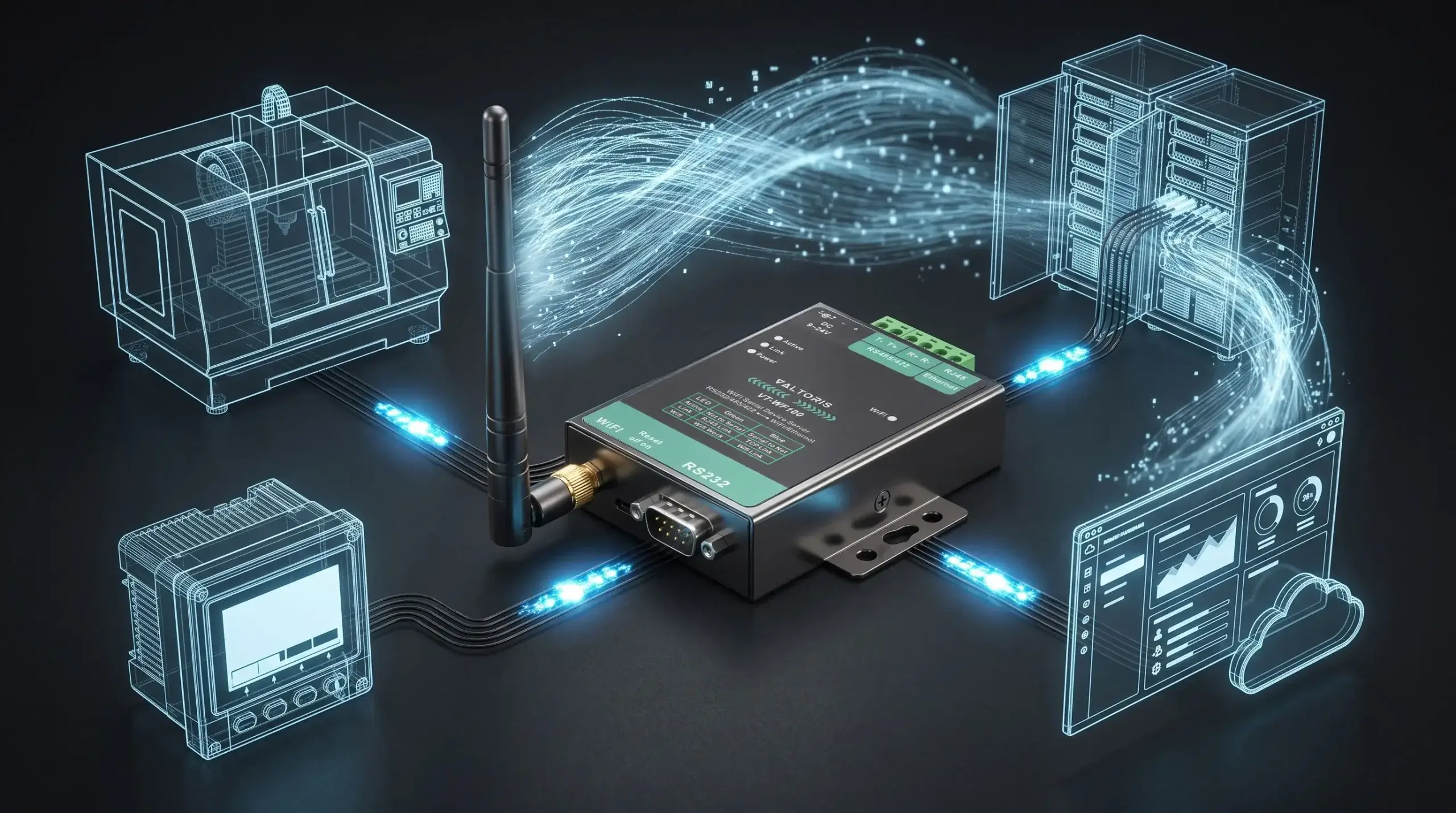
Modbus TCP over WiFi
As a robust serial to wireless converter, it natively handles Modbus TCP over WiFi, integrating legacy RTU equipment into your modern SCADA network instantly without protocol mismatch.
Multi-Protocol & Interfaces
Functions as a versatile serial-to-wireless converter and Modbus gateway, fitting into diverse automation and PLC polling setups.
Rugged Industrial Design
Engineered with versatile housing options—from rugged metal cases for high-EMI environments to space-saving DIN-rail modules.
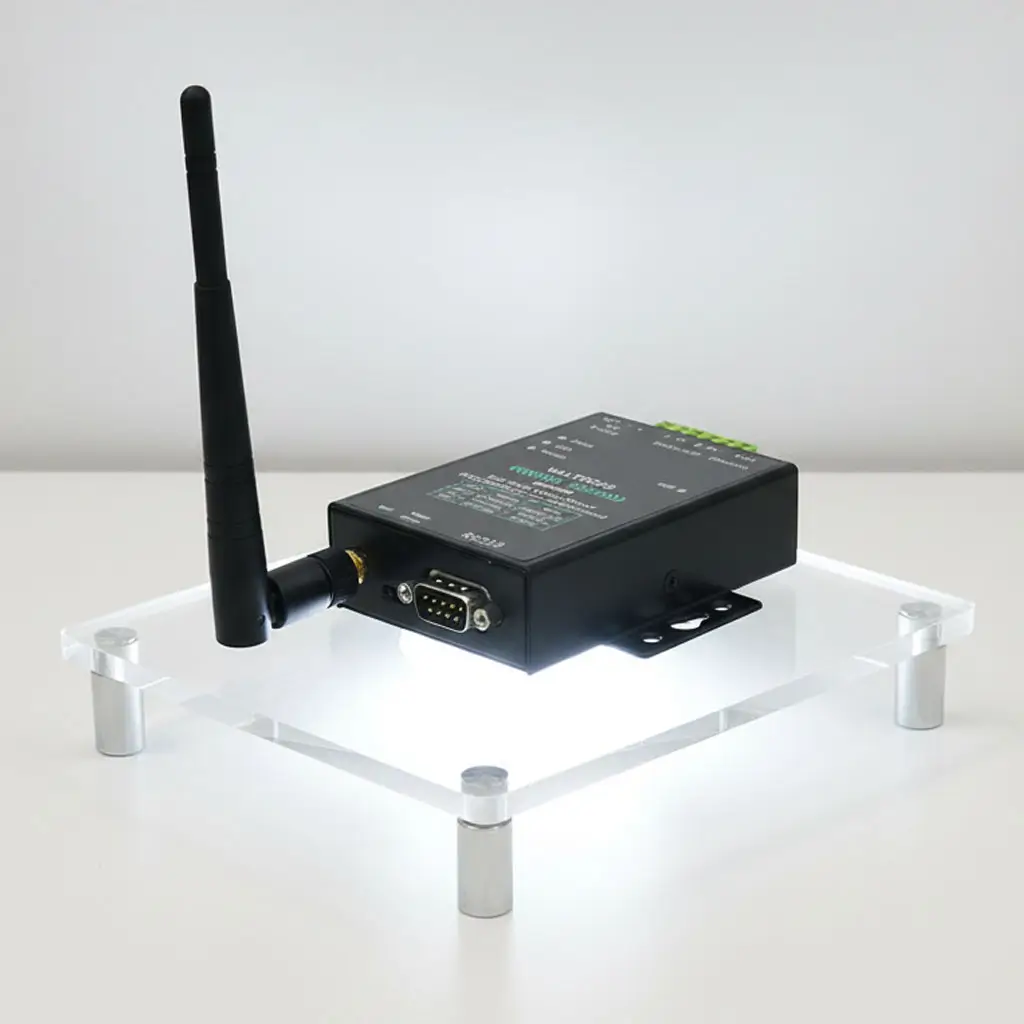
Remote Configuration & Management
Offers built-in web-based tools and VirCom software to set up and manage connected serial devices from a central location.
Enhanced Data Security
Provides standard WPA2-PSK encryption for network security and advanced RS485 lightning protection on some rugged models.
Wide-Range Operational Reliability
Automatic re-connection of the network and integrated hardware watchdogs ensure constant data transmission and prevent costly down time.
Why Choose Valtoris Serial to WiFi & Ethernet Converter
Engineered for absolute OT network stability since 2014.
Built for Demanding Industrial Sites
Our Serial to WiFi converter features a metal case, wide-temperature operation, and multi-interface support for reliable networking of PLCs and sensors in tough environments.
Unparalleled Engineering Support
We help you configure and set up the protocols so your data flows reliably to your SCADA or cloud platform, and we clearly support long term operations.
Custom Solutions Available
Leverage our OEM/ODM services to adapt the serial port to wifi adapter with custom firmware, connectors, or housing for seamless integration into your existing setup.
Low Total Cost of Ownership
Save on new cabling, reduce downtime, and gain centralized control—invest in a bridge that works today and scales with your network.
Applications Of Industrial Serial to WiFi Converters
See how eliminating physical cabling can transform the efficiency of your industrial facility.

Legacy Equipment Integration
Serial to WiFi converters help legacy RS232, RS485, and RS422 devices communicate over modern IP networks. You can monitor PLCs and CNC machines from a distance without replacing the hardware.

Building Automation Control
Deploying an RS485 wireless transceiver facilitates the connection of HVAC controllers and energy meters to centralized platforms. This RS485 wireless bridge supports smart facility management without drilling through walls.

Remote Data Acquisition
The converter gives reliable local connectivity for wireless transmission of data from flow meters, pressure sensors and gauges in water and energy applications.
What Our Clients Say
Learn from our partners how our serial-to-WiFi converters have simplified their connectivity challenges.
“We had a batch of older PLCs that needed network access for remote diagnostics. Pulling new cables wasn’t an option. The Valtoris serial to WiFi adapter was straightforward to set up and has run without a glitch for over eight months. It didn’t require deep IT knowledge to get going—just worked.”
“Our building management system uses RS485 sensors, and WiFi coverage was spotty in the basement mechanical rooms. We tested a few adapters; some dropped connection under load. The Valtoris RS485 to WiFi unit held up, and their tech support helped us adjust the polling rate to match our system.”
Serial-to-Wireless Converter Related Resources
Stay ahead in connectivity by exploring practical guides and technical insights on wireless communication networks.

Expert Guides To Industrial Wireless Connectivity
How To Choose The Right Serial-to-WiFi Converter For Your Needs?
- Identify your serial devices: Determine if you need to connect RS232, RS485, or RS422 equipment.
- Assess the environment:Harsh industrial environments? Choose a metal-case converter with -40°C to 85°C operating temp.
- Define security requirements: Ensure the device offers adequate encryption (e.g., WPA2-PSK).
- Prioritize support features: Look for built-in protections such as RS485 lightning protection and high EMI immunity.
What is the typical range and data rate of a Serial to WiFi Converter?
- Typical Operational Range: In standard indoor settings, 2.4GHz WiFi can reliably communicate up to 30-50 meters through walls.
- Data Transmission Rate: Sufficient for most industrial serial protocols, with serial baud rates up to 115.2kbps.
- For extended range: Deploy additional wireless access points or consider our LoRa DTU solutions.
Which Serial to WiFi Converter Is Best For Your Application?
- For demanding industrial environments, the Valtoris VT-WF100 (Metal Case) is recommended. Its support for RS232/485/422 and DIN-rail mounting makes it ideal for factory floors.
- For cost-effective RS485 conversion in less harsh environments, the Valtoris VT-WF110 (Plastic Case) provides simple integration for building automation and indoor equipment monitoring.
What Maintenance And Service Options Are Available For Valtoris’s converters?
- Valtoris ensures your wireless network remains operational through direct technical assistance for device pairing, network configuration, and troubleshooting.
- We provide necessary firmware updates backed by our standard hardware warranty and straightforward web-based setup guides.
Get a Quote for Industrial Serial to Wi-Fi Solutions
Looking for a reliable way to connect your legacy serial equipment to today’s networks? Our specialists are available to assist you in selecting the right Serial to Wi-Fi/Ethernet Converter for your application and integration needs.
Request Your QuoteFrequently Asked Questions
Why am I getting “Timeout” errors when sending Modbus RTU commands over the WiFi converter?
A: This is the most common issue when using standard transparent converters. Modbus RTU has strict timing requirements. If you simply transmit Modbus TCP bytes to a serial RS485 line, the timing breaks and the end device ignores the packet. Our converters (like the VT-WF100 and VT-WF110) solve this by featuring a built-in Modbus Gateway. They natively translate Modbus TCP requests to Modbus RTU, handling the checksums and timing locally to eliminate polling collisions and timeouts.
I wired RS485 A to A, and B to B, but my SCADA system shows no communication. What went wrong?
A: In the industrial world, the RS485 standard unfortunately does not clearly dictate which pin is A (+) and which is B (-). Many manufacturers label their driver lines backwards. If your baud rate and parity settings are identical but comms still fail, simply swap the A and B wires. This fixes the issue in 80% of field deployment cases without damaging the equipment.
How many serial meters can I daisy-chain to a single wireless RS485 transceiver?
A: The standard allows 32 devices per bus. However, when using a serial port to WiFi adapter, network overhead increases. For maximum stability over wireless networks, we suggest keeping the number of polled meters per adapter to less than 15–20 and make sure that both ends of the physical copper bus have 120-ohm termination resistors.
My legacy CNC monitoring software only connects via “COM1” or “COM2” and doesn’t understand IP addresses. Can I still use this?
A: Yes. Both the VT-WF100 and VT-WF110 support Virtual COM Port technology. We provide software (VirCom) that maps the RS485 wireless transceiver’s network IP address to a virtual local COM port (e.g., COM5) on your Windows machine. Your legacy software will function exactly as it did before, completely unaware that the data is now traveling over a modern WiFi network.
