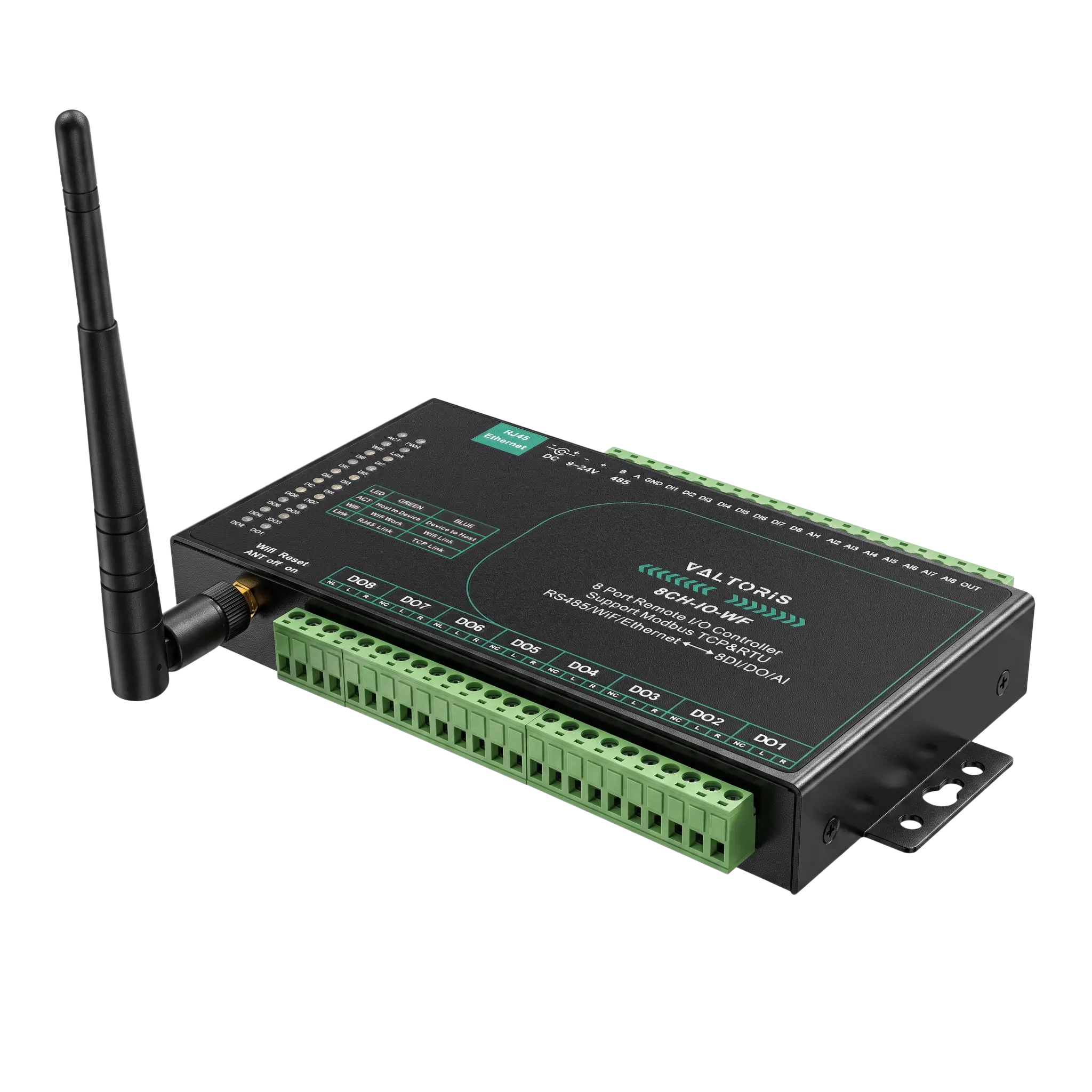
Industrial 8-Channel Wireless I/O Module (8DI/8AI/8DO), Isolation Protection

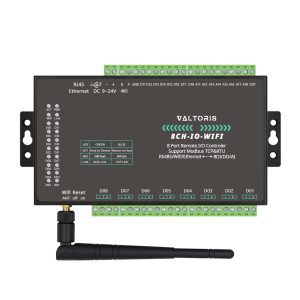
Eliminate prohibitive cable-pulling costs across your facility with the Valtoris 8-Channel Wireless I/O Module (8CH-IO-WF). Designed for distributed automation, this high-density edge node consolidates 8 digital inputs, 8 analog inputs, and 8 relay outputs over standard 802.11b/g Wi-Fi. 

Part No. 8CH-IO-WF
sku : IoT-RIC103
INSTANT QUOTE

Eliminate Costly Cable Runs

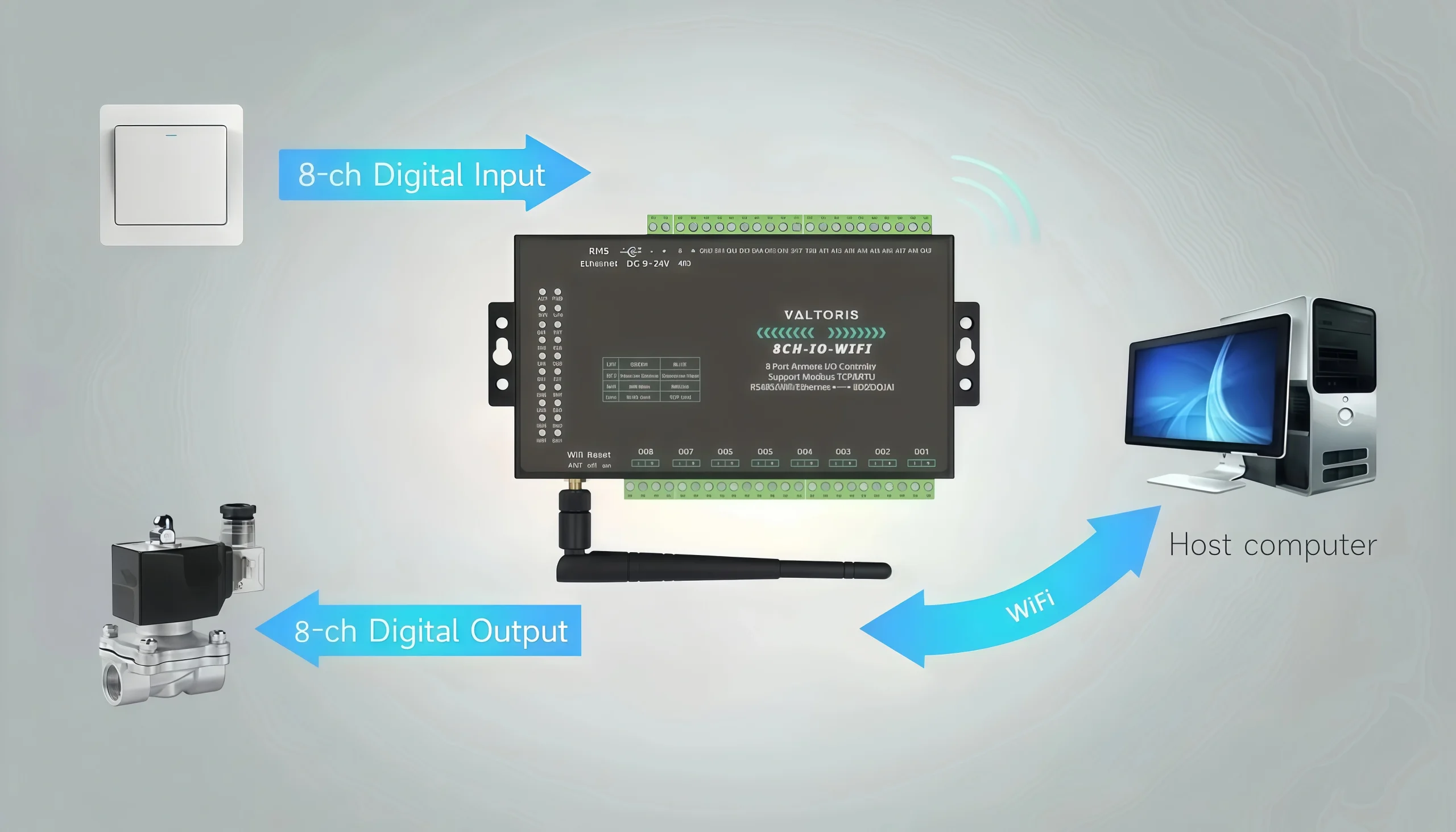
Running copper wire across a large factory floor or between buildings can wreck a project budget. This 8-Channel Wireless I/O Module bypasses this entirely by utilizing standard 2.4GHz 802.11b/g Wi-Fi to seamlessly transmit 24 channels of dense I/O data (8DI / 8AI / 8DO) back to your central SCADA.
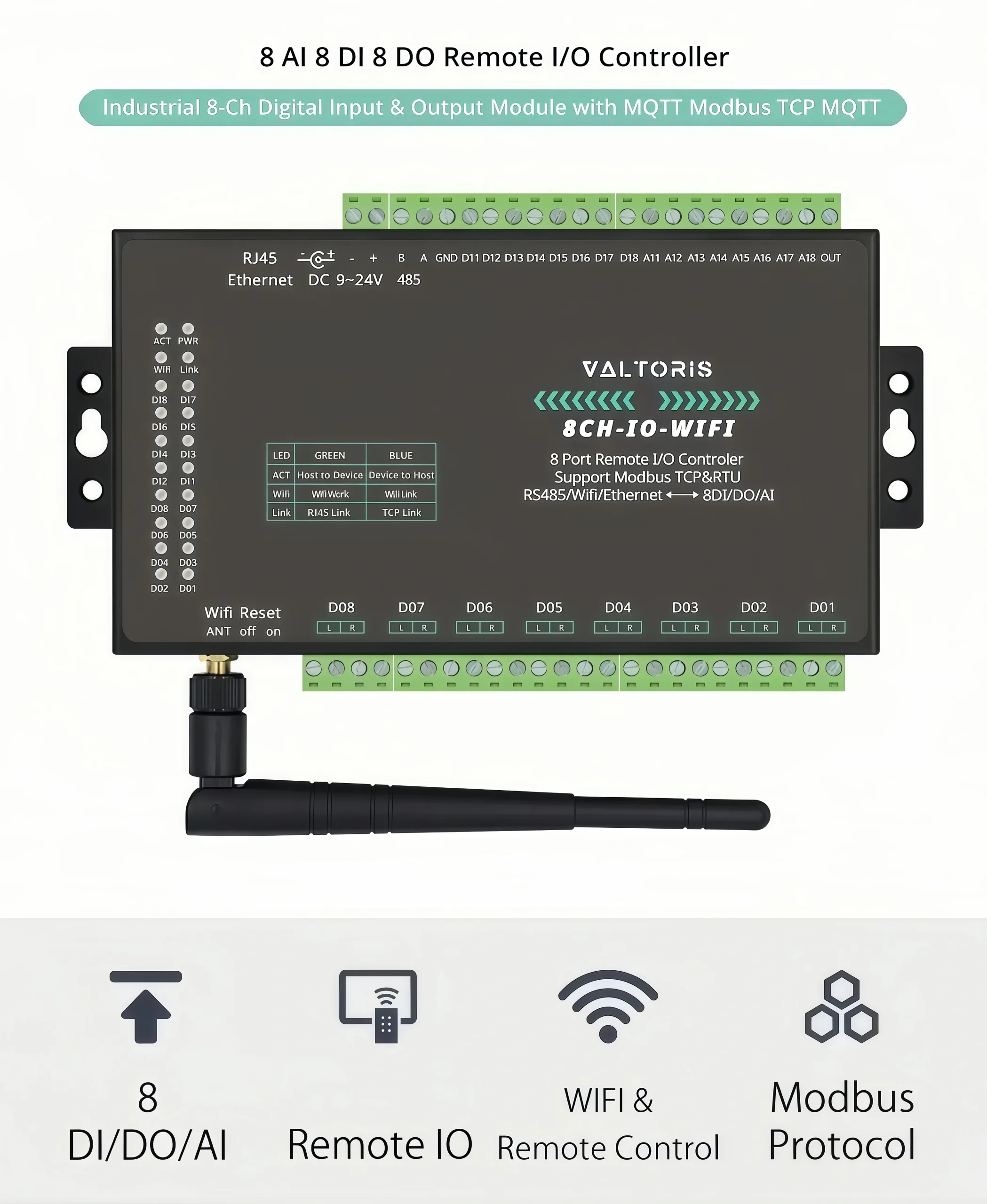
8-Channel Wireless I/O Module Overview
Wireless I/O Deployment in factory

Peer-to-Peer (P2P) Direct Wireless Control

You don't always need a complex PLC. Connect two 8CH-IO-WF modules to the same Wi-Fi network. When a high-level switch (DI) triggers on Module A, the relay output (DO) on Module B will instantly actuate, acting as an invisible virtual wire across your facility.
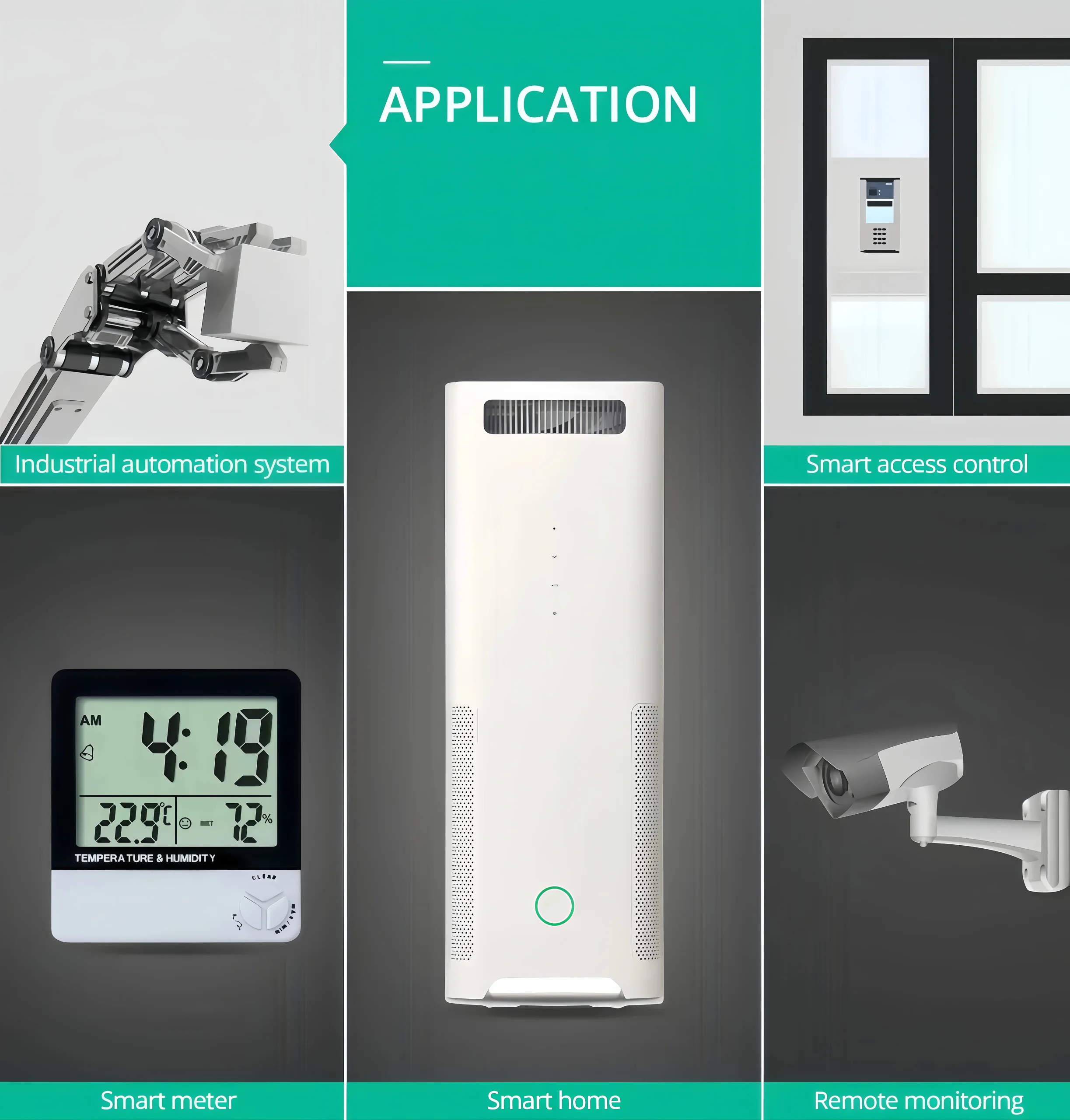
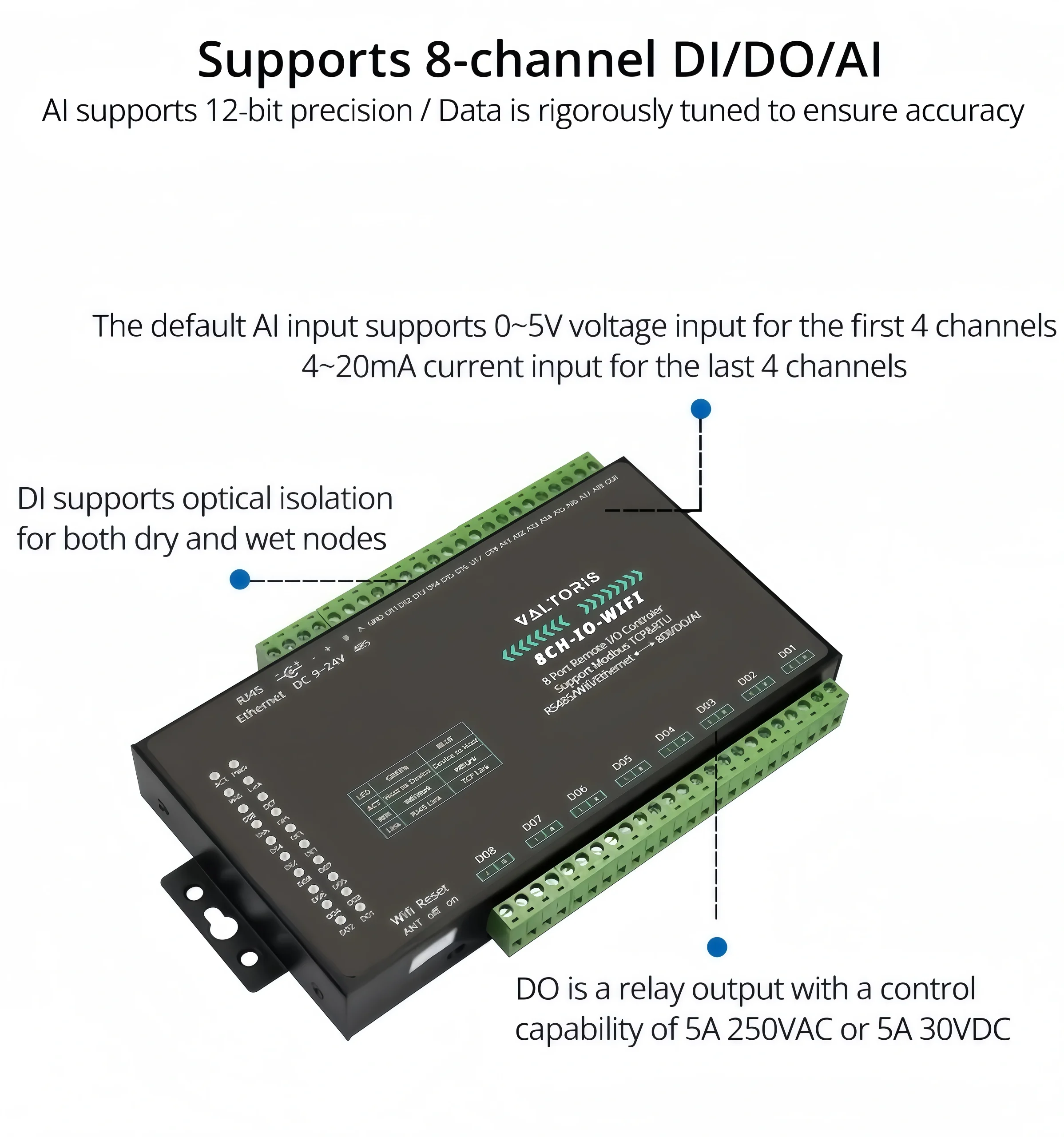
Peer to Peer I/O Connection via Wi-Fi
P2P Architecture Schematic

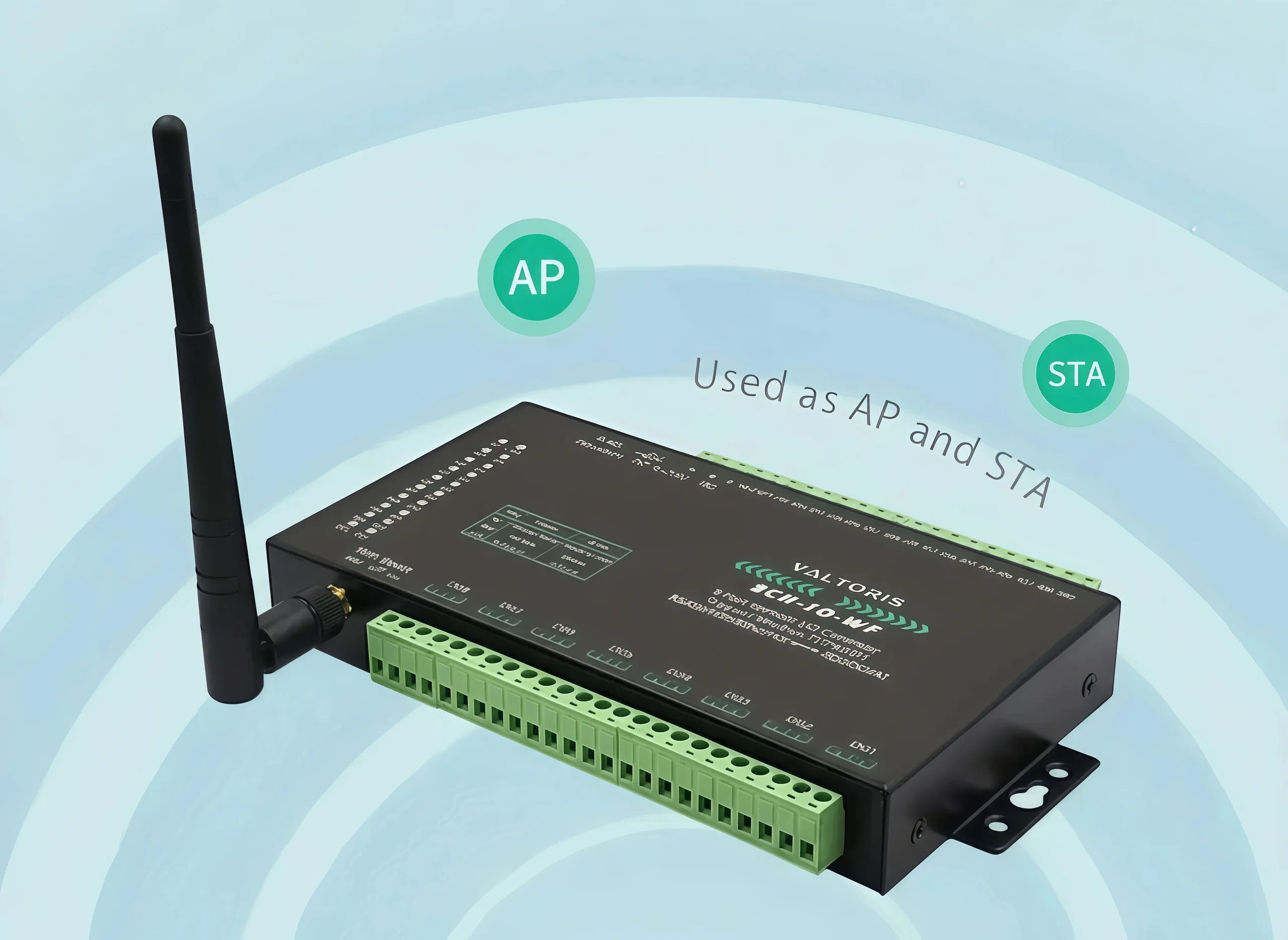
AP & STA Operating Modes

The module supports AP (Access Point) mode and STA (Station) mode. It can connect to your existing factory router (STA mode) for centralized monitoring, or broadcast its own Wi-Fi signal (AP mode) for direct, localized engineer access and troubleshooting..

WiFi Remote Control AP and STA modes

Native Modbus TCP & RTU Processing

Fully compatible with legacy and modern systems. It can be polled via Modbus TCP over its Wi-Fi uplink, or act as a transparent bridge for legacy Modbus RTU serial devices via its built-in RS485 port, consolidating all telemetry into a single IP packet stream.
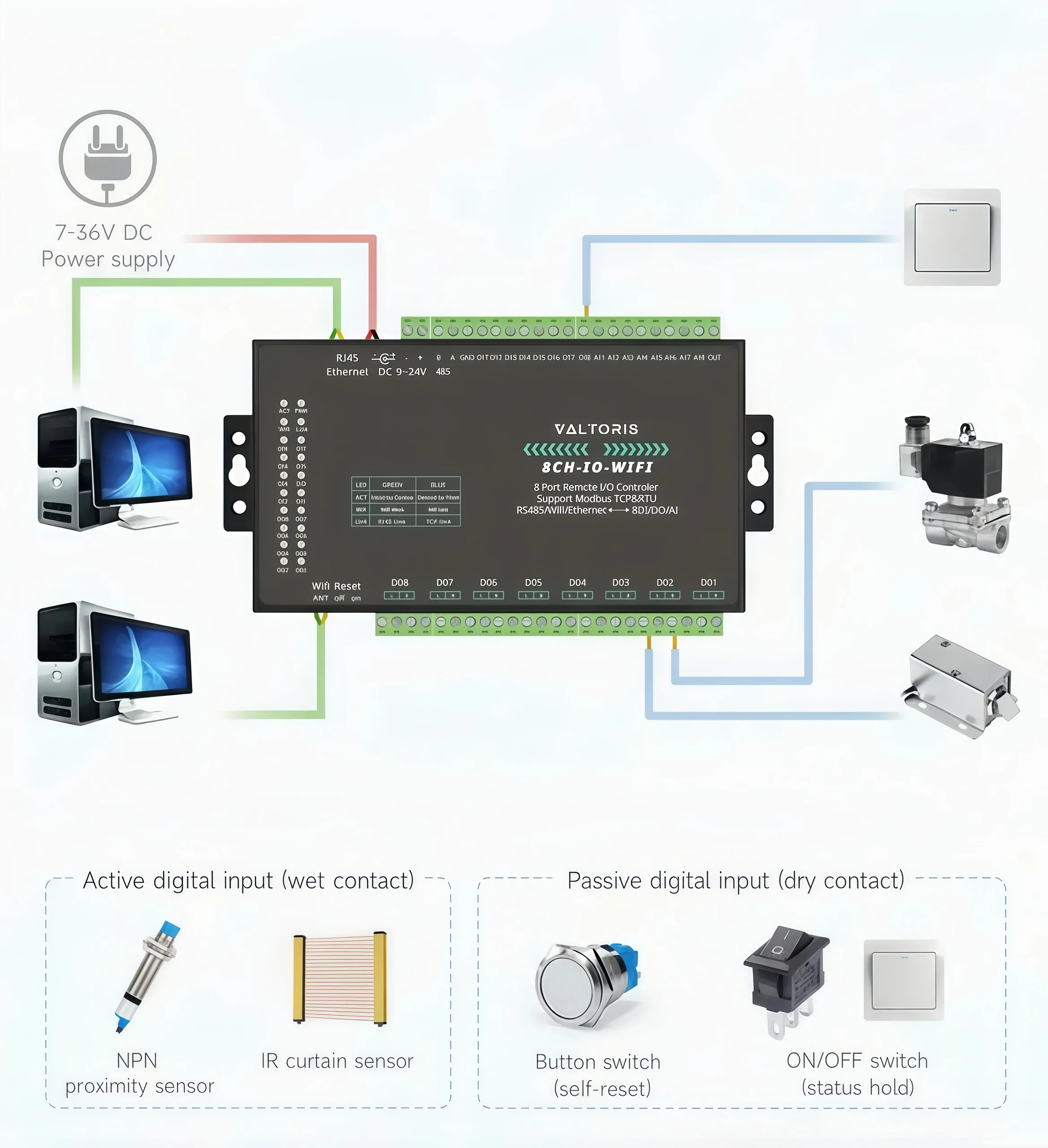
Modbus TCP and RTU Support via Wi-Fi

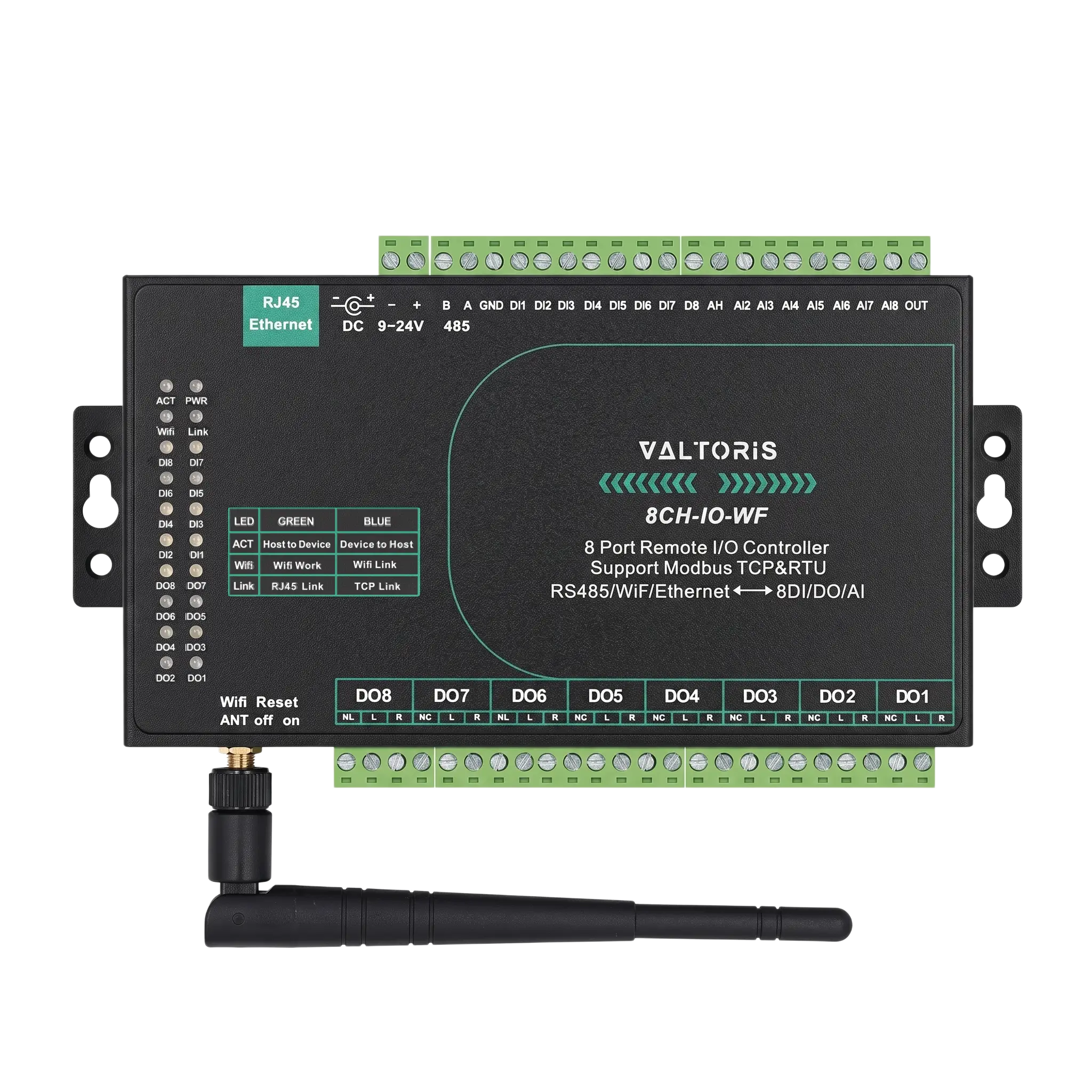
Rich Diagnostics: Visual LED Indicators

Commissioning wireless I/O should be simple. The 8CH-IO-WF features a full set of LED indicators, allowing technicians to visually monitor power, Wi-Fi linkage, TCP connection, and the real-time state of every DI and DO channel at a glance.
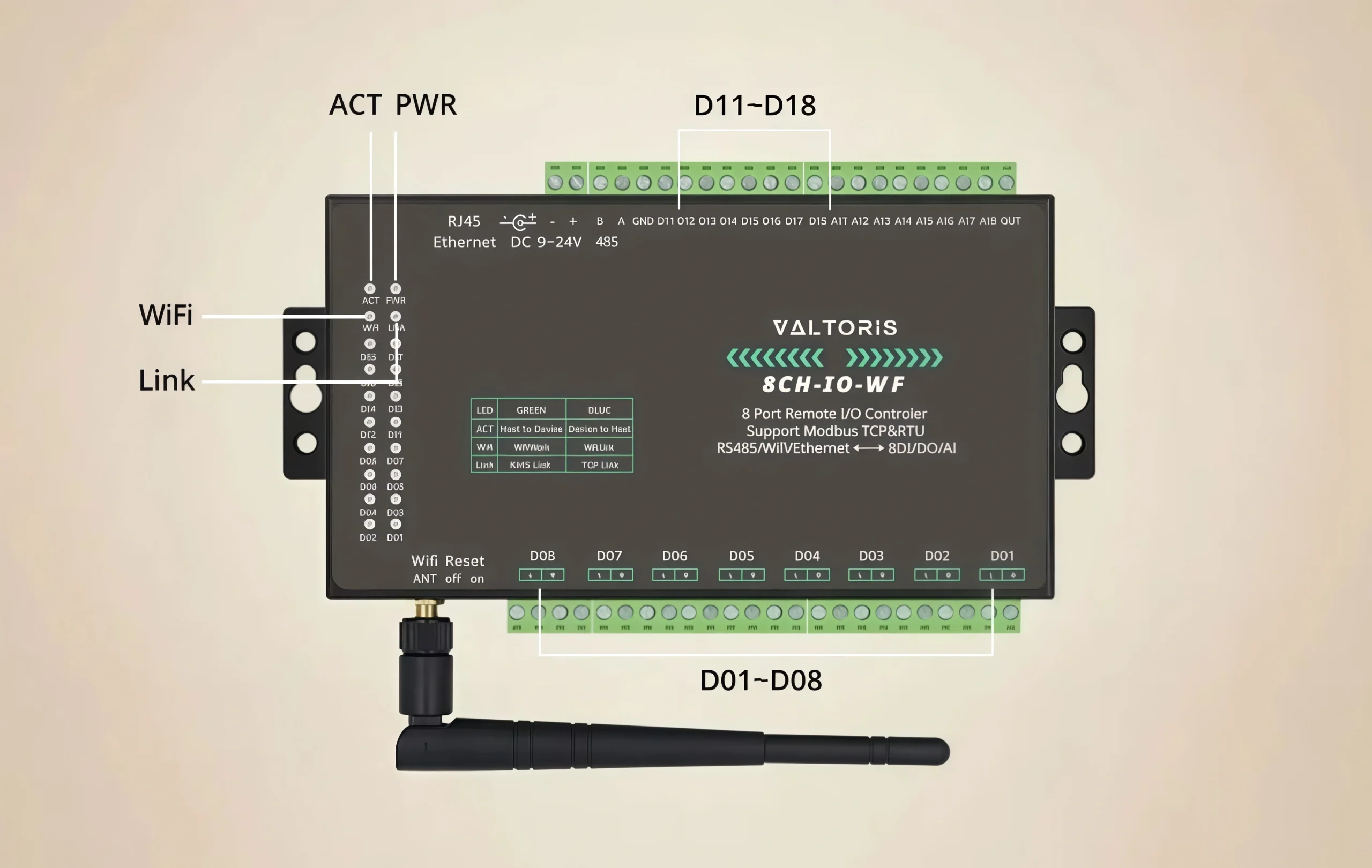
Rich LED Indicator Lights
IndicatorFunctionStatus Description
PWRPower StatusSolid Green: Device is powered on.
LINKNetwork LinkGreen: Ethernet connected. / Blue: Modbus TCP established.
WiFiWireless StatusGreen: Wi-Fi module active. / Blue: Connected to Access Point.
ACTData ActivityBlinking: Actively receiving/transmitting data packets.
DI 1-8Input StatusSolid Light: Corresponding digital input is closed (active).
DO 1-8Output StatusSolid Light: Corresponding internal relay is energized (closed).

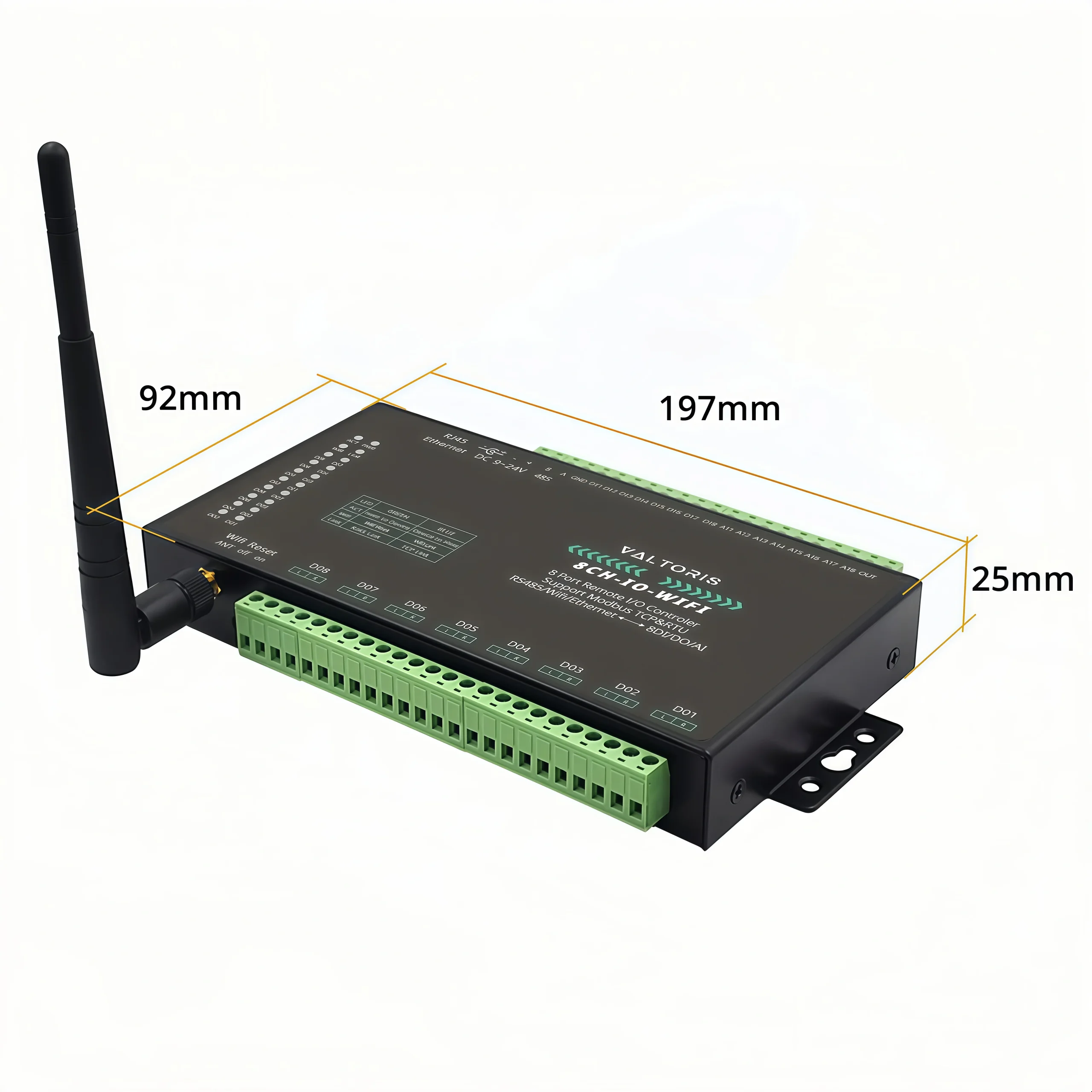
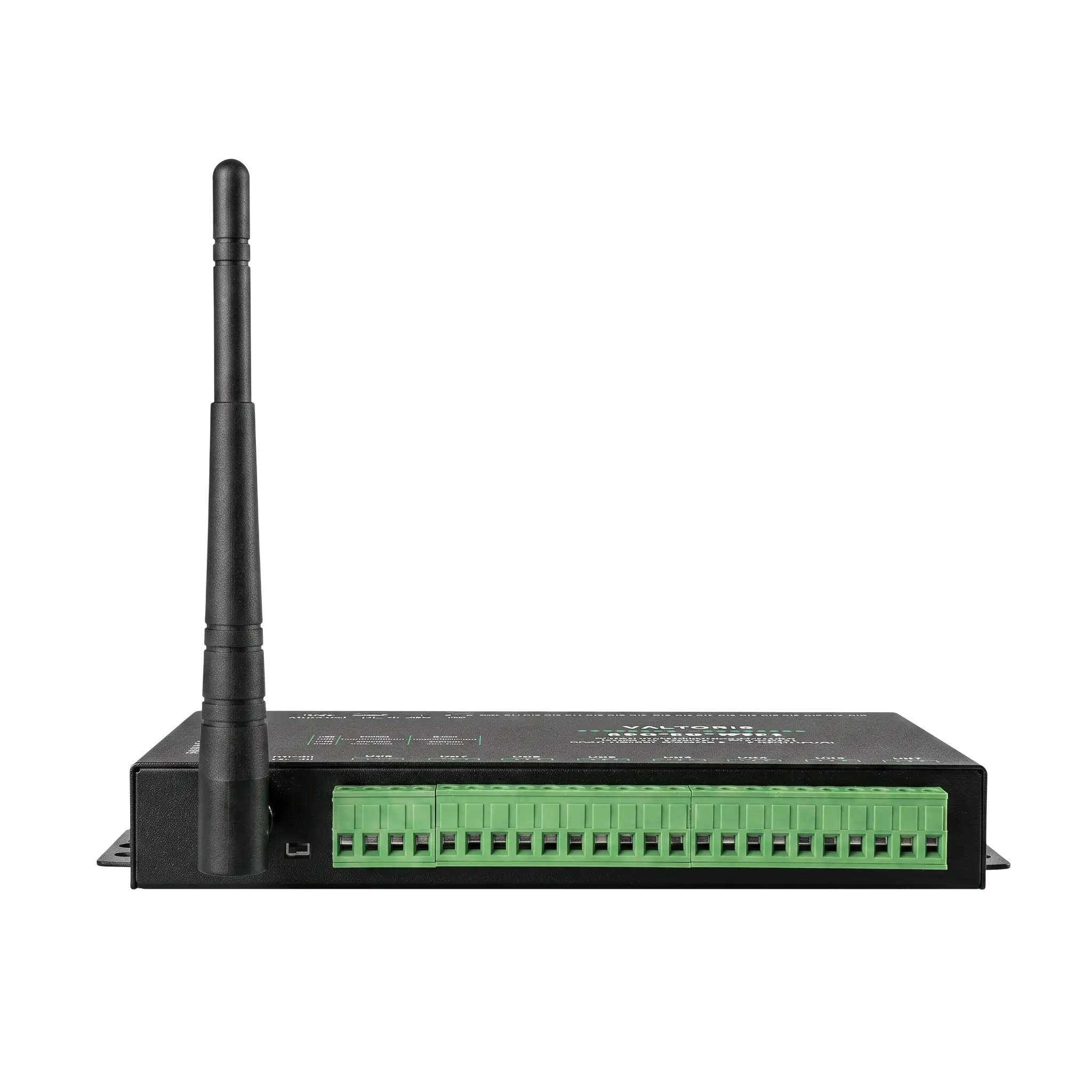
Hardware Dimensions & Layout

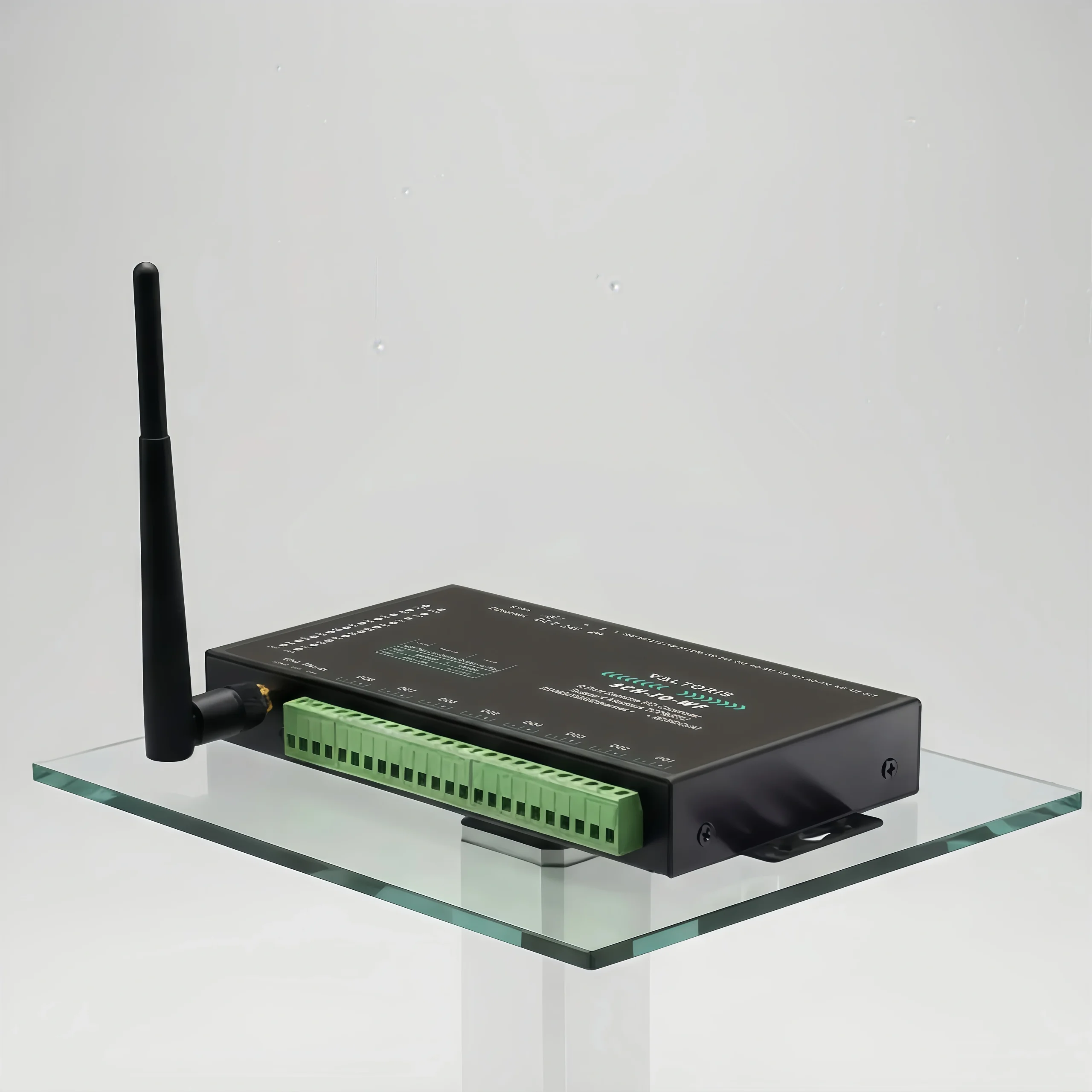
Product Hardware View Details
Outline Mechanical Dimensions Schematic

Ready to deploy the 8CH-IO-WF?
Check real-time stock, confirm AI specifications, and order directly from our B2B store.

Remote I/O Controller Selection Guide

ModelI/O DensityNetwork UplinkPower InputDimensions (mm)

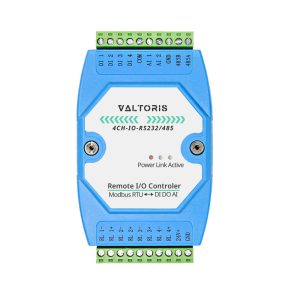
4CH-IO-RS232/485

2 AI / 4 DI / 4 DOSerial (RS232/485)Terminal (DC 9~24V)121 × 72 × 34

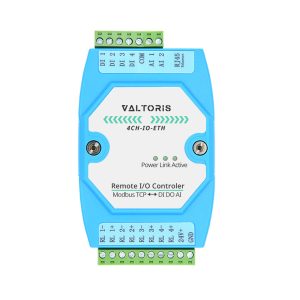
4CH-IO-ETH

2 AI / 4 DI / 4 DOEthernet (TCP/IP)Terminal (DC 9~24V)121 × 72 × 34

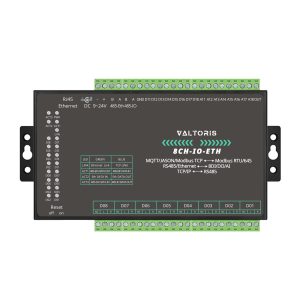
8CH-IO-ETH

8 AI / 8 DI / 8 DOEthernet (TCP/IP)Terminal + DC Jack197 × 92 × 25

8CH-IO-WF
(CURRENT MODEL)

8 AI / 8 DI / 8 DOWi-Fi (Wireless)Terminal (DC 9~24V)197 × 92 × 25

8CH-IO-LTE

8 AI / 8 DI / 8 DO4G LTE (Cellular)Terminal + DC Jack197 × 92 × 25

Hardware & Interfaces
Network InterfaceWi-Fi (802.11 b/g) / 10/100M Ethernet (RJ45)
Serial Port1x RS485 (1200~115200 bps)
Antenna InterfaceWi-Fi Antenna Port
I/O Configuration
Digital Inputs (DI)8 Channels (Passive Dry Contact or Active Level 9V/24V)
Digital Outputs (DO)8 Channels (Relay Output: 5A@250VAC / 30VDC)
Analog Inputs (AI)8 Channels
AI Supported FormatsCurrent (4~20mA, 0~20mA), Voltage (0~5V, 0~10V), or Resistance (0~10K)
Software, Power & Environment
ProtocolsModbus TCP / Modbus RTU
Power InputDC 9~24V (Terminal Block or DC Jack)
Power Consumption< 220mA @ 24V DC
Dimensions19.7 cm × 9.2 cm × 2.5 cm
Operating Temp.-40°C ~ +85°C
⚙️ Key Wireless & Edge Capabilities
Wireless Edge Acquisition: securely connects via standard 2.4GHz 802.11b/g Wi-Fi, eliminating the need to run expensive copper network cables across your factory floor.
High-Density I/O: Monitors 8 Digital Inputs (DI) and 8 Analog Inputs (AI) at the same time and safely controls 8 Relay Outputs (DO).
Peer-to-Peer (P2P) Control: Two modules can be paired in a special mode, directly connected through the wireless LAN. A sensor in Building A can activate a pump relay in Building B without a master PLC.
Unified Modbus Protocol Bridge: Converts raw I/O terminal states and RS485 slave data to standard Modbus TCP payloads directly to your SCADA or HMI.
Streamlined VirCOM Configuration: Our free VirCom software allows you to easily define Wi-Fi AP/STA modes, map I/O parameters and set active reporting intervals.

Frequently Asked Questions

Can I install this Wi-Fi module inside a closed metal control cabinet?
If you put the module in a sealed metal enclosure, it will act as a Faraday cage and severely attenuate the 2.4 GHz Wi-Fi signal. For best performance, you should use a non-metallic (polycarbonate / fiberglass) enclosure or route an external Wi-Fi antenna with a magnetic base to the outside of your metal cabinet.
What is the practical difference between AP and STA modes for my SCADA setup?
STA Mode (Most Common): The module will act as a client and connect to the wireless network that already exists in your factory. Great for multiple I/O nodes reporting back to a central SCADA server.

AP Mode: The module will run its own Wi-Fi access point. This is useful for local troubleshooting in that it allows an engineer to connect directly to the I/O module in the field without the need for the larger network.

Is the Wi-Fi connection fast enough for real-time PLC control loops?
For data acquisition, monitoring, and slow-response control (turning on a pump), it is highly reliable. However, because Wi-Fi inherently involves minor packet jitter and latency (typically 10-50ms), we do not recommend using any wireless I/O for high-speed, deterministic safety loops or fast motion control. Keep your SCADA polling rates above 100ms for stable wireless telemetry.
I have older RS485 power meters. Can this transmit their data over Wi-Fi too?
Yes. The 8CH-IO-WF features a built-in Modbus TCP-to-RTU gateway. You can daisy-chain those existing meters to the module’s RS485 port. The module will bridge their RTU data over your Wi-Fi network to the SCADA system, eliminating the need to pull new serial cables.
🔄 Wired Ethernet Alternative: Concerned about severe wireless interference? If your factory environment cannot support Wi-Fi reliably, discover our Wired Ethernet Remote I/O Modules for rock-solid, cable-based Modbus communication.
Ready to deploy? Order direct from our Official Store.
Check real-time inventory, view technical datasheets, and secure your volume pricing.

🛒 Buy 8CH-IO-WF Now

REQUEST A QUOTE

SKU/Part No.