
Livestock Monitoring: Sub-GHz Backhaul & Edge Control
Eradicate costly RS485 trenching in smart pig farming and intensive agriculture. Seamlessly bridge environmental sensors across metal-clad barns using Sub-GHz LoRa penetration, and ensure herd safety with offline edge relay actuation.
Explore The Architecture ↓The Challenge: Infrastructure in Harsh Barn Environments
You bring the environmental sensors; we build the highway. When aggregating telemetry from commercial farrow-to-finish barns, system integrators face three distinct bottlenecks.
The Cost of RS485 Trenching
Commercial barns span up to 200 meters. Hardwiring hundreds of NH₃ and temperature sensors back to a central PLC requires expensive trenching and exposes cables to rodents and corrosive decay.
The 2.4GHz Wi-Fi Trap
Standard Wi-Fi and Zigbee operate at high frequencies that scatter when hitting galvanized steel gating and dense concrete slurry pits, resulting in dead zones and dropped data packets.
Cloud-Dependent Risk
If ventilation fans are dependent on cloud commands to work round trip, a simple farm internet outage during a summer heat spike or ammonia buildup can lead to catastrophic herd loss in a matter of hours.
The Physics of Farm Telemetry
Deploying the correct wireless physical layer (PHY) determines the survival of the project. Here is the engineering reality of RF protocols in agricultural settings.
| Technology | NLOS Penetration (Metal/Concrete) | Operational OpEx | Engineering Verdict for Barns |
|---|---|---|---|
| Sub-GHz LoRa (410-525MHz) | Excellent. Lower frequency waves effortlessly penetrate dense physical barriers and ignore ambient electrical noise from ventilation motors. | Zero. Private networks incur no monthly fees. | Optimal. Best link budget for large-area, obstacle-dense sensor networks. |
| Wi-Fi (802.11) | Poor. 2.4/5GHz signals scatter completely upon hitting galvanized steel dividers. | Zero. | Fail. Requires massive hardware mesh to cover dead zones. |
| Zigbee | Moderate. Requires a dense mesh to hop around obstacles. | Zero. | Sub-Optimal. High packet loss if a critical relay node loses power. |
| 4G / LTE-M | Good. Leverages carrier-grade cellular penetration. | High. Monthly recurring fee per node. | Cost-Prohibitive. Scale is economically unviable for 100+ nodes per barn. |
The Connectivity & Edge Control Backbone
A modular architecture designed specifically for the local control panel, eliminating wire runs.
Node Info
Architectural Capabilities
We build the industrial infrastructure that safely aggregates and acts upon your field data.
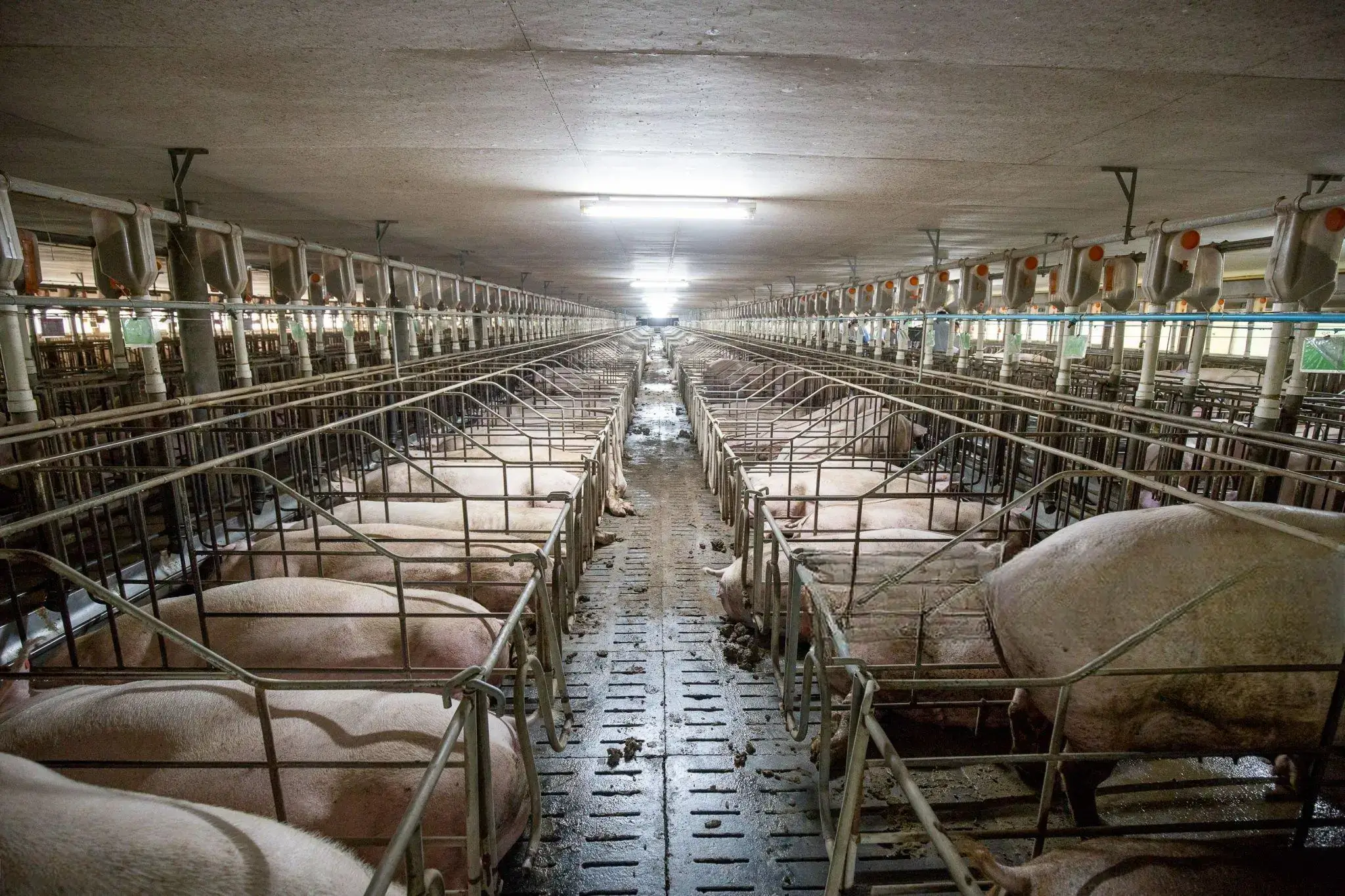
Local Logic Saves the Herd
Protect livestock from sudden ammonia spikes even if the farm internet drops. Our 8CH-IO controller resides safely inside the barn’s local electrical cabinet.
- Hardwired Translation: Reads field 4-20mA or RS485 sensors natively.
- DI Controls DO: Internal hardware logic directly triggers the internal 5A relay (DO) to effortlessly fire the heavy-duty contactors of your exhaust fans instantly without needing a cloud ping.
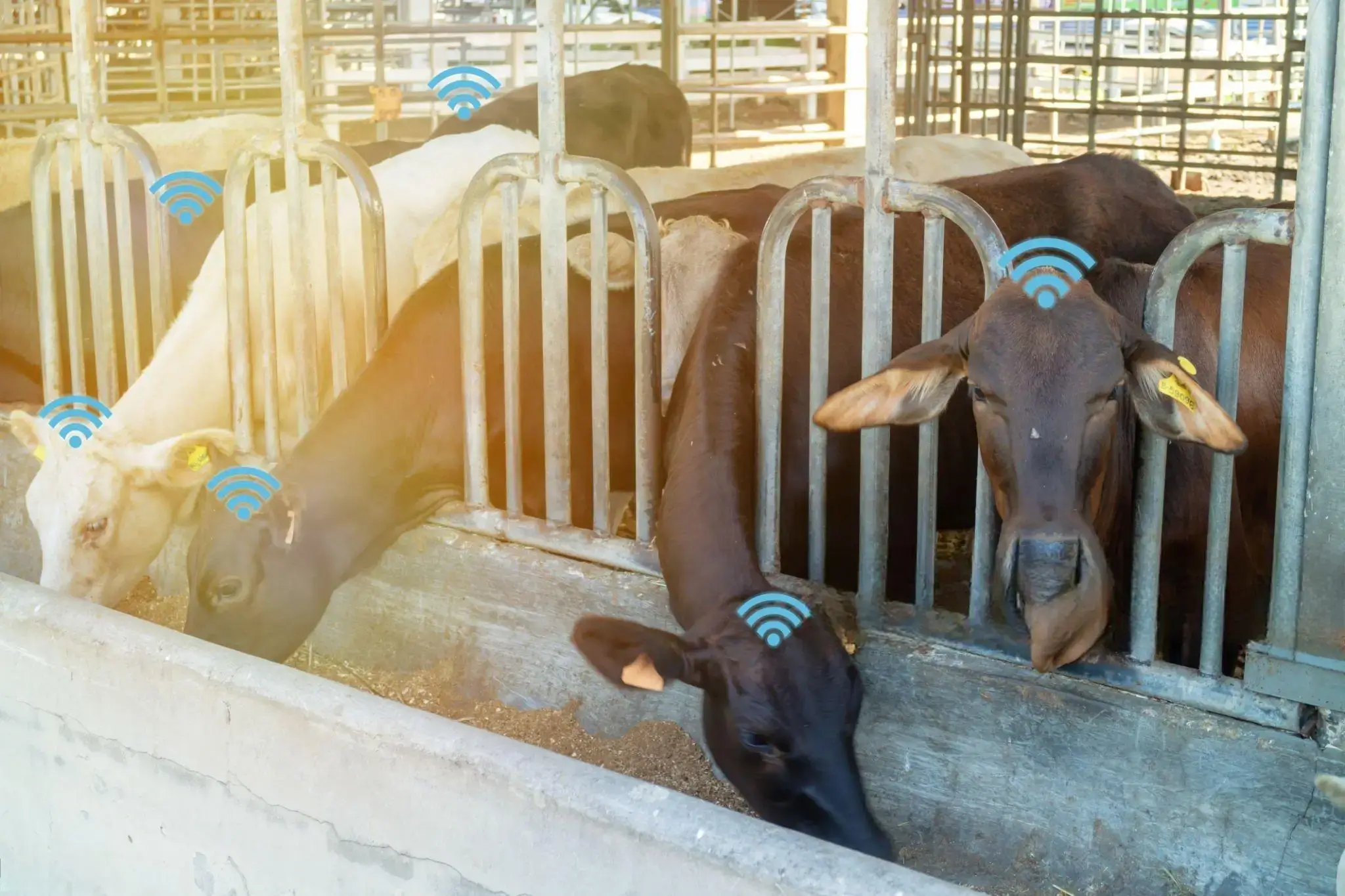
Sub-GHz Physical Penetration
Stop fighting multipath fading from metal gating. By bypassing 2.4GHz Wi-Fi entirely, we utilize lower frequency waves for robust telemetry aggregation.
- Concrete Piercing: The VT-LR600 Modems operate on Sub-GHz bands (410-525MHz) to effortlessly punch through concrete walls and metal barriers.
- Zero OPEX: Bridge data up to 8km back to the main office via an unlicensed point-to-multipoint transparent bridge, eliminating individual 4G SIM fees.
Zero-Code Configuration
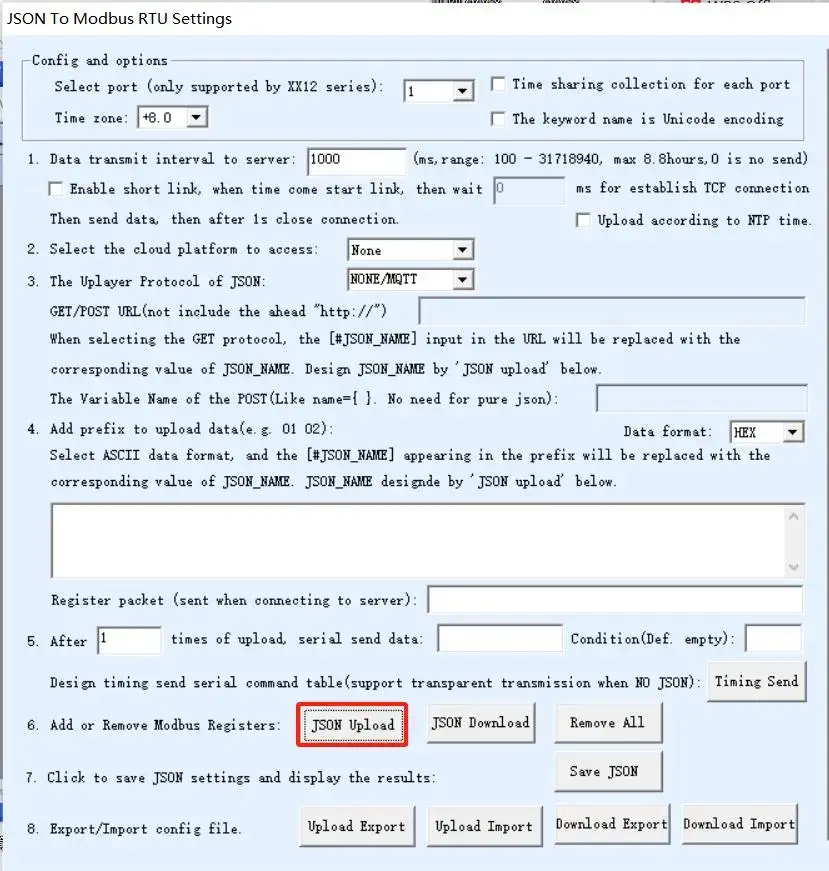
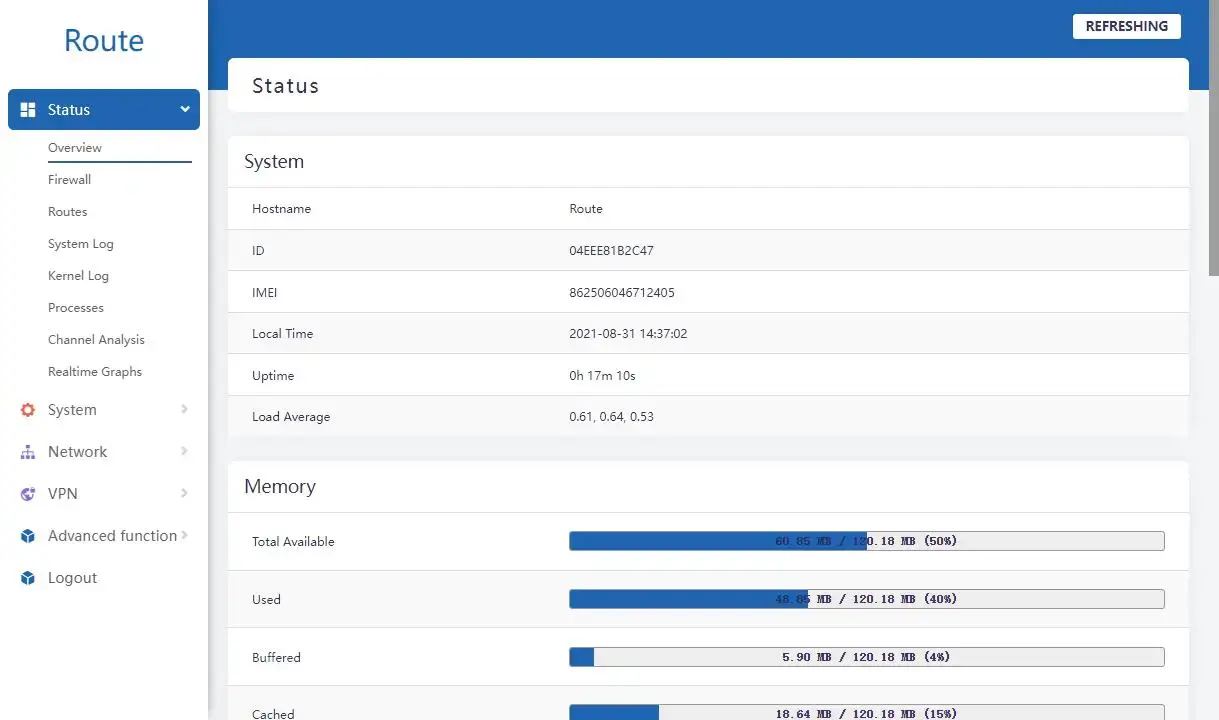
Ditch the complex programming. Our hardware is fully configured through intuitive graphical interfaces, reducing deployment time from days to minutes.
Download The Engineering Evaluation Kit
Stop guessing about integration. Download our comprehensive technical payload guides, including the complete Modbus RTU/TCP Register Map (Registers 0-162), JSON Payload Structuring via MQTT, and 8CH-IO Edge Logic Routing.
Get The Evaluation KitRecommended Hardware Stack
Use these modular components in the local control panel to build your barn telemetry backbone.
| Hardware Model | Connectivity Type | Role in Livestock Monitoring Architecture | Link |
|---|---|---|---|
| 8CH-IO-LTE / ETH | 4G CAT1 / Ethernet | Barn Control Panel Edge Controller. Features precise 8 DI, 8 DO (5A@AC250V/DC30V), and 8 AI (12-bit accuracy) for comprehensive local control. Ingests 4-20mA sensor data (AI) and provides local offline actuation of exhaust fans via 5A Relay Outputs (DO). Operates on 9-24V DC. | View I/O Series |
| VT-LR600 / 601 | Private LoRa (Sub-GHz) | Point-to-Multipoint Transparent Bridge. Replaces RS485 trenching by blasting signals through metal barriers up to 8km without LoRaWAN network server complexity. | View LoRa Series |
| VT-LTE400 | 4G LTE Cellular Router | Main Office Secure Gateway. Four LAN ports connect local gateways, while building a robust VPN tunnel over 4G to securely push data to corporate headquarters. Includes a 4G/wired smart backup function that automatically switches to a working network during outages. | View LTE Router |
RF Deployment Standard Operating Procedure
A robust livestock monitoring system requires strict adherence to Sub-GHz RF engineering principles. This is how we guarantee zero packet loss across massive barn structures.
1. RF Line-of-Sight & Antenna
The Fresnel Zone dictates the mounting height for maximum Sub-GHz penetration in large commercial barns. The minimum mid-point clearance is required to prevent livestock absorbing the signal to be able to transmit a signal 1km at 470MHz. Always mount the VT-LR601 Gateway at a minimum height of 3 m. Under these conditions the SX1287 chipset (-140dBm sensitivity) can reliably punch through up to 5 floors of concrete or 1km of heavily obstructed facility infrastructure.
Critical RF Note: The VT-LR600 is supplied as standard with a 1 meter external suction cup antenna. Magnetic bases can deteriorate on the heavily oxidized galvanized steel common in pig barns, so don’t rely solely on the magnetic mount. Run the cable out of the metal cabinet. Mount the antenna head vertically to a non-corrosive beam with industrial zip-ties. This keeps the resonance at a stable 490MHz and avoids attenuation of the signal.
2. Local Network Topology
A Point-to-Multipoint (Star) topology is strictly required. Don’t try peer-to-peer mesh routing for environmental data, as it adds latency and unnecessary network complexity across the barn aisles.
Configuration Tip: When connecting multiple Modbus RTU sensors to the 8CH-IO RS485 port, make sure each sensor has a unique Slave ID and use a 120Ω termination resistor at the furthest node.
3. Bandwidth & Payload Tuning
Lock the VT-LR600 nodes to Spreading Factor 8 or 9 (SF8/SF9). This is the ideal compromise between penetrating concrete/steel barriers and keeping “Time-on-Air” low. Keep payload well below 140 bytes by removing unnecessary headers.
Cloud Upload Tip: When sending JSON payloads to AWS Cloud using the native MQTT feature of 8CH-IO, set the sending interval to ≥ 5000ms for better 4G data consumption.
