
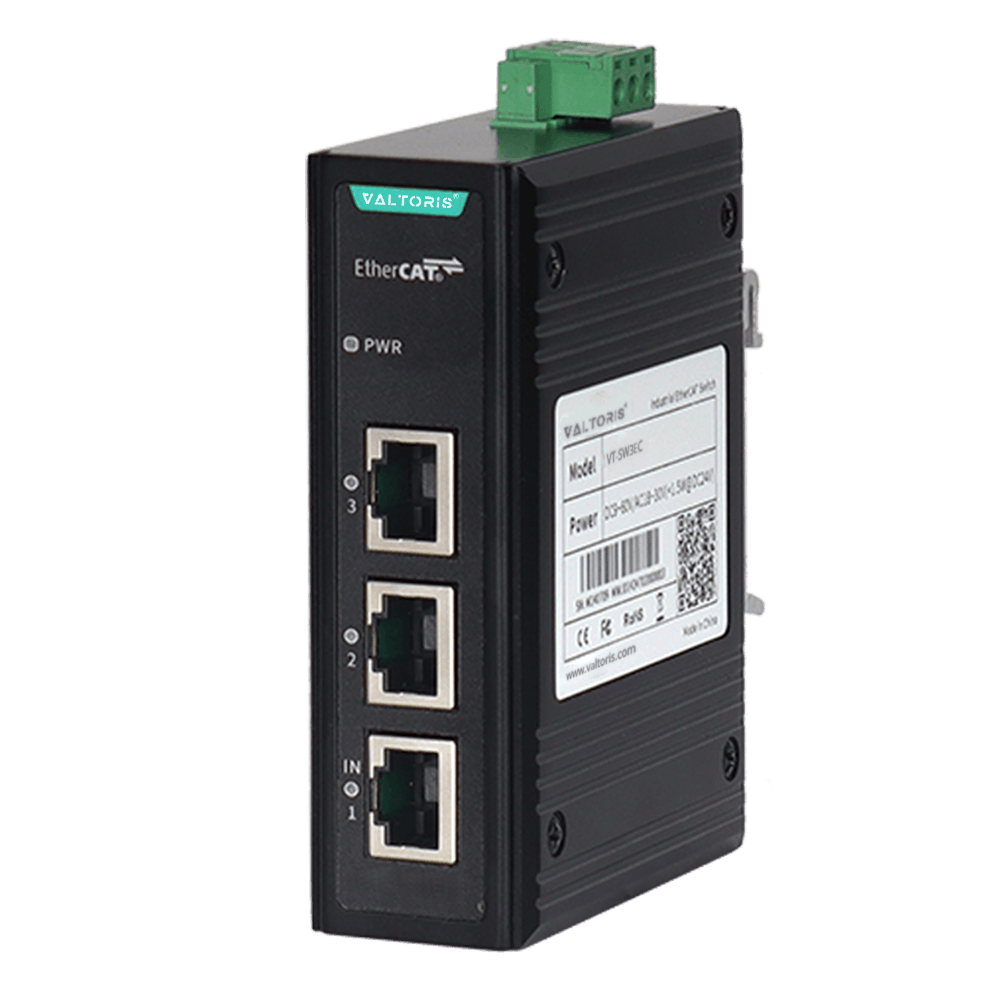
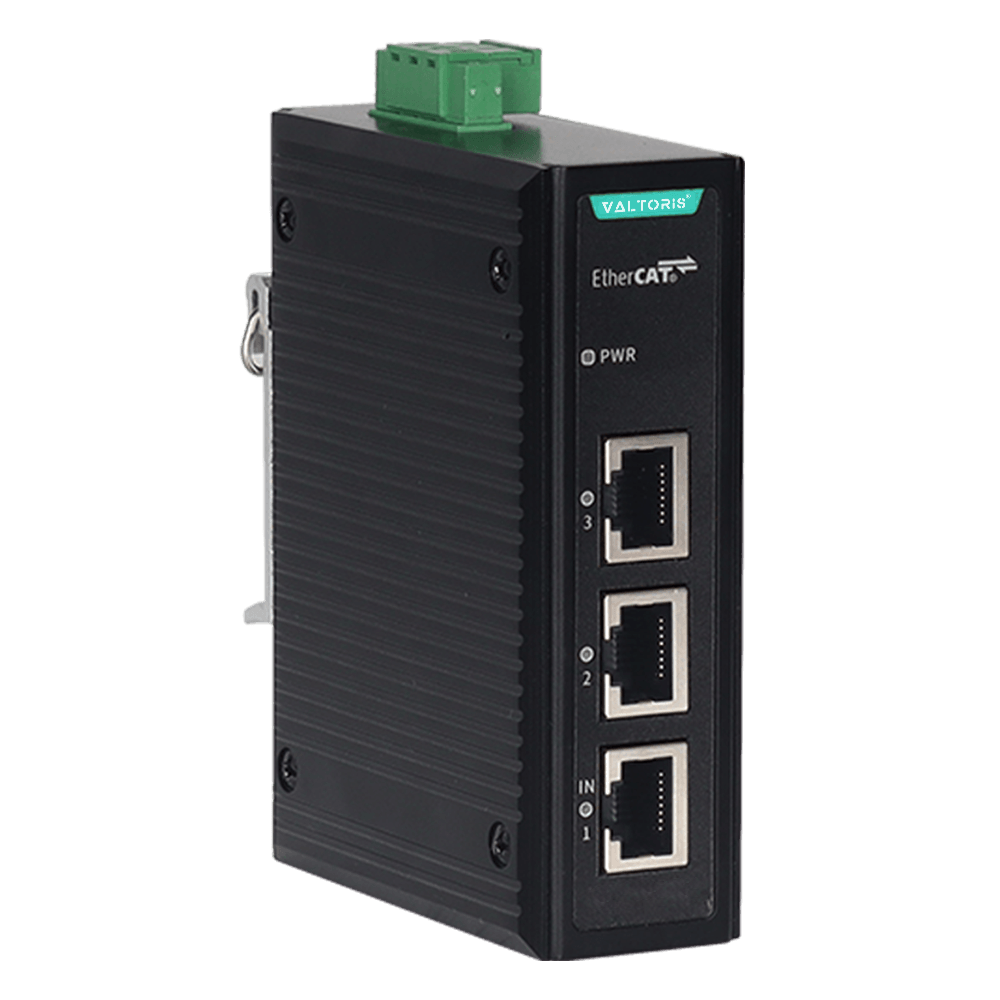
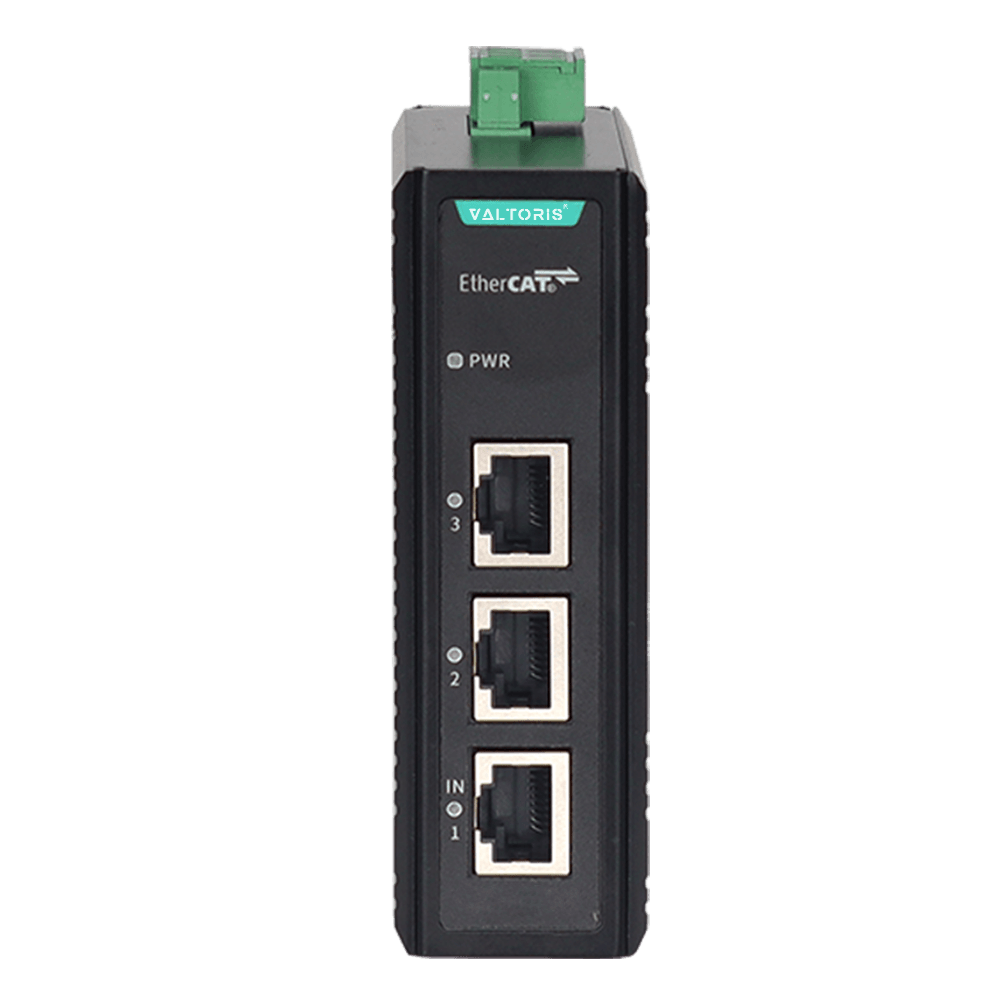
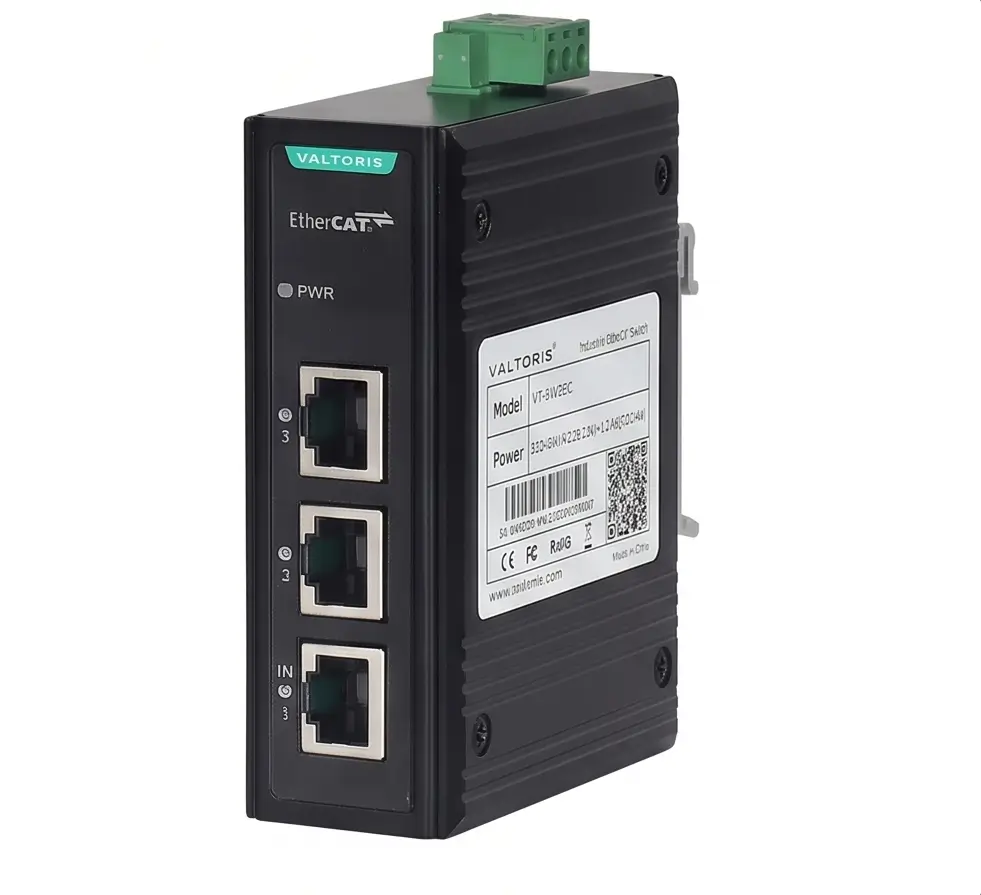
3-Port Industrial EtherCAT Switch (1-In-2-Out Junction)

The 3-Port Industrial EtherCAT Switch (VT-SW3EC) is a hardware level junction module to expand linear EtherCAT networks into flexible tree or star topologies. It has one input and two output 100M ports and uses dedicated EtherCAT slave controller to process data on-the-fly with nanosecond transmission delay.
Part No. VT-SW3EC
sku : IoT-EES101
INSTANT QUOTE

VT-SW3EC 3-Port Industrial EtherCAT Switch Junction

1-In-2-Out: Flexible Tree & Star Topologies

Break away from the strict limitations of linear daisy-chaining. The VT-SW3EC is an EtherCat junction with 1 input and 2 outputs. It gives control engineers the ability to easily branch the network wiring in tree or star topologies, which simplifies control panel layout, reduces cable lengths and provides seamless support for up to 65,535 slaves per segment.
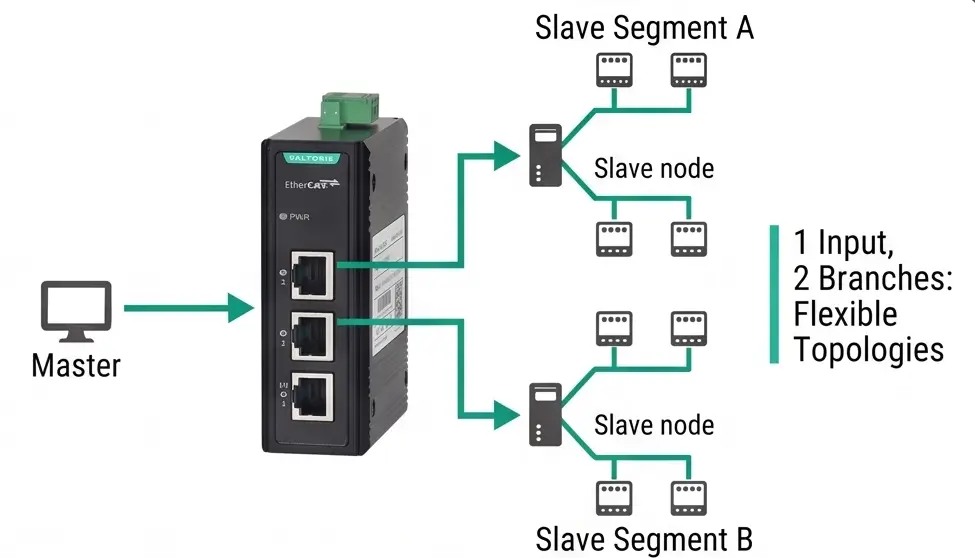
EtherCAT Tree and Star Topology with 1-in-2-out Junction

Pure Hardware Processing & Distributed Clocks

Standard Ethernet switches disrupt real-time industrial protocols. This device utilizes a dedicated EtherCAT slave controller to process standard Ethernet frames "on-the-fly" using pure hardware mechanisms. It ensures nanosecond transmission delays and fully supports Distributed Clocks, enabling precise synchronization of all servo drives and time sensitive I/O modules.
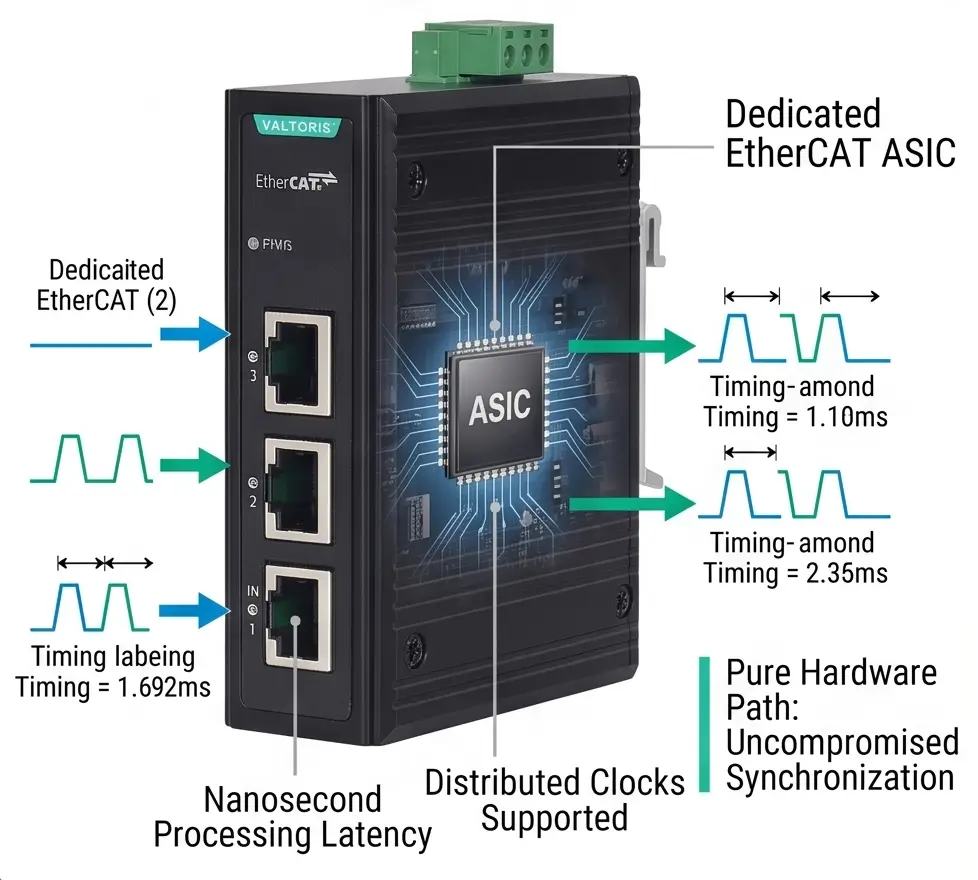
EtherCAT Distributed Clocks and Nanosecond Synchronization

Wide Non-Polarity Power Input (DC9~60V / AC24V)

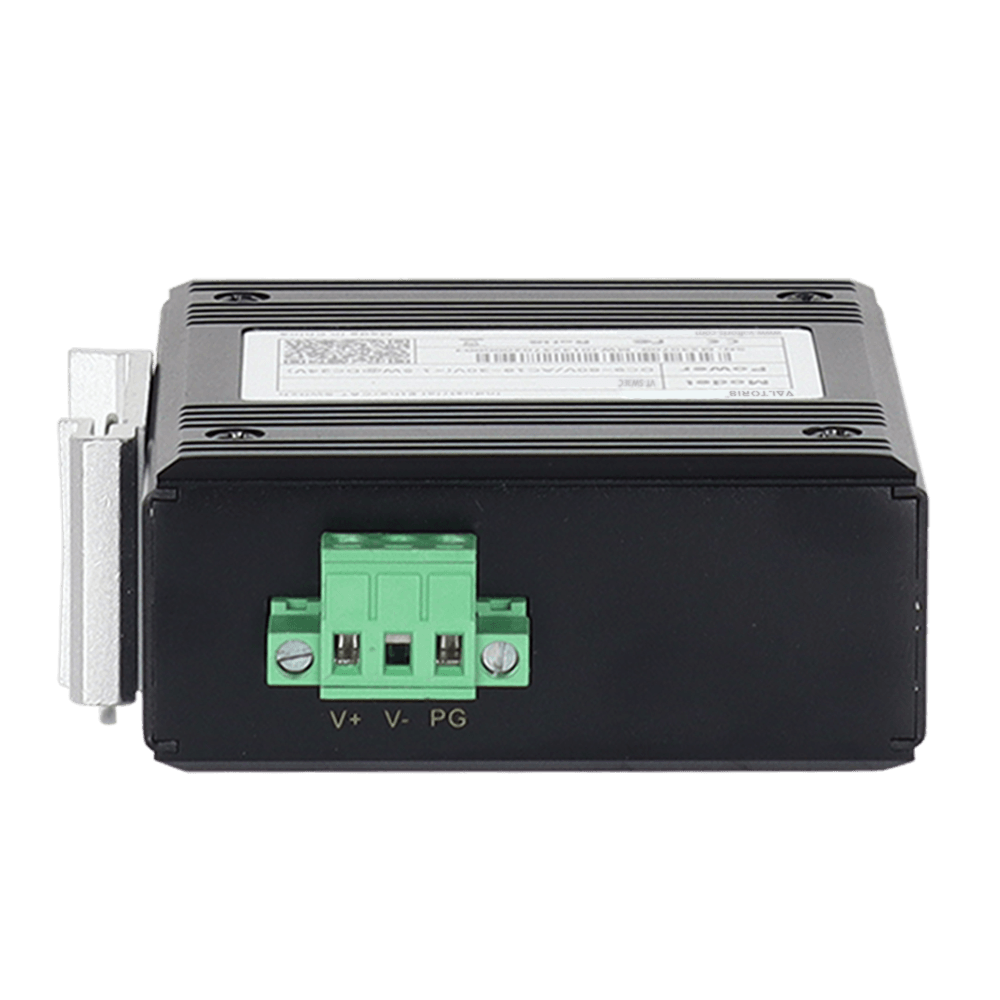
Engineered for ultimate electrical flexibility and safety. The 3-pin terminal block can accommodate a wide range of voltages, from DC9~60V or AC24V, without polarity connections. This prevents equipment damage caused by accidental miswiring and allows the switch to be powered from almost any available control cabinet power source.
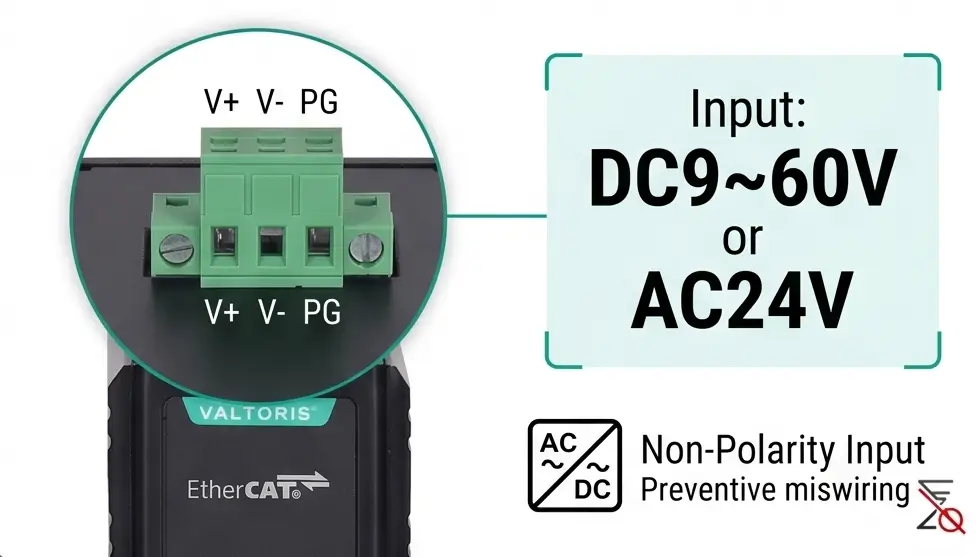
Wide Voltage DC9~60V AC24V Non-Polarity Power Terminal

Rugged IP40 Aluminum Casing for Harsh Environments

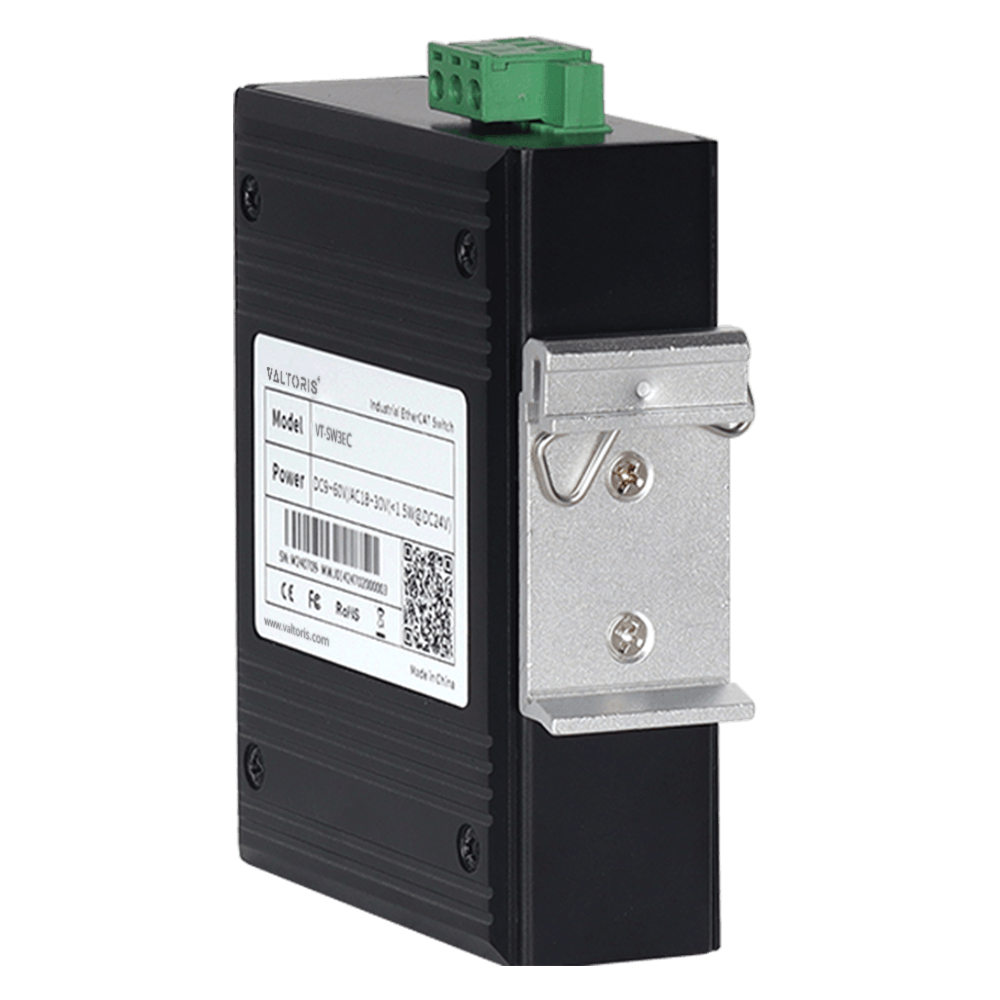
Built for industrial strength. The VT-SW3EC is packaged in a rugged, compact IP40 aluminum alloy housing. Thanks to its fanless thermal design, it can operate reliably in extreme temperatures, ranging from -40°C to +75°C. Also, the network ports feature 6kV lightning surge protection to survive severe electrical transients on the factory floor.
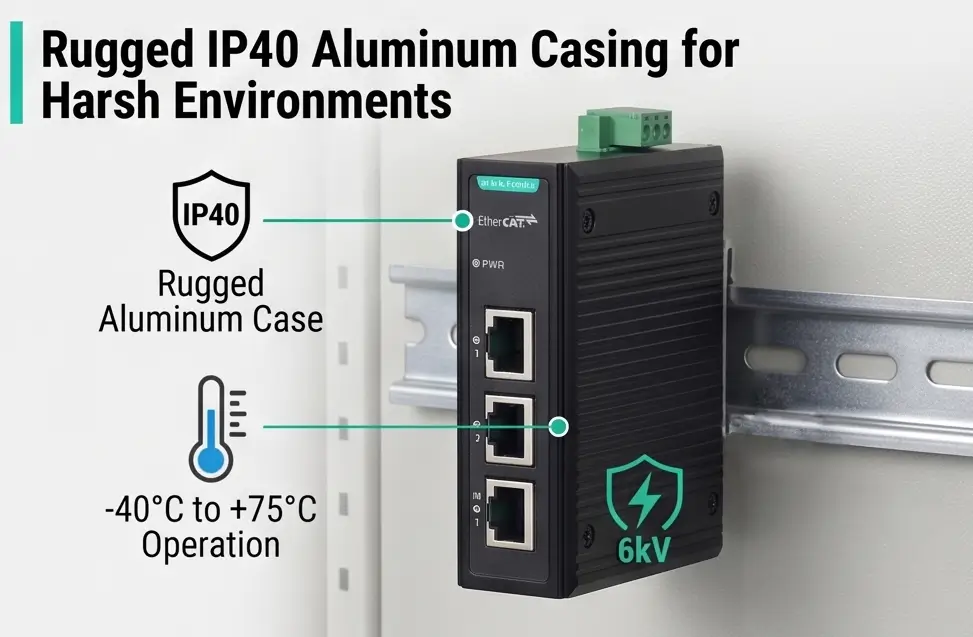

Rugged IP40 Aluminum Casing DIN-Rail EtherCAT Switch

Hardware Interface & Protocol
Protocol StandardEtherCAT (Comply with EtherCAT conformance test)
EtherCAT Ports3 × 100M EtherCAT copper ports (1 Input, 2 Outputs)
Network Capability
Topology SupportLinear, Tree, Star, or combinations
Cascading CapabilityUp to 65,535 slaves per network segment
Transmission DelayNanosecond delay (Real-time hardware processing)
Power & Environment
Input VoltageDC 9~60V or AC 24V (Non-polarity power input)
Power Consumption< 1.5W @ DC24V
Operating Temperature-40°C ~ +75°C
EMC ProtectionIEC 61000-4-2 (ESD) Level 3 / IEC 61000-4-4 (EFT) Level 3
Surge ProtectionIEC 61000-4-5 (Surge) Level 3; 6kV lightning protection on network ports
Mechanical
Casing & MountingIP40 High-strength aluminum alloy shell, 35mm DIN-Rail mounting
Dimensions / Weight102 × 33 × 78 mm / Approx. 0.26 kg
Does it matter which port I use for the input and outputs?
Yes, of course. This is a frequent point of confusion for engineers migrating from standard IT networks. Unlike standard unmanaged Ethernet switches where you can plug any cable into any port (Auto MDI/MDI-X), EtherCAT topology has strict directionality. You must connect the cable coming from the EtherCAT Master (or the previous upstream slave) into the designated “IN” port. The remaining two ports are strictly “OUT” ports for branching to downstream devices. Wiring them backward will cause the bus to fail.
Can I connect a standard TCP/IP Ethernet device (like my laptop) to an output port?
Nope. The VT-SW3EC is a dedicated EtherCAT junction module, not a general-purpose TCP/IP network switch. It has been developed for the real time processing of EtherCAT frames (EtherType 0x88A4). If you plug a standard Ethernet device (like a laptop for pinging, or a standard IP camera) into the output port, it will not communicate with your standard network and will likely disrupt the deterministic timing of your industrial fieldbus.
How do I assign a node address or IP to this junction?
You don’t need to configure an IP address, or toggle physical DIP switches on the hardware. The VT-SW3EC works perfectly as EtherCAT slave. Simply download the ESI (EtherCAT Slave Information) XML-file from our technical portal and import it in your master software (e.g. TwinCAT 3). When the EtherCAT Master performs a network scan, it will automatically discover the junction and assign a node address according to its physical location within your tree or star topology.

Ready to Optimize Your EtherCAT Topology?

Check real-time inventory, evaluate technical details, and secure your volume B2B pricing directly on our dedicated shop portal.

Purchase on Valtoris Shop →

REQUEST A QUOTE

SKU/Part No.