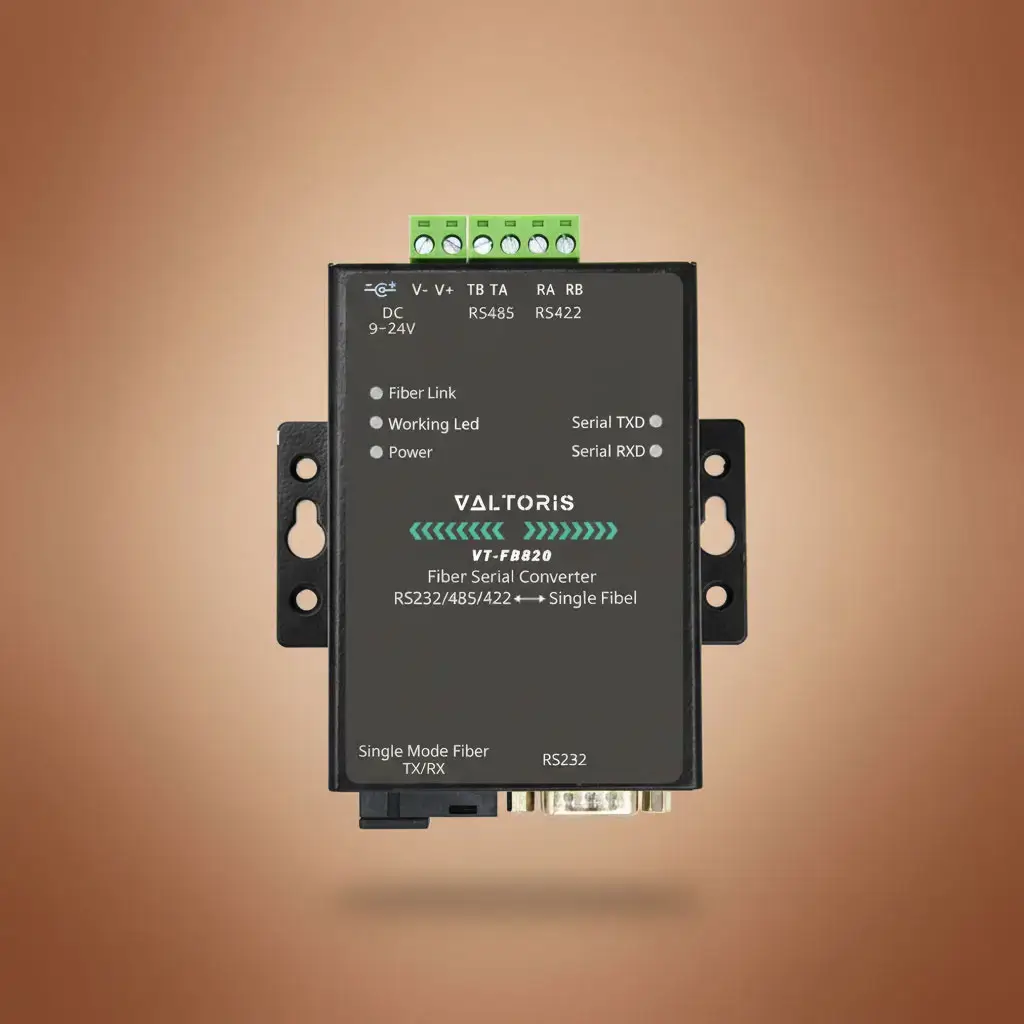
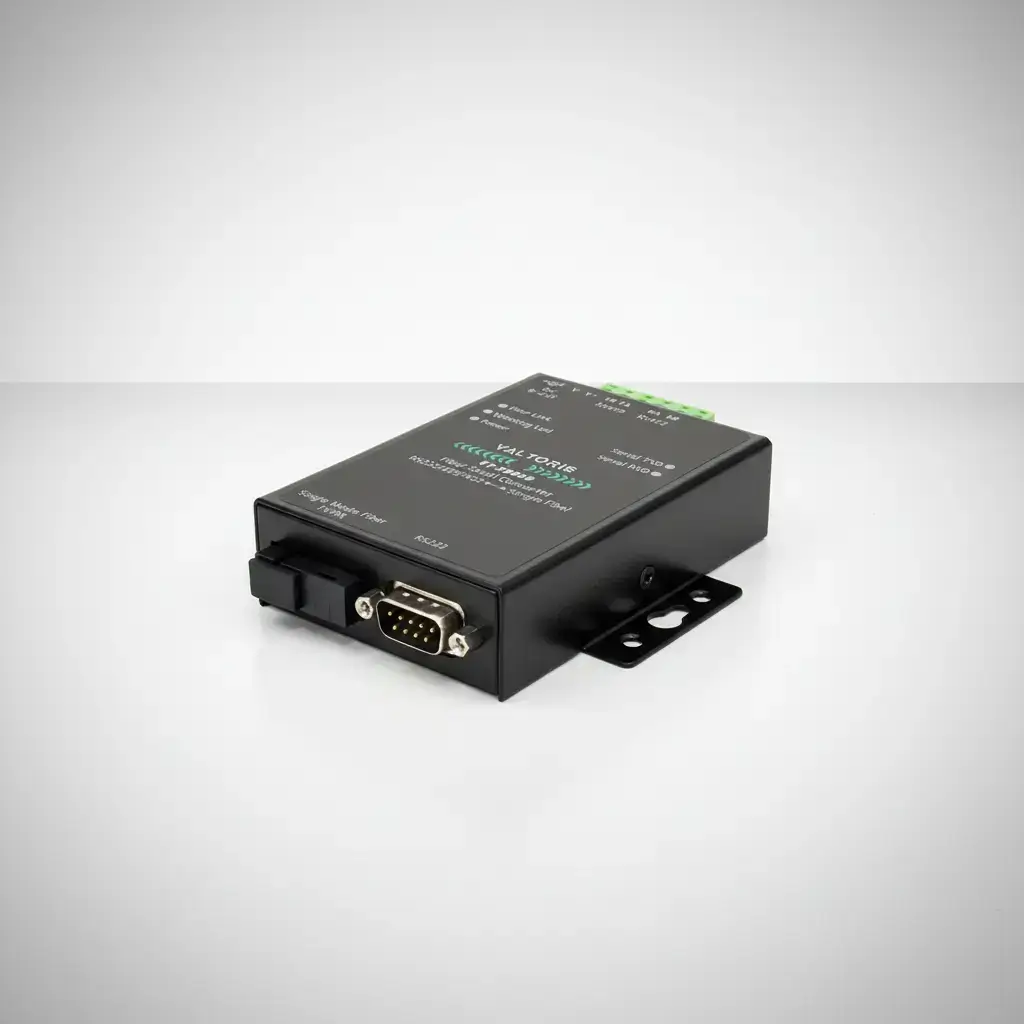
Industrieller Seriell-zu-Glasfaser Medienkonverter & RS485 Extender

VT-FB820 Hauptvorteile

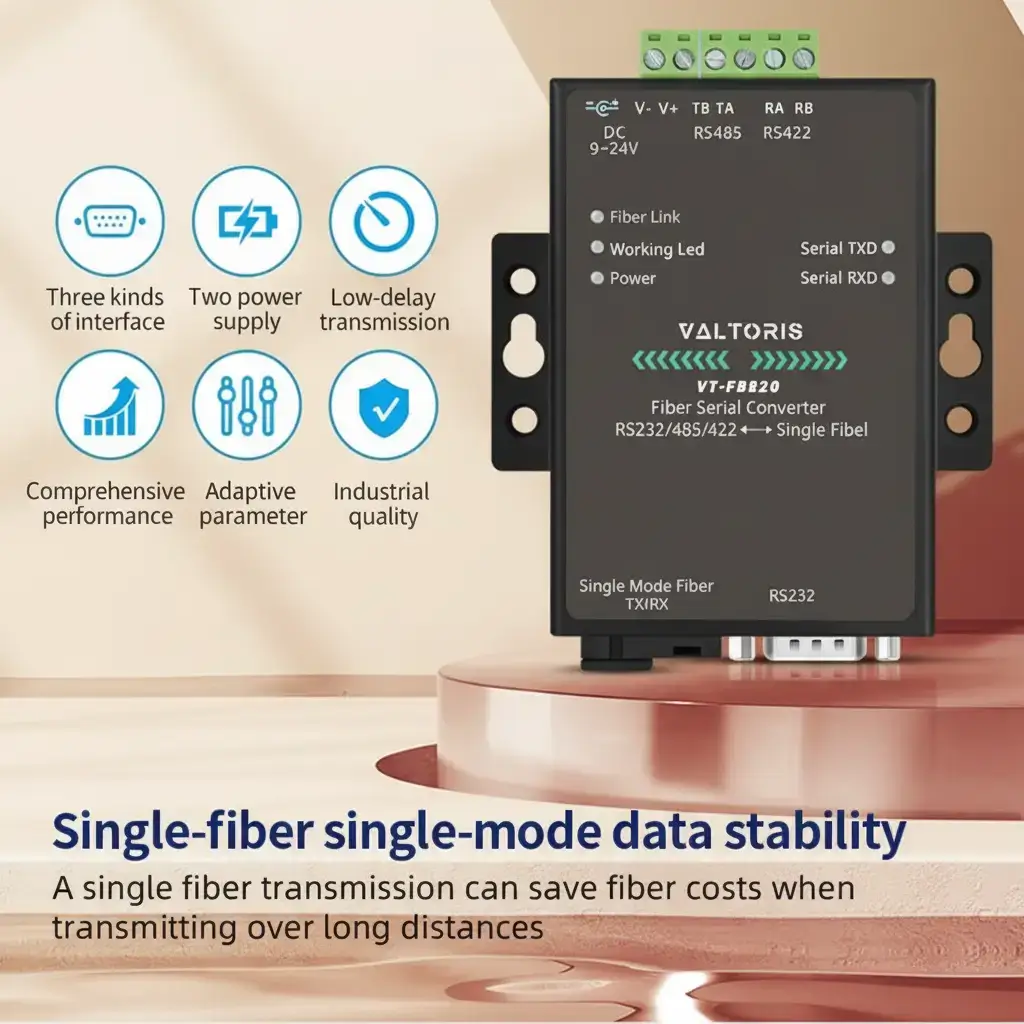
  • 20km Verlängerung: Langstreckentelemetrie über Single-Mode SC-Faser.

  • Null EMI: Absolute Signalisolierung für schwere Industrieumgebungen.

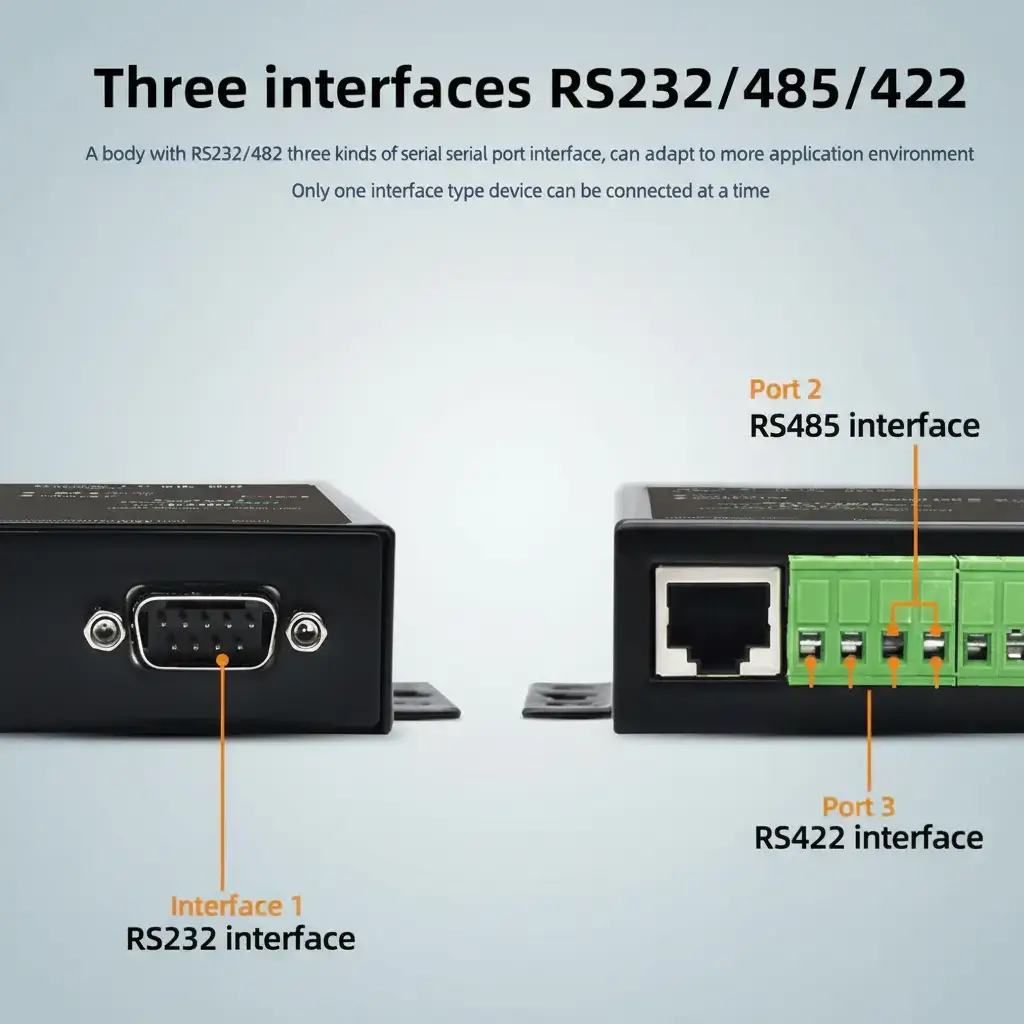
  • Universell seriell: Automatische Erkennung von RS232, RS485 und RS422.

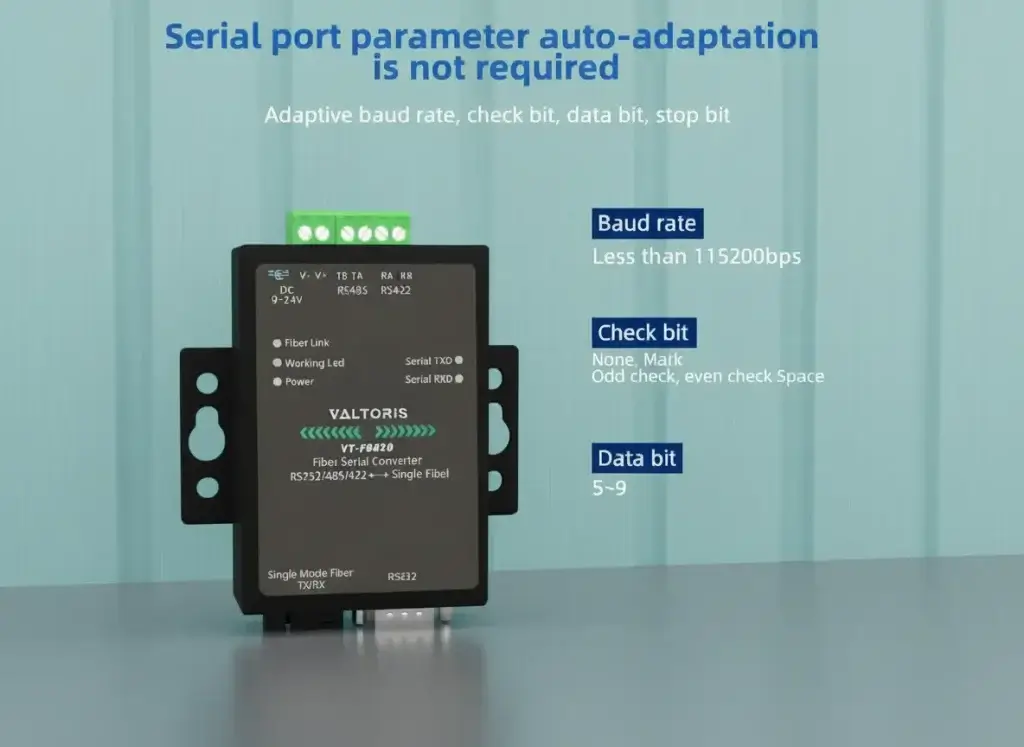
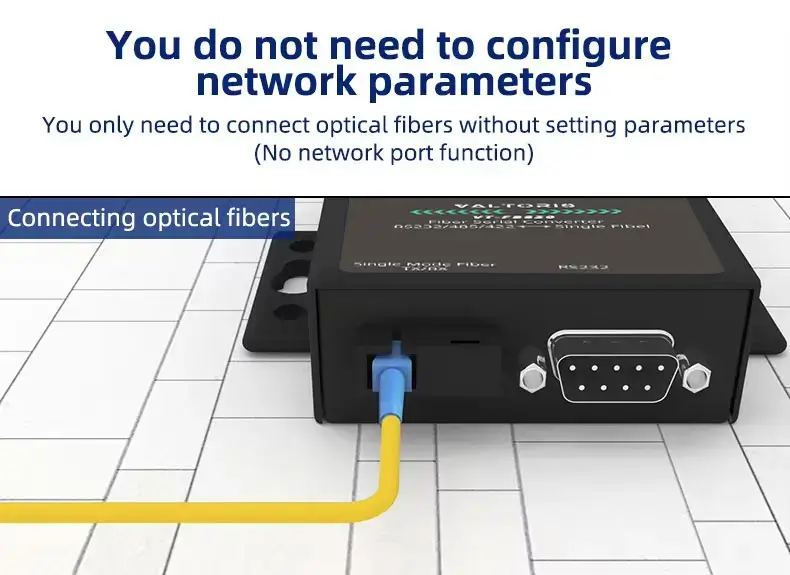
  • Plug & Play: Keine Software-Konfiguration erforderlich. Einfach anschließen und einschalten.

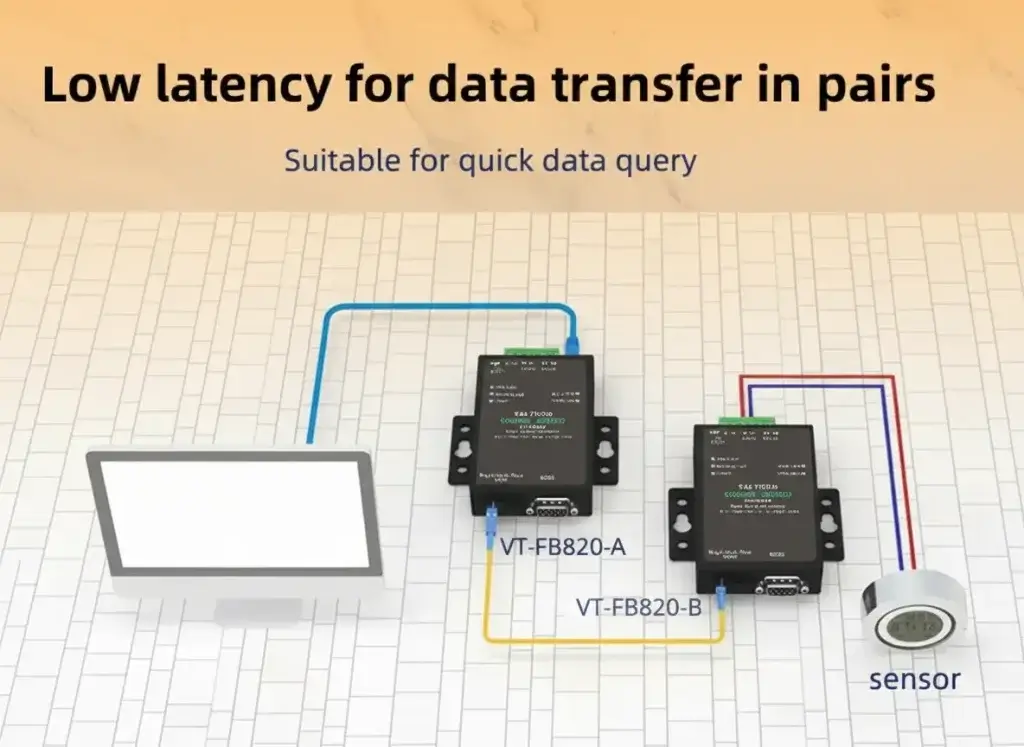
  • Hardware-Dekodierung: Im Gegensatz zu IP-basierten Servern, die auf die Pufferung von 8-Bit-Paketen warten, verwendet der VT-FB820 Hard-Decodierung für die Single-Bit-Übertragung in Echtzeit. Perfekt für Hochgeschwindigkeits-Abfragetopologien.
sku :
INSTANT QUOTE

Primäre Funktion

Hinweis:VT-FB820 ist in zwei Untermodellen erhältlich: VT-FB820-A (A-End-Gerät) und VT-FB820-B (B-End-Gerät). Diese beiden Modelle müssen paarweise verwendet werden. Das heißt, das A-End-Gerät wird mit dem B-End-Gerät verbunden; das B-End-Gerät wird mit dem A-End-Gerät verbunden. Geräte mit denselben Anschlüssen können nicht miteinander verbunden werden.

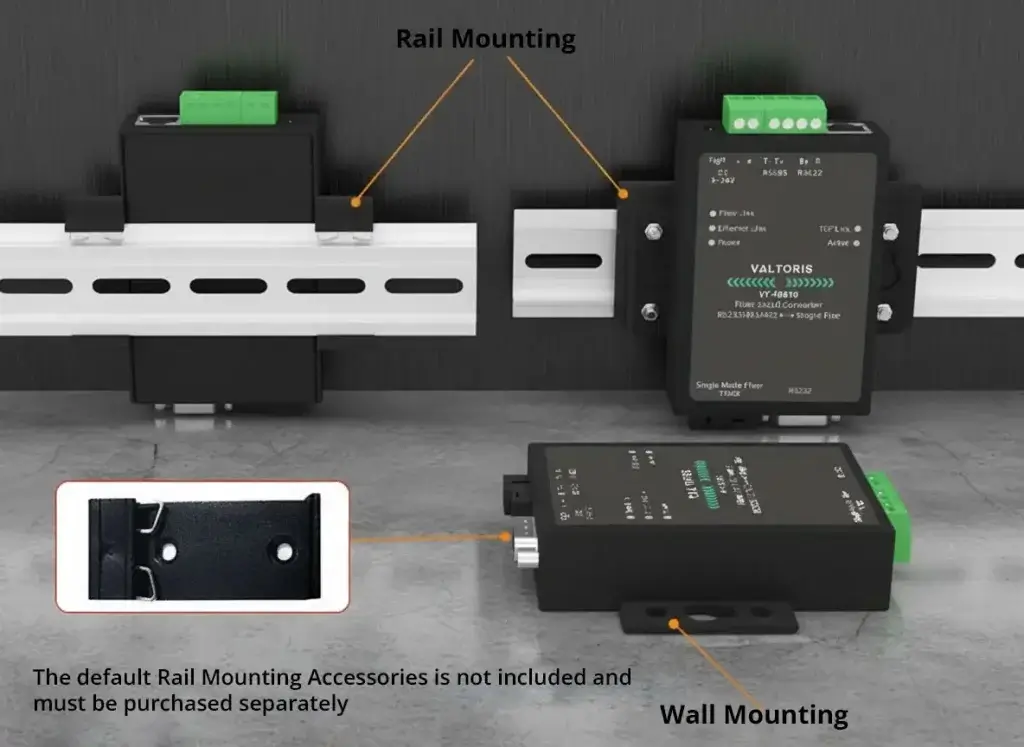
Mehrfache Installation

Halterung für Schienen- und Wandbefestigung

Produkt anzeigen

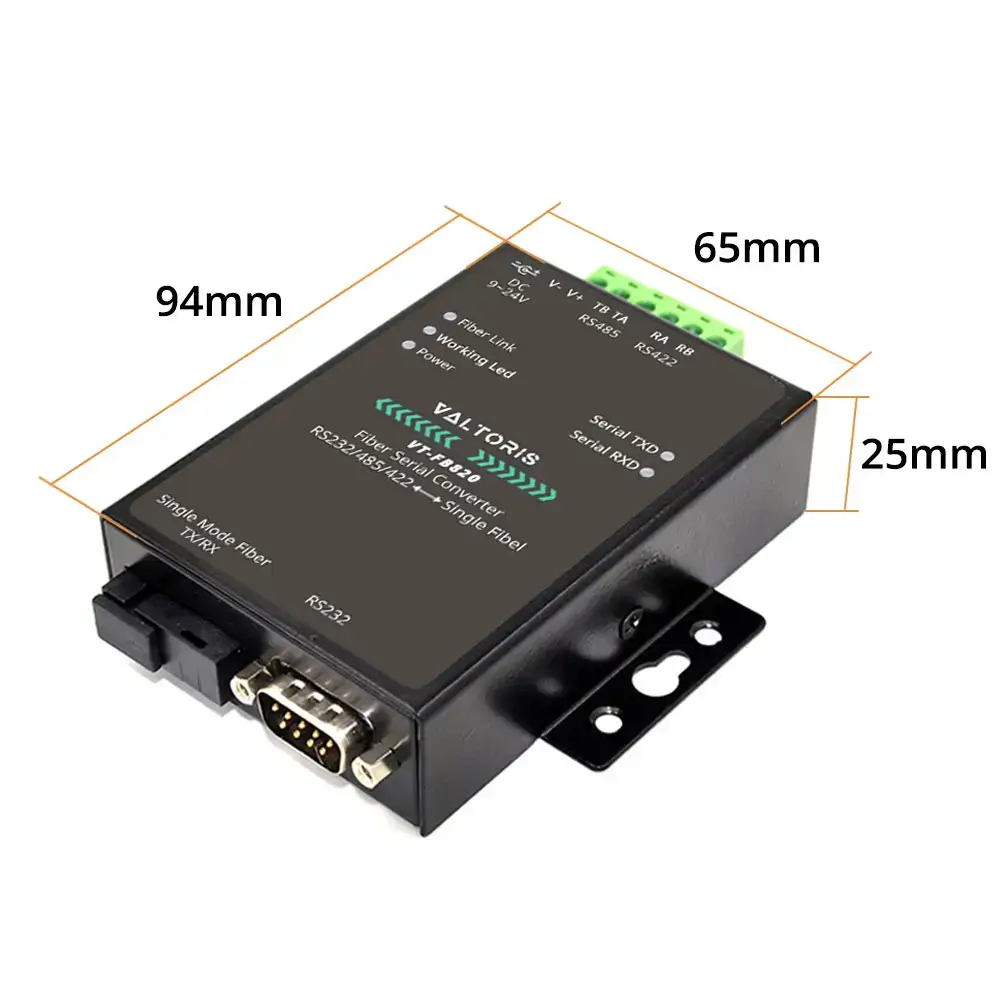
Umrissmaße


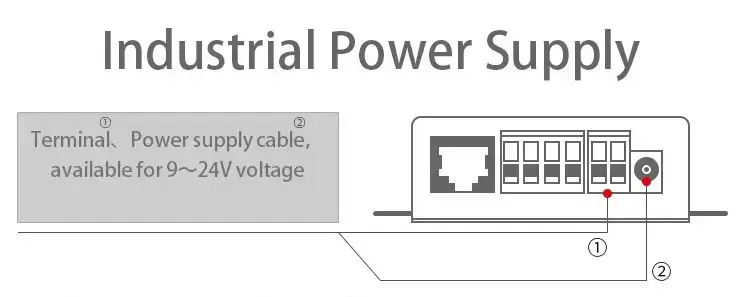
CategoryParameterSpecification
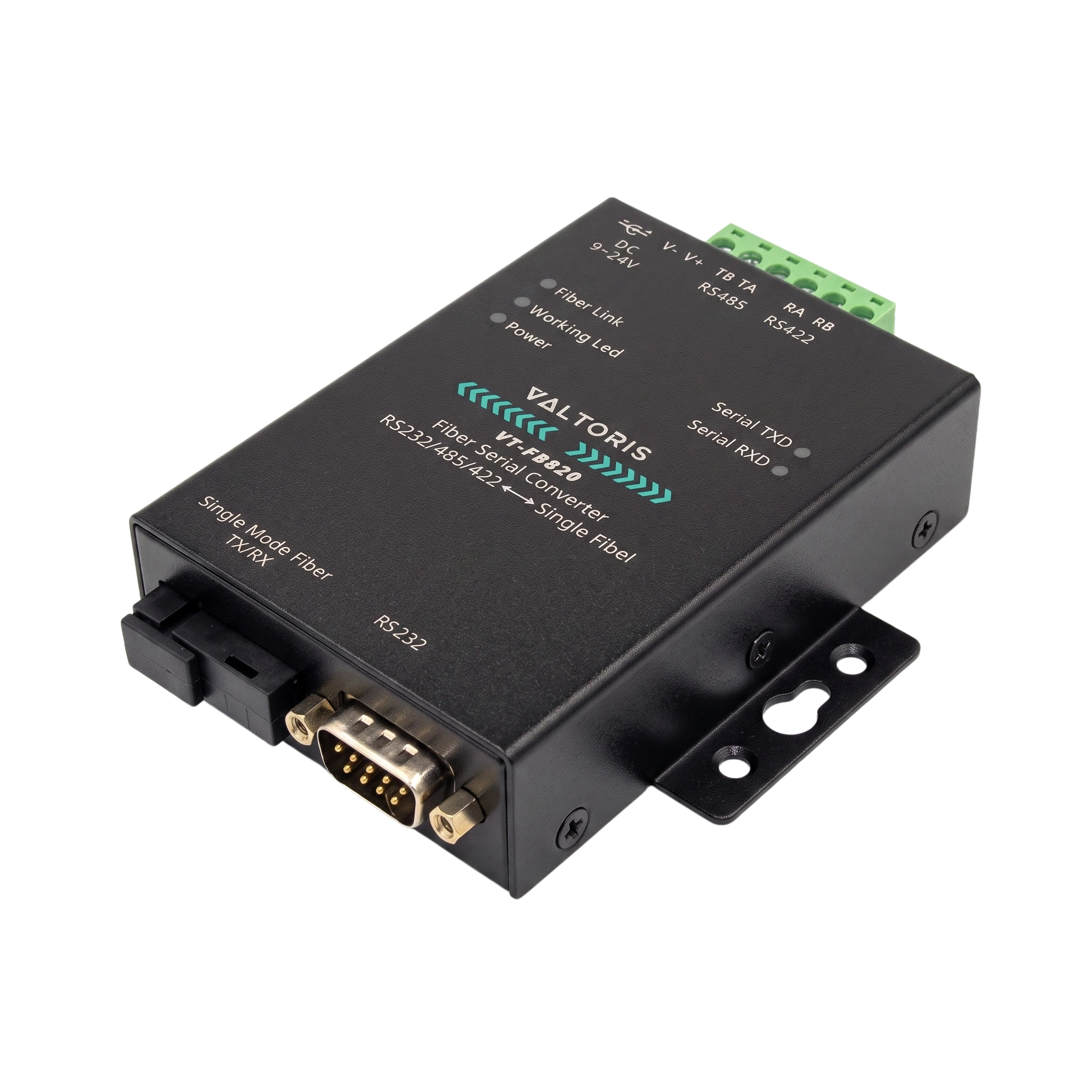
AppearanceInterfaceRS422/485: Terminal Block; RS232: DB9; Fiber: SC Interface
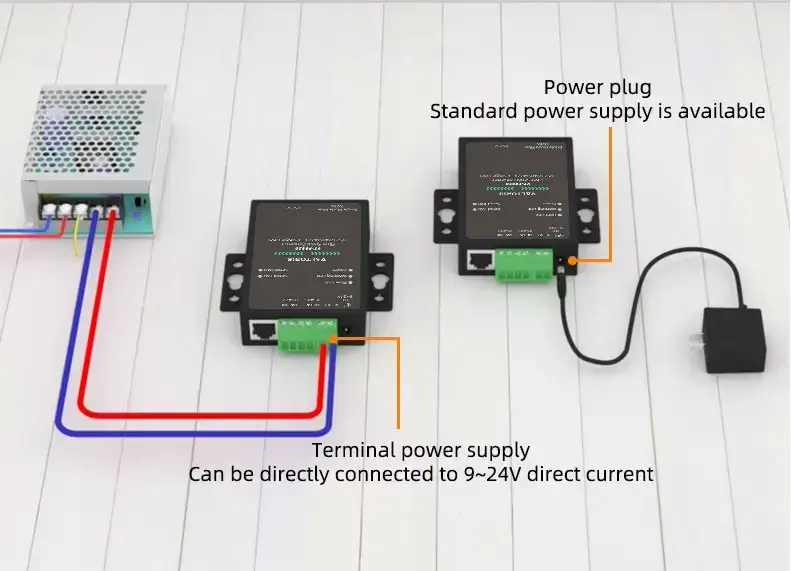
 Power Supply5.5mm standard socket / terminal block (Inside positive, outside negative)
 Dimensions9.4cm × 6.5cm × 2.5cm (L x W x H)
InterfacesSerial Port1x RS232/485/422 (RXD, TXD, GND, CTS, RTS)
 Optical FiberSingle-mode Single-fiber, Bi-directional
Serial DataBaud RateUp to 115200 bps
 Check BitNone, Odd, Even, Mark, Space
 Data Size5~9 bits
 Flow ControlNone
Fiber OpticsWavelength

VT-FB820-A (A-end): TX 1310nm / RX 1550nm

VT-FB820-B (B-end): TX 1550nm / RX 1310nm

 Max Distance20 Km
 Fiber InterfaceSC
PowerInput Voltage9~24V DC (357mA @ 9V)
EnvironmentOperating Temp-40℃ to 85℃
 Storage Temp-45℃ to 105℃

The Valtoris VT-FB820 is an industrial-grade Serial-to-Fiber media converter designed to seamlessly bridge RS232, RS485, or RS422 signals over a single-mode fiber optic cable. By utilizing paired A-end and B-end units with standard SC interfaces, it extends your serial network up to 20 kilometers while completely isolating your equipment from severe electromagnetic interference (EMI).

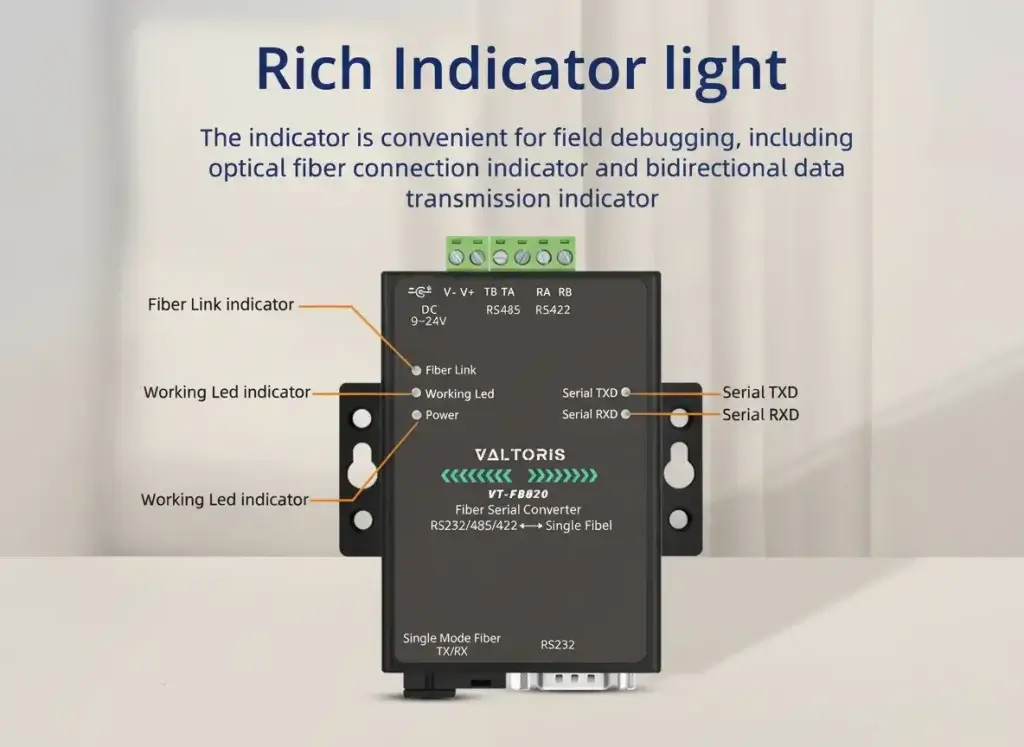
It has real plug and play deployment. No software configuration is required. Plug in your serial cables and fiber line, turn it on and your data is flowing right away. The fiber linking and bidirectional data transmission have built-in LED indicators for easy on-site troubleshooting.

Q1: Can I use existing Multi-Mode (MM) fiber cables with the VT-FB820?

A: No. The VT-FB820 is strictly designed for Single-Mode (SM) fiber optics. Attempting to push a single-mode laser signal through a multi-mode core will cause severe modal dispersion and link failure, even over very short distances. Always ensure your site’s optical distribution frame is patched with Single-Mode SC cables.

Q2: Do I need to manually configure the baud rate or parity to match my PLC?

A: No. The converter has a fully auto-sensing transparent bridge. It has automatic baud rate detection up to 115200 bps and accepts all parity/stop-bit formats without DIP switches or web interfaces. Your serial payloads (e.g. Modbus RTU) are sent on exactly as received.

Q3: Can I pair a Valtoris VT-FB820 A-end with a different manufacturer’s B-end transceiver?

A: We wouldn’t suggest that. The unit utilizes standard WDM wavelengths (1310nm/1550nm) but the proprietary serial-to-optical modulation timings vary amongst manufacturers. Always use the VT-FB820 as matched A-end and B-end pair to ensure zero packet loss and no ground loop crashes.

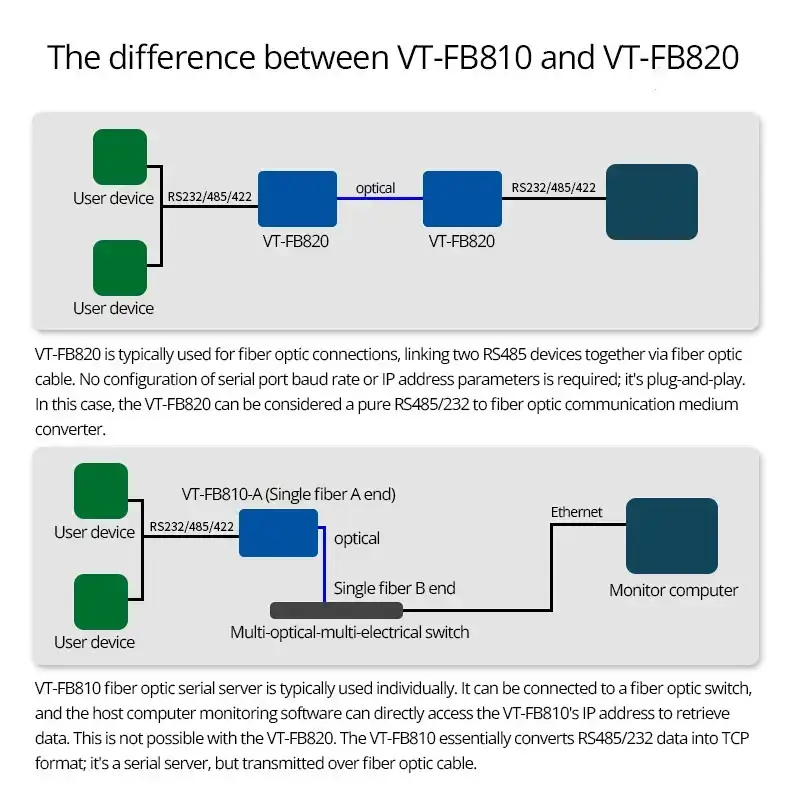
Q4: My field devices are RS485, but my new SCADA server requires Modbus TCP/IP. Does this fiber bridge translate the protocol?

A: No, this is a purely physical Layer 1 media converter (Serial in, Serial out over long distances). It does not perform protocol translation. If you need to convert legacy RS485 data into TCP/IP network packets over fiber, you need our [Valtoris VT-FB810 Fiber Serial Device Server]

[RS232 to Ethernet Cable Pinout: Two Common Wiring Diagrams] — Before your data travels across the optical fiber, you must physically connect your PLC to the VT-FB820’s serial port. Use this guide to ensure your RS232 DB9 (TX/RX) crossover wiring is correct at the terminal end.

REQUEST A QUOTE

SKU/Part No.